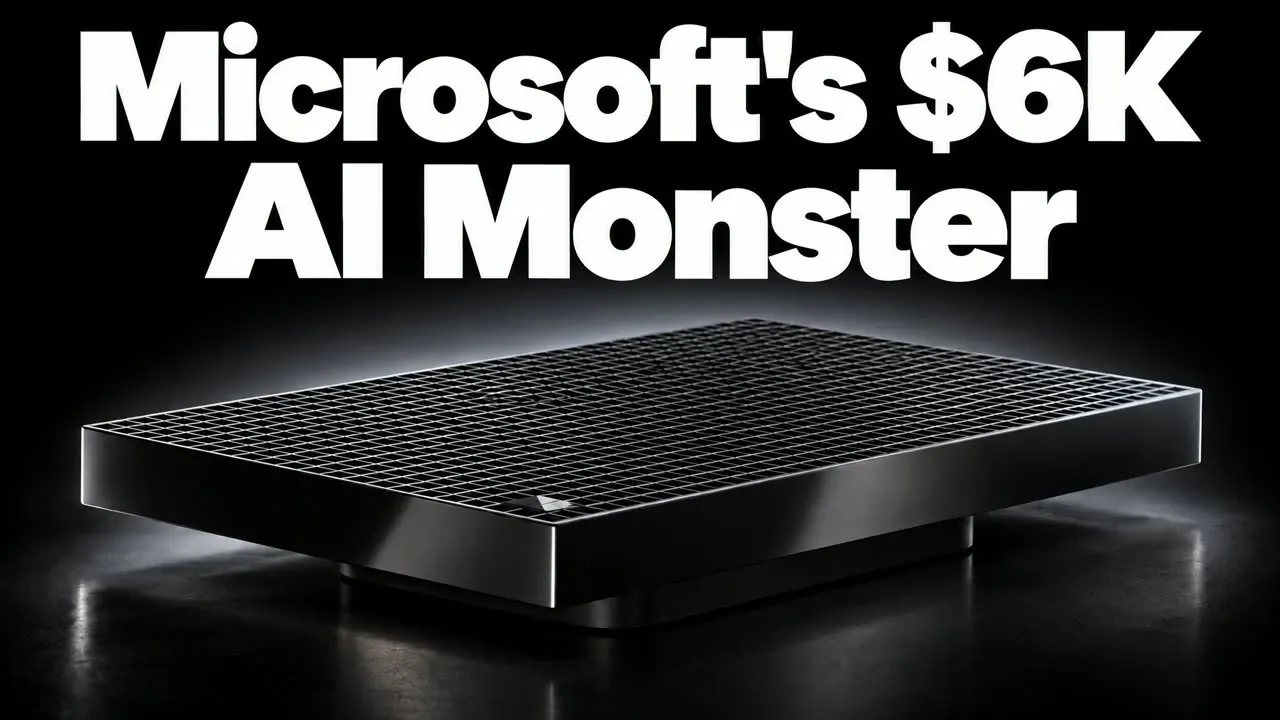
Microsoft’s Surface RTX Spark Dev Box has entered the AI development hardware market with a price of $5,999.99, offering specifications like 128 GB of unified memory and 2 TB SSD storage to support large-scale AI workflows. However, its omission of advanced networking features such as ConnectX-7 ports may pose challenges for distributed training setups. According to The Stack, this Windows 11-based system is particularly relevant for developers using frameworks like Llama.cpp and Windows ML, but it faces stiff competition from Linux-optimized alternatives.
Explore how the Surface RTX Spark Dev Box compares to its rivals in operating system compatibility, workflow alignment, and storage capacity. Learn whether its higher memory bandwidth offsets its networking constraints and how its pre-installed software supports Windows-based AI development. This analysis provides a detailed breakdown to help you evaluate its practicality for your specific workflows.
Surface RTX Spark AI Development System
TL;DR Key Takeaways :
- The Surface RTX Spark Dev Box, priced at $5,999.99, is designed for AI developers, offering 128 GB of unified memory and 2 TB SSD storage, but lacks advanced networking features like ConnectX-7 ports for distributed training.
- It runs on Windows 11, making it ideal for Windows-based workflows and tools such as Llama.cpp, LM Studio and Windows ML, while competitors like NVIDIA’s DGX Spark and Dell’s GB10 are optimized for Linux-based environments.
- The Surface Dev Box provides higher memory bandwidth compared to NVIDIA’s DGX Spark, benefiting memory-intensive AI workloads, but its 2 TB SSD may be limiting for large datasets or extensive model storage.
- Microsoft offers a flexible pre-order system and a 60-day return policy, providing risk-free evaluation, unlike the stricter return policies of NVIDIA and Dell.
- Independent performance benchmarks for the Surface Dev Box are not yet available, making it advisable to wait for verified results if performance is a critical factor in your decision-making process.
The Surface RTX Spark Dev Box is equipped with high-performance hardware designed to meet the demands of AI developers. Its specifications include:
- 128 GB of unified memory: Sufficient for handling large-scale AI models and data processing tasks.
- 2 TB SSD storage: Offers fast read/write speeds, though it may be limiting for projects involving extensive datasets.
In terms of pricing, the Surface Dev Box is competitive, aligning closely with Dell’s GB10 at $5,900 and undercutting NVIDIA’s DGX Spark, which costs $6,950 for a 4 TB SSD. However, there are notable trade-offs and advantages to consider:
- Networking Limitations: Unlike NVIDIA’s DGX Spark, the Surface Dev Box lacks advanced cluster networking capabilities, such as ConnectX-7 ports, which are essential for distributed training setups.
- Power Scalability: The system offers slightly less power headroom compared to its competitors, potentially limiting its performance in high-demand scenarios.
- Memory Bandwidth Advantage: The Surface Dev Box provides higher memory bandwidth than the DGX Spark, which may benefit memory-intensive AI workloads like large-scale model training.
- Storage Constraints: While the 2 TB SSD is sufficient for many developers, it may fall short for those working with massive datasets or requiring extensive storage for trained models.
These features make the Surface Dev Box a compelling option for certain workflows, but understanding its limitations is crucial before making a purchase.
Operating System and Software Compatibility
The Surface RTX Spark Dev Box runs on Windows 11, making it an excellent choice for developers who rely on Windows-based AI tools and frameworks. It comes pre-installed with essential tools and supports popular frameworks, including:
- Llama.cpp: A lightweight framework for running large language models efficiently.
- Olama: A versatile tool for AI model development and deployment.
- LM Studio: A robust platform for managing and training language models.
- Windows ML: Microsoft’s native machine learning platform for Windows environments.
Additionally, the inclusion of Visual Studio Code and Windows Subsystem for Linux 2 (WSL2) enhances its versatility, allowing developers to work across both Windows and Linux environments. This dual compatibility is particularly beneficial for those transitioning between platforms or requiring cross-platform functionality.
In contrast, NVIDIA’s DGX Spark and Dell’s GB10 systems are optimized for Linux-based workflows, running DGXOS. These systems cater to developers who prefer containerized environments and Linux-native tools such as TensorRT LLM and SG Lang. If your workflow heavily depends on Linux, the Surface Dev Box may require additional configuration or present compatibility challenges.

Gain further expertise in Microsoft AI by checking out these recommendations.
- Automate Project Plans with 6 Microsoft 365 Copilot Upgrades
- Create Professional Emails in Seconds Using Copilot in Outlook
- Turn Outlook into an AI Personal Assistant with Microsoft Copilot
- Copilot Excel AI Beginners Guide: Faster Cleaning, Smart Analysis, Python Insights
- Microsoft’s New AI Agent Magentic-One Tested
- 8 New Features in Microsoft 365 Copilot: Real-Time Editing Arrives
- How to use Copilot in Microsoft Teams & Outlook to improve your communications
- Microsoft Copilot Pro AI assistant for individuals launches for $20 per month
- Manus AI Beginners Guide 2026 : Modes, Tips, and Best Uses
- How to use Copilot AI in Excel, Word and Powerpoint
Workflow Alignment
Choosing the right hardware depends on how well it aligns with your specific AI development workflow. Here’s how the Surface Dev Box compares to its competitors:
- Windows Workflows: The Surface Dev Box excels in Windows-based environments, offering native CUDA acceleration and pre-installed tools optimized for frameworks like LM Studio and Llama.cpp. It is particularly suited for developers who rely on Windows ML or require seamless integration with other Microsoft tools.
- Linux Workflows: For workflows involving Linux-native tools, containerized environments, or advanced networking capabilities, the Surface Dev Box may fall short. NVIDIA’s DGX Spark and Dell’s GB10 are better suited for such tasks, offering pre-configured support for distributed training and Linux-native tools like TensorRT LLM.
Understanding your workflow requirements is essential to ensure that the hardware you choose complements your development process and maximizes productivity.
Performance and Benchmarks
As of October 2026, independent performance benchmarks for the Surface RTX Spark Dev Box remain unavailable. Microsoft claims that the system can handle AI models exceeding 120 billion parameters, but these assertions have yet to be verified. By comparison, NVIDIA’s DGX Spark has demonstrated strong performance in independent benchmarks, suggesting potential parity between the two systems.
If performance is a critical factor in your decision, it may be prudent to wait for verified benchmarks. These results will provide a clearer understanding of how the Surface Dev Box performs under real-world conditions, particularly in comparison to its competitors.
Pre-Order and Return Policies
Microsoft offers a flexible pre-order system for the Surface RTX Spark Dev Box, allowing you to reserve a unit without requiring an upfront payment. Additionally, the company provides a 60-day return window, extended for holiday purchases. This policy gives you ample time to evaluate the system and determine whether it meets your needs.
In contrast, NVIDIA and Dell have stricter return policies with shorter return periods, which may limit your ability to thoroughly test their systems before committing. If flexibility and risk-free evaluation are important to you, Microsoft’s offering may be more appealing.
Making the Right Choice
The Surface RTX Spark Dev Box is a strong contender for AI developers who prioritize Windows-based workflows and rely on tools like Llama.cpp, LM Studio, or Windows ML. Its competitive pricing, pre-installed tools and flexible return policy make it an attractive option for this audience.
However, if your workflow is Linux-based or requires advanced networking and containerized environments, NVIDIA’s DGX Spark or Dell’s GB10 may be better suited to your needs. These systems are optimized for Linux workflows and offer features like ConnectX-7 ports, which are absent from the Surface Dev Box.
Ultimately, your decision should be guided by your specific workflow requirements, preferred operating system and the features most critical to your development process. If performance is a key consideration, waiting for verified benchmarks will provide the clarity needed to make an informed choice.
Media Credit: The Stack
Disclosure: Some of our articles include affiliate links. If you buy something through one of these links, Geeky Gadgets may earn an affiliate commission. Learn about our Disclosure Policy.
