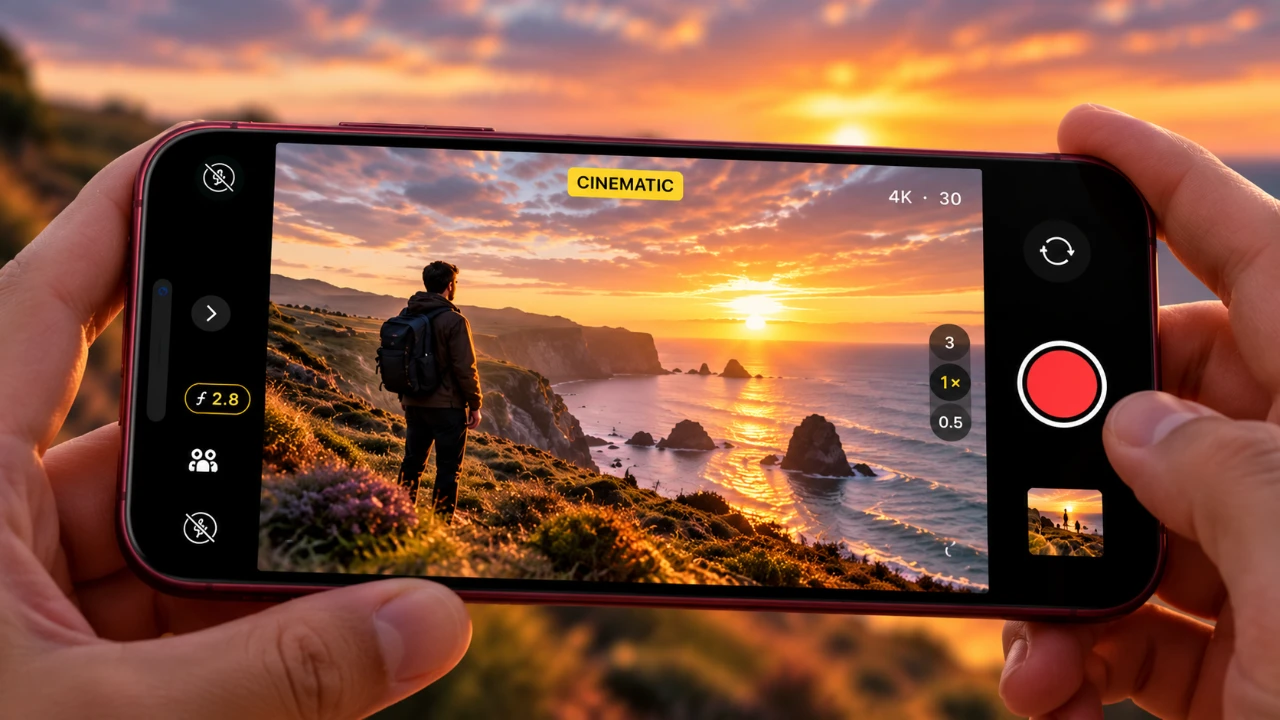
The iPhone 18 Pro redefines mobile photography, offering a suite of advanced tools that enable you to create cinematic, professional-quality images. Whether you’re an aspiring photographer or a seasoned professional, this guide will help you unlock the full potential of the iPhone 18 Pro’s camera system. By mastering its features, exploring creative techniques and applying practical tips, you can elevate your photography to a new level of artistry and precision. The video below from Mark Linsangan gives us more details.

Key Features for Cinematic Photography
The iPhone 18 Pro introduces a host of features designed to enhance your photography experience. These tools are tailored to help you achieve stunning results across diverse scenarios. Understanding and using these features will allow you to capture images with exceptional clarity and creativity:
- Portrait Mode Enhancements: Add depth-of-field effects to create professional-grade portraits with beautifully blurred backgrounds.
- Macro Control: Capture intricate details of small subjects, such as textures, patterns, or tiny objects, with remarkable sharpness.
- Lens Correction: Automatically correct distortions caused by wide-angle lenses, making sure your images appear natural and true to life.
- Auto Macro Disable: Maintain creative control by preventing the camera from automatically switching to the ultra-wide lens during close-up shots.
- High Efficiency Image Format (HEIF): Save high-quality images in smaller file sizes, making them ideal for editing and conserving storage space.
- 24-Megapixel Photo Mode: Capture photos at an optimal resolution, delivering vibrant colors and fine details for both casual and professional use.
Mastering Pro Controls
The iPhone 18 Pro’s Pro Controls offer manual settings that give you the flexibility to fine-tune your shots with precision. These controls are essential for photographers who want to achieve professional-grade results by tailoring their images to specific lighting and creative conditions:
- Exposure (EV): Adjust the brightness of your image to match the lighting conditions of your scene, making sure proper highlights and shadows.
- Shutter Speed: Control motion blur or freeze action by varying the speed of the shutter, perfect for capturing dynamic scenes or long exposures.
- Aperture: Modify the depth of field to create sharp subjects against blurred backgrounds or achieve overall focus in your shots.
- White Balance: Adjust the color temperature to ensure accurate tones, whether you’re shooting under natural sunlight or artificial lighting.
- Manual Focus: Focus on specific subjects with precision, allowing for creative effects or sharp details in challenging compositions.
Exploring Photographic Styles
Photographic Styles on the iPhone 18 Pro allow you to customize the tone and color of your photos, offering a balance between artistic expression and technical precision. These adjustable presets enable you to match your creative vision while maintaining control over the final look of your images:
- Gold: Warm tones with enhanced contrast and saturation, ideal for creating a summery aesthetic.
Suggested Settings: Tone -30, Color 70, Palette 70, Film & Grain Intensity 40. - Dramatic: Cool tones with high contrast, perfect for moody, cinematic imagery.
Suggested Settings: Tone -35, Color 50, Palette 75, Film & Grain enabled. - Stark: A black-and-white style with bright highlights and deep shadows, ideal for timeless and striking compositions.
Suggested Settings: Tone -80, Color 55, Palette 40. - Quiet: A nostalgic, Polaroid-inspired look with warm or cool shadow tints, evoking a sense of memory and emotion.
Suggested Settings: Tone -60, Color 70, Palette 45, White Balance 4,000K (fluorescent) or 5,500K (daylight). - Natural: A balanced, less processed look for everyday photography, maintaining a realistic yet polished appearance.
Suggested Settings: Tone 35, Color 75, Palette 85, Film & Grain Intensity 50.
Texture and Grain Controls
The iPhone 18 Pro introduces exclusive texture and grain controls, allowing you to add a film-like quality to your photos. These settings adapt to various lighting conditions, allowing you to create images with depth and character. For example, in low-light environments, increasing grain intensity can mimic the aesthetic of classic film photography, adding a cinematic feel to your shots. Experimenting with these controls can help you achieve a unique visual style that enhances the mood and storytelling of your images.
Practical Tips for Better Results
To maximize the capabilities of the iPhone 18 Pro’s camera system, consider these practical tips for achieving better results in your photography:
- Keep Your Lenses Clean: Regularly clean your camera lenses to avoid smudges or dirt that can compromise image quality.
- Enable Faster Shooting: Reduce shutter lag to capture fleeting moments with precision and clarity, especially in dynamic scenes.
- Disable Auto Macro: Turn off auto macro mode when you want full control over lens selection for close-up shots, making sure consistent framing and focus.
- Use a Tripod: Stabilize your device for long exposures or low-light photography to eliminate camera shake and achieve sharper results.
- Experiment with Lighting: Use natural light, artificial sources, or reflectors to enhance the mood and depth of your images.
Adapting Techniques for Older iPhones
While some features, such as texture and grain controls, are exclusive to the iPhone 18 Pro, you can still achieve impressive results on older models by experimenting with manual settings and creative techniques. Adjust exposure, white balance and photographic styles to enhance your photos. With practice and creativity, you can replicate many of the cinematic effects available on the latest model, proving that great photography is as much about skill as it is about technology.
Unlock more potential in iPhone 18 Pro Camera Features by reading previous articles we have written.
- Is the iPhone 18 Pro Apple’s Ultimate Upgrade? Here’s What We Know
- iPhone 18 Pro vs 17 Pro vs 16 Pro Cameras: Is It Worth The Upgrade?
- What to Expect from Apple’s iPhone 18 Pro: Design Changes, Specs and Costs
Source: Mark Linsangan
Disclosure: Some of our articles include affiliate links. If you buy something through one of these links, Geeky Gadgets may earn an affiliate commission. Learn about our Disclosure Policy.
