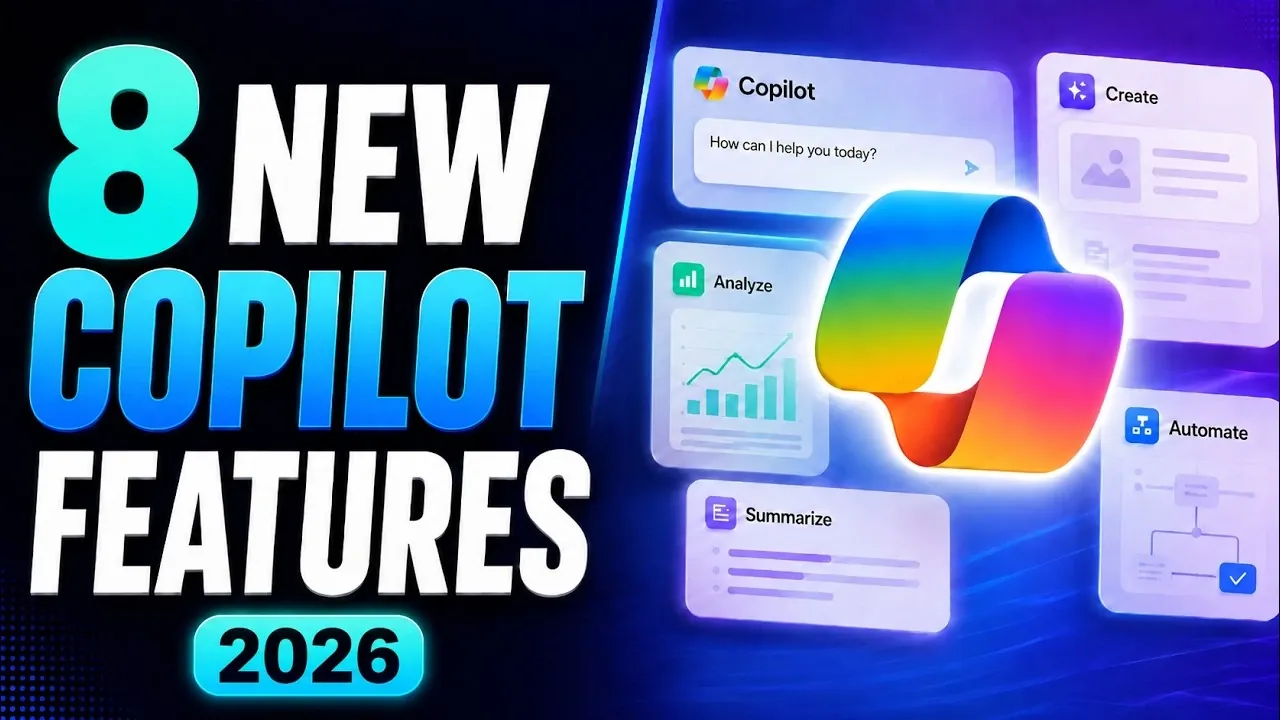
Microsoft 365 Copilot continues to evolve with eight new features introduced in August 2026, designed to enhance productivity and streamline workflows. As highlighted by Mike Tholfsen, these updates include the integration of advanced AI models like GPT 5.6 and Claude, which dynamically adapt to tasks such as generating detailed reports or creating concise summaries. For example, users can now request Copilot to draft a sales presentation, complete with visuals and charts, directly in PowerPoint. These improvements aim to simplify complex tasks while maintaining high-quality results across applications like Word, Excel and PowerPoint.
Explore how these updates can elevate your daily work processes. Learn to automate workflows with the new Cowork integration, which allows teams to create custom processes tailored to their needs. Discover the expanded capabilities of Copilot notebooks, now available to all users, offering a versatile platform for brainstorming and collaboration. Additionally, gain insight into the enhanced Prompt Lab, featuring a richer template library to optimize tasks like email drafting and project planning. These features provide practical ways to save time and improve efficiency in both professional and educational settings.
TL;DR Key Takeaways :
- Microsoft 365 Copilot now integrates OpenAI’s GPT 5.6 and Anthropic’s Claude models, offering intelligent, context-aware assistance tailored to diverse tasks.
- Enhanced automation in Word, Excel and PowerPoint enables users to create polished documents, presentations and spreadsheets effortlessly with just a prompt.
- New Cowork integration allows users to build and manage custom workflows securely, streamlining operations and reducing manual effort.
- Copilot Notebooks are now available to all users, providing a versatile platform for brainstorming, drafting and organizing information across educational and business contexts.
- Expanded file type support, AI-powered editing tools and advanced infographic creation simplify workflows, improve content quality and enhance visual communication.
AI Model Integration: Smarter, Context-Aware Assistance
Microsoft 365 Copilot now integrates OpenAI’s GPT 5.6 and Anthropic’s Claude models, offering more intelligent and context-aware assistance. These AI models are dynamically selected based on the specific task, making sure optimal performance for diverse needs.
GPT 5.6: This model excels in generating detailed and creative content, such as comprehensive reports or engaging marketing materials.
Claude: Known for its precision, this model is ideal for producing concise outputs like summaries or technical documentation.
By combining these two powerful AI models, Microsoft 365 Copilot ensures adaptability and precision, allowing you to tackle a wide range of tasks with efficiency and confidence.
Automated Document Creation in Word, Excel and PowerPoint
The updated automation capabilities in Word, Excel and PowerPoint simplify the process of creating professional documents. With just a prompt, Copilot can handle formatting, layout and customization, delivering polished outputs tailored to your needs.
Example: Request Copilot to create a sales presentation and it will generate slides complete with charts, visuals and key talking points.
Use Cases: Draft detailed reports, design visually appealing presentations, or build comprehensive budget spreadsheets effortlessly.
This feature not only saves time but also ensures that your documents meet professional standards, allowing you to focus on the content rather than the formatting.
Discover other guides from our vast content that could be of interest on Microsoft 365 Copilot.
- 15 Microsoft 365 Copilot Tricks to Speed up Chat, Email, Data & Slides for Busy Teams
- Microsoft 365 Copilot Redesign: New Interface and Features Explained
- Copilot Tips That Keep Slides, Spreadsheets and Meetings Moving Fast
- 100 Microsoft Copilot Agents Tested : Only 5 Essentials You Actually Need
- Save 10 Hours per Week by Mastering Microsoft Copilot
- How to use Microsoft 365 Copilot to compare contracts
- New Outlook Features That Will Change How You Manage Your Inbox
- 9 New Microsoft Copilot Updates That Make Work Effortless
- New Microsoft Copilot Notebooks : AI Notes That Think for You – (NotebookLM Alternative)
- Microsoft Copilot 2026 Adds OpenAI GPT 5.6 and Anthropic Claude 5
Cowork Integration: Build Custom Workflows
The new Cowork integration introduces a dedicated tab for creating and managing workflows tailored to your organization’s specific needs. By using internal data, this feature enables automation of complex processes such as project tracking or resource allocation.
Security: Activation requires IT administrator approval, making sure that workflows are implemented securely.
Customization: Adapt workflows to align with team or organizational requirements, providing flexibility and control.
This tool enables teams to streamline operations, reduce manual effort and maintain oversight of sensitive data, making it a valuable addition for businesses of all sizes.
Copilot Notebooks: Now Available for All Users
Copilot notebooks, previously limited to select users, are now accessible across all Microsoft 365 licenses, including commercial and educational plans. These AI-powered notebooks integrate seamlessly with OneNote, offering a versatile platform for brainstorming, drafting and organizing information.
For Educators: Plan lessons, collaborate on curriculum development and manage classroom activities effectively.
For Businesses: Outline project strategies, draft proposals, or collaborate on team initiatives with ease.
This broader availability ensures that more users can benefit from a powerful tool designed to support creative and strategic tasks.
Expanded File Type Support: Greater Compatibility
Microsoft 365 Copilot now supports additional file types, including markdown (.md), text (.txt), and RTF files. This enhancement allows users to work with a wider range of materials directly within the platform.
Example: Upload a markdown file containing meeting notes and Copilot can extract key points to create a presentation or overview.
Benefit: Streamline workflows by integrating diverse file formats seamlessly, improving flexibility and efficiency.
This update ensures that users can handle various content types without the need for external tools or conversions.
AI-Powered Editing Tools: Smarter Content Refinement
The new editing tools in Copilot Pages provide AI-driven suggestions to enhance the structure, clarity and tone of your content. These tools also integrate with Microsoft Loop, allowing real-time collaboration among team members.
Example: While drafting a proposal, Copilot can recommend rephrasing sections for better impact, while colleagues provide live feedback.
Collaboration: Teams can work together seamlessly, even when distributed across different locations.
This feature ensures that your content is polished and impactful, while fostering a collaborative environment that enhances productivity.
Infographic and Presentation Creation: Visual Excellence
Copilot now uses advanced image models to generate professional-quality infographics and presentations directly from your notebook content. This feature simplifies the creation of visually compelling outputs, saving time and effort.
Example: Input sales data into a notebook and Copilot will create an infographic highlighting key trends and insights.
Applications: Ideal for marketing materials, data-driven reports, or executive presentations.
By automating the design process, this capability allows users to focus on the message rather than the visuals, making sure impactful communication.
Prompt Lab Updates: A Richer Template Library
The Prompt Lab has been enhanced with an expanded library of templates and examples, making it easier to optimize your use of Copilot for various tasks.
Searchable Templates: Quickly find prompts by topic or keyword to suit your specific needs.
Use Cases: Draft emails, create project plans, or summarize lengthy documents with minimal effort.
This update provides users with ready-to-use resources, helping them maximize the potential of Copilot while reducing the time spent on repetitive tasks.
Maximizing Productivity with Microsoft 365 Copilot
The latest updates to Microsoft 365 Copilot address modern productivity challenges by streamlining workflows, enhancing document creation and improving collaboration. With advanced AI models, expanded automation tools and broader compatibility, these features cater to a wide range of users, from business professionals to educators and students. By using these innovations, you can work smarter, save time and achieve more in your daily tasks.
Media Credit: Mike Tholfsen
Disclosure: Some of our articles include affiliate links. If you buy something through one of these links, Geeky Gadgets may earn an affiliate commission. Learn about our Disclosure Policy.
