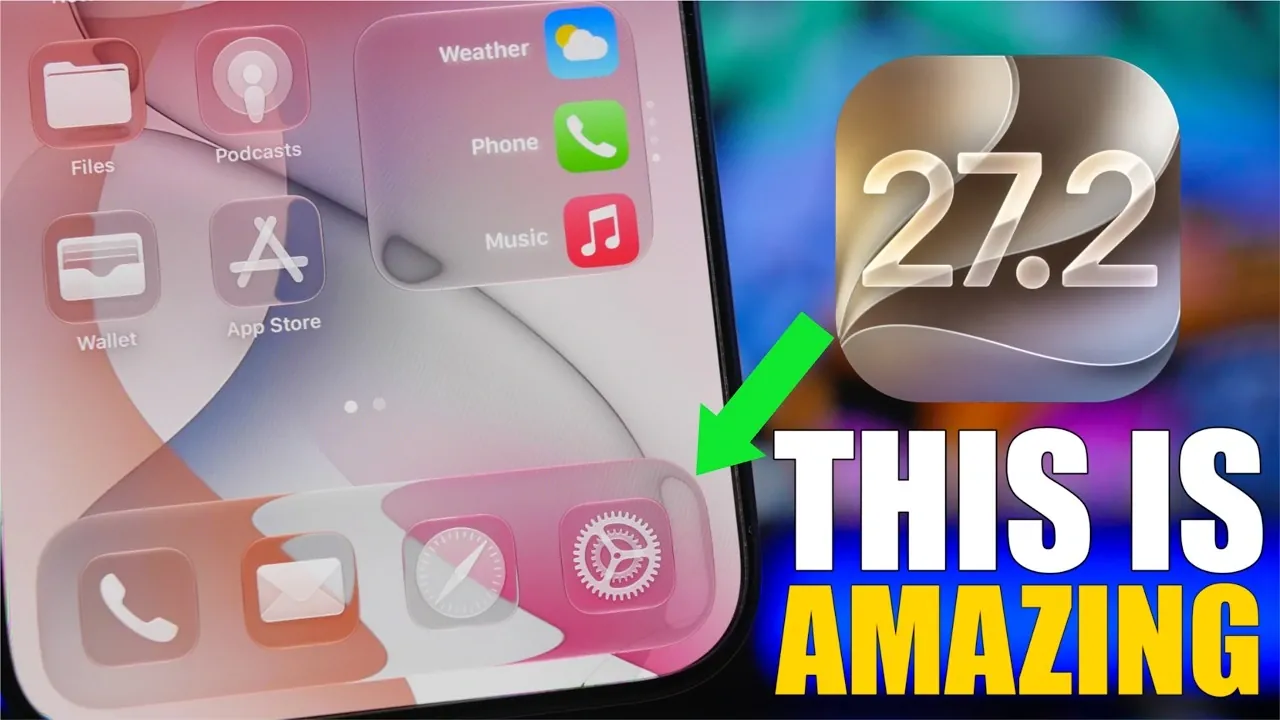
Apple’s release of iOS 27.2 on October 26, 2026, introduces a range of updates aimed at improving performance, extending battery life, and refining the overall user experience. Whether you own the latest iPhone 17 Pro Max or an earlier model, this update brings meaningful enhancements designed to make your device faster, more efficient, and more reliable. Below is a detailed look at the key features and why this update is worth considering.

Performance Gains That Stand Out
iOS 27.2 delivers noteworthy performance improvements, particularly for users of the iPhone 17 Pro Max. Benchmark tests conducted with Geekbench 6 reveal record-breaking results, with multi-core scores reaching 10,113 and single-core scores hitting 3,895. These figures translate into faster app launches, smoother multitasking and reduced lag, even when running demanding applications.
For users of older iPhone models, the update ensures noticeable improvements in responsiveness, providing a smoother and more fluid experience. Whether you’re navigating through apps, browsing the web, or switching between tasks, the enhanced performance is evident across all supported devices.
Improved Battery Efficiency
Battery life remains a top priority for smartphone users and iOS 27.2 addresses this with optimized power management. The update is designed to extend battery life without compromising performance, allowing you to rely on your device throughout the day. Whether you’re streaming videos, browsing social media, or using resource-intensive apps, you’ll experience more consistent battery performance across various charge levels.
This improvement is particularly beneficial for users who depend on their devices for extended periods without frequent access to charging. The update ensures that your device remains reliable, even during heavy usage.
Refined User Interface and Usability
iOS 27.2 introduces subtle yet impactful changes to the user interface, enhancing usability and streamlining navigation. Some of the key updates include:
- A redesigned Control Center with smoother transitions for toggling Wi-Fi, Bluetooth and Airplane Mode, making connectivity adjustments more intuitive.
- An updated Intercom icon in the My Home app, improving visibility and ease of use for household communication.
These refinements may appear minor, but they contribute to a more polished and user-friendly experience, allowing you to interact with your device more efficiently.
Enhanced System Stability and Reliability
System stability is a cornerstone of iOS 27.2. Apple has addressed several bugs and glitches reported in previous versions, resulting in a more reliable operating system. Whether you’re using built-in apps or third-party software, you’ll encounter fewer crashes and smoother overall performance.
This focus on stability is particularly valuable for users who rely on their devices for work, communication, or entertainment. The update ensures that your device operates seamlessly, even under heavy usage or multitasking conditions.
Seamless Connectivity Transitions
Switching between connectivity options has been improved in iOS 27.2, offering faster and more seamless transitions. Whether you’re moving between Wi-Fi networks, switching to cellular data, or connecting to Bluetooth devices, the process is now smoother and more reliable.
This enhancement is especially beneficial for users who frequently switch between networks or rely on multiple connected devices, such as wireless headphones, smart speakers, or car systems. The reduced interruptions and improved connectivity transitions enhance overall convenience and usability.
Intercom Feature Updates
The My Home app’s Intercom functionality has been refined to improve its practicality and ease of use. The redesigned Intercom icon ensures better visibility, making it easier to locate and operate. This update simplifies communication within your household, whether you’re sending a quick message to another room or coordinating with family members.
The improved design and functionality of the Intercom feature make it a valuable tool for everyday tasks, enhancing the overall utility of the My Home app.
Benchmark Testing Validates Performance
The performance improvements in iOS 27.2 are supported by rigorous benchmark testing. The iPhone 17 Pro Max, powered by the advanced A17 Bionic chip, has achieved unprecedented scores in Geekbench 6 tests. These results highlight the update’s ability to fully use the hardware capabilities of Apple’s latest devices.
For users, this means a faster, more reliable experience that maximizes the potential of their devices. Whether you’re a power user or someone who values efficiency, the performance gains in iOS 27.2 are hard to overlook.
Why You Should Upgrade
Upgrading to iOS 27.2 is highly recommended for users currently running iOS 26 or earlier versions. Here’s why:
- Enhanced performance ensures faster app launches, smoother multitasking and reduced lag.
- Improved battery efficiency extends usage times without compromising functionality.
- Refined interface updates make navigation more intuitive and enjoyable.
- System stability reduces crashes and enhances reliability for both built-in and third-party apps.
- Seamless connectivity transitions improve the experience of switching between networks and devices.
These updates are designed to make your device more efficient, dependable and enjoyable to use, regardless of your specific needs or usage patterns. Whether you prioritize performance, battery life, or usability, iOS 27.2 offers meaningful improvements that cater to a wide range of users.
What to Expect on October 26
As the release date approaches, prepare to upgrade and experience the benefits of iOS 27.2 firsthand. With its focus on performance optimization, battery efficiency, and user experience, this update represents a significant step forward for Apple’s mobile operating system. Whether you’re drawn to the record-breaking benchmark scores, the extended battery life, or the refined interface, iOS 27.2 is designed to enhance your daily interactions with your device.
Below are more guides on iOS 27.2 update from our extensive range of articles.
- The Best Features Coming to Your iPhone in iOS 27.2
- 10 Cool New Features Coming in Apple’s iOS 27.2 Update
- Inside the iOS 27.2 Beta: Every Hidden Feature You Need to Know
- New iOS 27.2 Beta 1 Software Arrives in Surprise Rollout
- iOS 27.2 Update: 8 Cool Tricks Your iPhone Can Finally Do
Source & Image Credit: iReviews
Disclosure: Some of our articles include affiliate links. If you buy something through one of these links, Geeky Gadgets may earn an affiliate commission. Learn about our Disclosure Policy.
