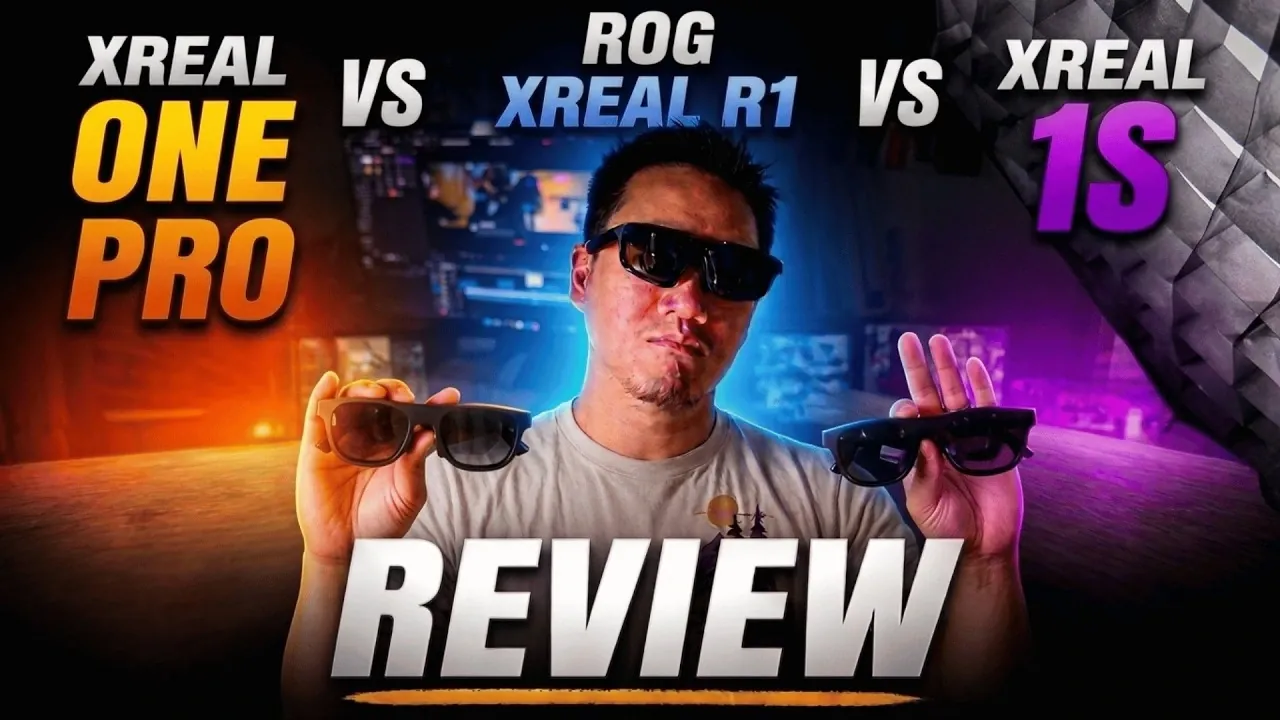
The XREAL R1, XREAL 1 Pro and XREAL 1S are three distinct models of augmented reality glasses, each tailored to different user needs. Gamers’ Generation examines their technical differences, such as display resolution, refresh rates and field of view (FOV). For example, the XREAL 1S features a 1200p micro-OLED display, making it well-suited for tasks requiring high visual precision, like design or coding. On the other hand, the XREAL R1 offers a 240Hz frame rate boost mode, appealing to gamers, though it sacrifices some vertical resolution in the process. These variations highlight how each model prioritizes specific use cases.
Dive into a detailed comparison of features like color accuracy, connectivity options and specialized modes such as instant 3D. Understand how each model performs in scenarios like gaming, professional workflows, or general media use. This analysis will also explore the balance between cost and performance, helping you identify which device aligns best with your requirements.
Display Clarity : Precision Matters
TL;DR Key Takeaways :
- The XREAL 1S offers the best display clarity with a 1200p micro-OLED screen, making it ideal for productivity tasks like coding and design, while the R1 and 1 Pro prioritize a wider field of view for immersive experiences.
- The XREAL R1 stands out for gaming with its 240Hz frame rate boost mode and RG Control Dock for enhanced connectivity, though it sacrifices some resolution in this mode.
- The XREAL R1 excels in color calibration, offering real-time adjustments for professionals needing precise visuals, a feature not available in the 1 Pro or 1S.
- All models support instant 3D mode for real-time 2D-to-3D content conversion, but proper interpupillary distance (IPD) alignment is crucial for optimal results.
- Pricing reflects feature sets: the R1 is best for gamers and advanced users, the 1S is tailored for professionals needing sharp visuals and the 1 Pro balances performance and affordability for general use.
For users prioritizing display clarity, the XREAL 1S is the standout choice. Its advanced micro-OLED display ensures exceptional sharpness and edge-to-edge precision, making it particularly suitable for tasks like coding, document editing, or detailed design work. The XREAL R1, while not as sharp as the 1S, offers improved edge clarity compared to the 1 Pro due to its smaller prism design. If crystal-clear visuals are your primary concern, the 1S is the most suitable option.
Resolution and Field of View (FOV): Balancing Detail and Immersion
The XREAL 1S features a 1200p micro-OLED display, surpassing the 1080p resolution of the R1 and 1 Pro. This higher resolution enhances detail, especially for text-heavy applications or intricate visuals. However, the 1S sacrifices some field of view (FOV), which may slightly reduce the immersive experience for gaming or movie watching. On the other hand, the R1 and 1 Pro maintain a wider FOV, making them better suited for users who prioritize immersion over resolution. Choosing between these models depends on whether you value detail or a more expansive viewing experience.
Color Calibration: Tailored Visuals
The XREAL R1 excels in color calibration, offering real-time adjustments for contrast, saturation and color balance. This feature is particularly beneficial for professionals such as graphic designers and video editors who require precise color accuracy. Neither the 1 Pro nor the 1S provides this level of customization, giving the R1 a distinct advantage for users with specialized visual requirements. For those who need tailored visuals, the R1 is the clear choice.
Gaming Performance: 240Hz Frame Rate Boost Mode
Gamers will find the XREAL R1 particularly appealing due to its unique 240Hz frame rate boost mode, which delivers smoother motion and enhanced responsiveness. However, this feature comes with a trade-off: the vertical resolution drops to 1920x540p per eye. To fully use this capability, compatible hardware such as gaming PCs or consoles is required. The 1 Pro and 1S do not include this feature, making the R1 the preferred option for high-performance gaming enthusiasts.

Discover other guides from our vast content that could be of interest on the XREAL R1 display glasses.
- ASUS ROG XREAL R1 : Gaming on a 171-Inch Screen You Can Wear
- ASUS ROG XREAL R1 Gaming Glasses a 171-Inch 240Hz Gaming Screen in Your Pocket
- Why the ROG XREAL R1 Display Glasses Excel at Gaming but Fail at Productivity
- VITURE Beast vs RayNeo Air 4 Pro : Worth the $250 Premium?
- XREAL 1S vs Viture Beast vs XREAL One Pro : Tested for Productivity, Gaming and Media
- VITURE Beast vs XREAL One Pro: Why One Set of AR Glasses Completely Dominates
Connectivity: RG Control Dock
The XREAL R1 includes the RG Control Dock, a versatile hub that allows seamless connections to gaming consoles, PCs and streaming platforms. While the dock significantly expands connectivity options, it disables some onboard controls on the glasses, limiting their standalone functionality. This feature is ideal for users who frequently switch between devices but may not appeal to those seeking a more self-contained experience. The 1 Pro and 1S lack this accessory, making the R1 a better choice for users who prioritize connectivity.
Instant 3D Mode: Immersive Content Conversion
All three models support instant 3D mode, which converts 2D content into 3D in real-time. Initially exclusive to the XREAL 1S, this feature is now standard across the lineup. Its effectiveness depends on proper interpupillary distance (IPD) alignment; incorrect alignment can diminish the 3D effect. This mode is particularly beneficial for gaming and immersive media experiences, offering a new dimension of engagement for users.
Audio Performance: Consistency Across the Board
Audio output is consistent across all three models, with built-in speakers delivering clear sound for casual media consumption and gaming. While the audio quality is sufficient for most users, audiophiles may prefer using external headphones for a more immersive and high-fidelity experience. The uniformity in audio performance ensures that all models meet basic sound quality expectations.
Design and Comfort: Ergonomics in Focus
The ergonomic design of all three models ensures comfort during extended use. The XREAL R1 features a more compact and sporty design, appealing to users who prioritize portability and style. Despite minor differences in design, the overall comfort level remains comparable across the lineup, making them suitable for long sessions of gaming, work, or media consumption.
Pricing and Value: Weighing Features Against Cost
The XREAL R1’s higher price reflects its advanced features, such as the RG Control Dock and 240Hz frame rate mode. However, its standalone value may be limited for users who do not require these extras. The XREAL 1S, with its superior display clarity, offers excellent value for productivity-focused users who need sharp visuals for work-related tasks. Meanwhile, the 1 Pro strikes a balance between performance and affordability, making it an attractive option for budget-conscious buyers seeking reliable AR glasses.
Final Considerations: Choosing the Right Model
Your choice of AR glasses ultimately depends on your specific needs and priorities:
- XREAL R1: Best suited for gamers and users who value advanced features like the RG Control Dock and 240Hz frame rate mode. Its premium price is justified for those who need these capabilities.
- XREAL 1S: Ideal for productivity-focused users who prioritize display clarity and sharp visuals, making it a strong choice for professionals.
- XREAL 1 Pro: A balanced option for users seeking solid performance at a more affordable price point, offering a mix of features without significant compromises.
If you already own the 1 Pro or 1S, upgrading to the R1 may only be worthwhile if you require its exclusive features. Carefully assess your priorities, usage scenarios and budget to determine which model aligns best with your needs.
Media Credit: Gamers’ Generation
Disclosure: Some of our articles include affiliate links. If you buy something through one of these links, Geeky Gadgets may earn an affiliate commission. Learn about our Disclosure Policy.
