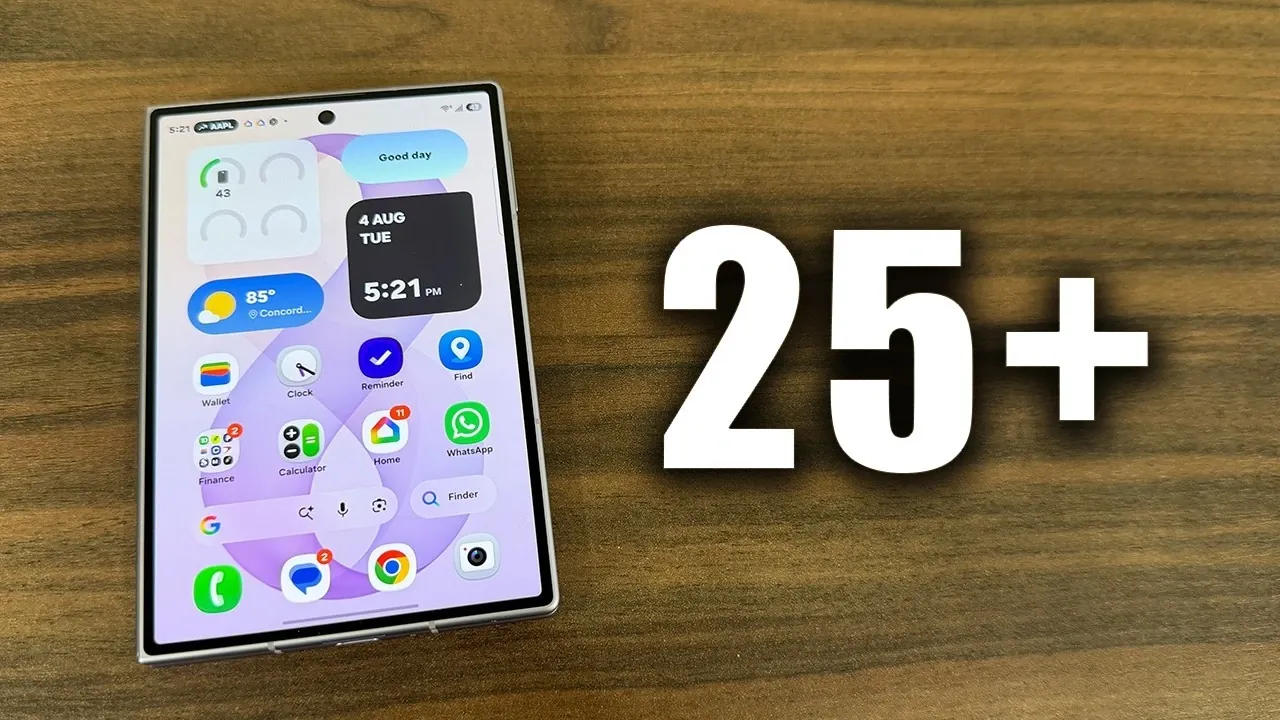
The Samsung Galaxy Z Fold 8 is an innovative device that combines innovation with practicality, offering a seamless blend of productivity, entertainment, and customization. Its unique foldable design and advanced features redefine what a smartphone can do. The video below from Sakitech explores over 25 tips, tricks, and hidden features to help you unlock the full potential of your Galaxy Z Fold 8.

Customization: Make It Truly Yours
The Galaxy Z Fold 8 provides extensive customization options, allowing you to tailor the device to your preferences and needs. Here are some ways to personalize your experience:
- Dual Display Wallpapers: Customize the inner and outer screens with different wallpapers, creating distinct looks for the lock and home screens on each display.
- Rename Your Device: Assign a unique name to your Galaxy Z Fold 8 for easier identification when connecting to Bluetooth devices, Wi-Fi Direct, or Quick Share.
- Navigation Options: Choose between gesture-based navigation or traditional button controls to suit your comfort and usage style.
- Taskbar Customization: Modify the taskbar to include your most-used apps, allowing faster multitasking and improved workflow.
Performance Optimization: Keep It Running Smoothly
Making sure your Galaxy Z Fold 8 operates at peak performance is essential for a seamless experience. These tips can help maintain its efficiency:
- Auto-Restart: Schedule periodic auto-restarts to refresh the system and prevent performance slowdowns.
- Samsung Members App: Use the diagnostic tools within the app to monitor battery health, optimize performance and troubleshoot potential issues.
- Built-In Malware Protection: Activate Samsung’s security features to perform daily scans and protect your device from potential threats.
Display and Eye Comfort: Enhance Your Viewing Experience
The Galaxy Z Fold 8’s advanced display features are designed to deliver exceptional visuals while prioritizing user comfort. Here’s how to make the most of its display settings:
- Eye Comfort Shield: Reduce blue light emissions to minimize eye strain, especially during extended use or at night.
- Video Brightness Boost: Automatically enhance brightness for better visibility in outdoor environments or specific apps.
- Custom Display Settings: Adjust the screen resolution and refresh rate to balance battery life and visual quality, depending on your needs.
Keyboard Features: Type Smarter
The Galaxy Z Fold 8’s keyboard is equipped with intelligent features to enhance your typing experience and productivity:
- Trackpad Mode: Transform the keyboard into a trackpad for precise cursor control, ideal for editing text or navigating documents.
- AI-Powered Tools: Access built-in grammar correction, writing style suggestions and text summarization directly from the keyboard.
- Flexible Layouts: Switch between standard, split, or floating keyboard layouts to match your typing preferences and screen orientation.
Multitasking: Work Smarter, Not Harder
The Galaxy Z Fold 8 is designed to excel in multitasking, making it a powerful tool for productivity. Explore these features to streamline your workflow:
- Split-Screen and Multi-Window: Open and use up to three apps simultaneously, allowing you to multitask efficiently without switching screens.
- Cover Screen Mirroring: Maintain separate layouts for the inner and outer displays, making sure a consistent and organized workflow.
- Drag-and-Drop Functionality: Move text, images, or files between apps effortlessly for faster task management.
Sound Enhancements: Elevate Your Audio
The Galaxy Z Fold 8 offers a premium audio experience with customizable sound settings to suit your preferences:
- Dolby Atmos Support: Enjoy immersive, high-quality sound, especially when using headphones or external speakers.
- Built-In Equalizer: Fine-tune audio settings for music, movies, or calls to match your listening preferences.
Charging and Battery Health: Stay Powered Up
Efficient charging and proper battery care are crucial for maintaining the longevity of your Galaxy Z Fold 8. Follow these tips to keep your device powered and healthy:
- Super-Fast Charging: Use a compatible 45W charger to minimize downtime and quickly recharge your device.
- Battery Health Monitoring: Regularly check the battery status through the Samsung Members app and replace it if necessary to ensure optimal performance.
Additional Features: Hidden Gems
The Galaxy Z Fold 8 is packed with lesser-known tools and features that can simplify your daily tasks and enhance usability:
- Calculator App: Take advantage of the built-in unit converter and tipping calculator for quick and accurate calculations.
- Finder Search Bar: Quickly locate apps, settings, or files using the intuitive search functionality.
- Customizable App Dock: Organize and access your most-used apps conveniently from the app dock.
Maximize Your Galaxy Z Fold 8 Experience
The Samsung Galaxy Z Fold 8 is more than just a smartphone, it’s a versatile tool designed to adapt to your lifestyle. From advanced multitasking capabilities and customizable displays to AI-powered tools and immersive audio, this device offers a comprehensive suite of features. By exploring these tips, tricks and hidden functionalities, you can fully use the Galaxy Z Fold 8’s capabilities to enhance productivity, entertainment and personalization.
Enhance your knowledge on Samsung Galaxy Z Fold 8 by exploring a selection of articles and guides on the subject.
- Samsung Finally Fixed the Fold: First Look at the Z Fold 8 Wide Design
- Samsung Galaxy Z Fold 8 Surprise: The ‘Wide’ Model is Finally Real
- Samsung’s Secret ‘H8’ Revealed: Why the Galaxy Z Fold 8 Wide is a Design Masterpiece
- Samsung’s Foldable Masterpiece: Galaxy Z Fold 8 Ultra Leaks
- Samsung Galaxy Z Fold 8 Size Comparison: Wide vs Ultra Models
- Will the Samsung Galaxy Z Fold 8 Wide Fit In Your Pocket?
Source & Image Credit: sakitech
Disclosure: Some of our articles include affiliate links. If you buy something through one of these links, Geeky Gadgets may earn an affiliate commission. Learn about our Disclosure Policy.
