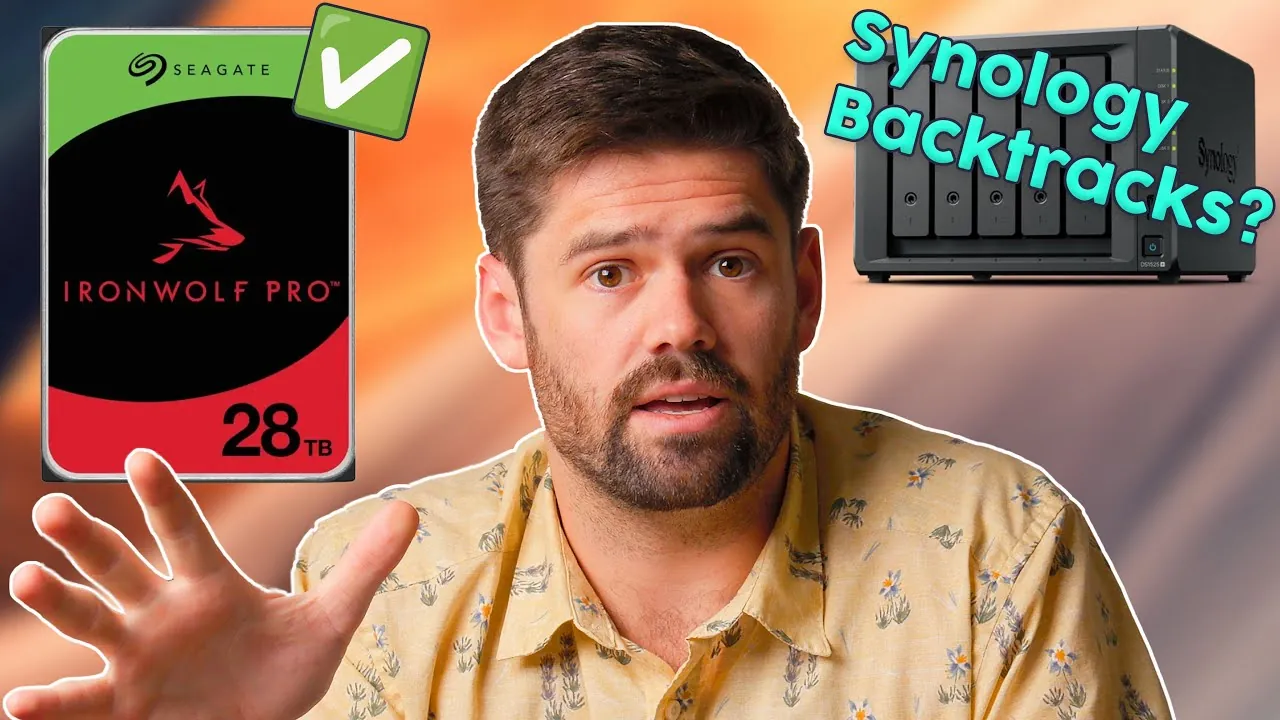
What if the storage system you rely on suddenly gave you the freedom to choose? For years, Synology users have been locked into using proprietary drives, a policy that frustrated many who sought greater flexibility and affordability in their NAS setups. But now, with the release of DSM 7.3, Synology is rewriting the rules. In a bold move, the company is reintroducing support for third-party hard drives in its 2025 NAS models and beyond, signaling a significant shift toward user-centric adaptability. This decision not only addresses long-standing consumer demands but also challenges the status quo of tightly controlled ecosystems in the storage industry.
Space Rex explores how this new policy change impacts both casual users and professionals, and what it means for the future of Synology’s storage solutions. From the newfound freedom to customize your NAS setup to the lingering restrictions on NVMe drives, we’ll unpack the opportunities and challenges that come with this update. Whether you’re managing a home media server or running a data-intensive business, this shift opens the door to more tailored and cost-effective storage configurations. But is this flexibility enough to win over skeptics? Let’s examine the details and implications of Synology’s evolving approach to storage.
Synology Expands Drive Compatibility
TL;DR Key Takeaways :
- Synology’s DSM 7.3 update introduces support for third-party hard drives in 2025 NAS models and beyond, enhancing user flexibility and storage adaptability.
- Restrictions on NVMe drives remain, requiring users to stick to Synology-approved models for high-speed storage needs like caching or primary storage.
- DSM 7.3 introduces file tiering, optimizing storage efficiency by automatically managing data between SSDs and HDDs based on usage frequency.
- Synology’s shift toward consumer-centric solutions reflects its commitment to addressing user feedback, offering more flexible and affordable storage options for individuals, small businesses, and prosumers.
- Challenges include the need for DSM 7.3 updates, ongoing compatibility testing for larger drives, and NVMe drive restrictions, which may limit customization for speed-intensive tasks.
Reversal of Drive Restrictions : What It Means for You
With DSM 7.3, Synology has addressed long-standing consumer demand by allowing the integration of third-party hard drives into its latest NAS models. This update provides greater customization for users, particularly those who rely on large-capacity drives for personal or professional use. The ability to choose from a broader range of drives enhances flexibility in configuring storage solutions tailored to specific needs.
However, Synology continues to enforce an incompatibility list to ensure that only tested and reliable drives are supported. This safeguard is critical for maintaining system stability and performance, especially in environments where data integrity is paramount. Whether you’re managing a home media server or running a small business, this change offers new opportunities to expand your storage options while maintaining reliability.
NVMe Drive Limitations: Key Considerations
While the policy change opens the door for third-party HDDs, restrictions on NVMe drives remain firmly in place. If you plan to use NVMe drives for caching or as primary storage, you’ll need to stick to Synology-approved models. This limitation could be a drawback for users who prioritize high-speed storage, particularly in data-intensive workflows such as video editing, large-scale data analysis, or enterprise operations.
Synology’s tightly controlled NVMe ecosystem ensures optimal compatibility and performance within its NAS systems. However, this approach may limit your ability to fully customize your storage setup if speed is a top priority. For users seeking maximum flexibility in NVMe storage, this restriction is an important factor to weigh when considering Synology’s NAS solutions.
Synology’s Shift to Open Storage Systems

Advance your skills in Synology by reading more of our detailed content.
- Synology Hard Drive Compatibility Update 2025 : Full Breakdown
- Synology NAS Home vs Homes folders explained
- How to Set Up a Synology NAS for Family File & Media
- Synology Drive vs SMB Mapped Network Drive : Pros & Cons
- Synology 2026 Roadmap : New Video Chat App Planned?
- Backup a Synology NAS to an external USB drive storage
- How to add Plex hardware transcoding to your Synology NAS
- What is Synology NAS quick connect and how do you use it
- UGREEN vs Synology: A Comprehensive NAS Comparison
- How to migrate your NAS from Synology Video Station to PLEX
File Tiering: Smarter and More Efficient Storage Management
DSM 7.3 introduces file tiering, a feature designed to optimize storage efficiency by automatically managing data across SSDs and HDDs. Frequently accessed files are stored on faster SSDs, while less-used data is moved to high-capacity HDDs. This functionality is particularly beneficial if you manage large datasets, such as video production files, archival data, or extensive media libraries.
By prioritizing high-priority tasks with minimal latency, file tiering enhances workflows for professionals and advanced home users alike. Whether you’re editing videos, running virtual machines, or managing a growing collection of digital assets, this feature ensures that your storage system operates efficiently, balancing speed and capacity to meet your needs.
Synology’s Shift Toward Consumer-Centric Solutions
Synology’s decision to reintroduce third-party drive support highlights its recognition of the growing importance of the consumer market. By addressing user feedback and offering more flexible storage options, Synology positions itself as a competitive choice for individual users, small businesses, and prosumers. This shift is likely to attract customers who previously opted for alternative NAS manufacturers due to restrictive drive policies.
By balancing affordability and adaptability, Synology demonstrates a commitment to meeting the diverse needs of its user base. This approach not only strengthens its position in the market but also fosters trust and loyalty among its customers. For users seeking a versatile and reliable storage solution, Synology’s updated policies represent a significant step forward.
Challenges and Considerations
Despite the positive changes introduced with DSM 7.3, there are challenges to keep in mind. To take advantage of third-party drive support, you’ll need to ensure your NAS is updated to the latest version of the operating system. Additionally, compatibility testing for larger drives, such as 24TB and 28TB models, is still ongoing. If your storage requirements include these high-capacity drives, staying informed about Synology’s updates will be essential.
Another consideration is the continued restriction on NVMe drives, which may limit your ability to fully optimize your storage setup for speed-intensive tasks. These factors should be carefully evaluated, particularly if you’re planning to expand your storage infrastructure in the near future.
Strategic Implications for Synology
The reintroduction of third-party drive support signals a strategic shift for Synology as it seeks to balance the needs of enterprise and consumer markets. Enterprise users often prioritize performance and reliability, while consumers value flexibility and cost-effectiveness. By adapting its policies to address these diverse requirements, Synology demonstrates a clear commitment to evolving alongside its user base.
This approach not only enhances Synology’s appeal to a broader audience but also strengthens its competitive position in the NAS market. By listening to user feedback and implementing meaningful changes, Synology is fostering a sense of partnership with its customers, making sure that its solutions remain relevant and effective in an ever-changing technological landscape.
A Step Toward Greater Storage Flexibility
Synology’s decision to allow third-party hard drives in its 2025 NAS models with DSM 7.3 represents a significant step toward providing greater storage flexibility. While some restrictions, such as NVMe drive limitations and an incompatibility list, remain in place, features like file tiering enhance storage efficiency for both consumers and professionals. By addressing user feedback and focusing on adaptability, Synology reaffirms its commitment to evolving alongside the needs of its diverse customer base. Whether you’re a home user, a small business owner, or a professional, this update offers new opportunities to customize and optimize your storage solutions.
Media Credit: SpaceRex
Disclosure: Some of our articles include affiliate links. If you buy something through one of these links, Geeky Gadgets may earn an affiliate commission. Learn about our Disclosure Policy.
