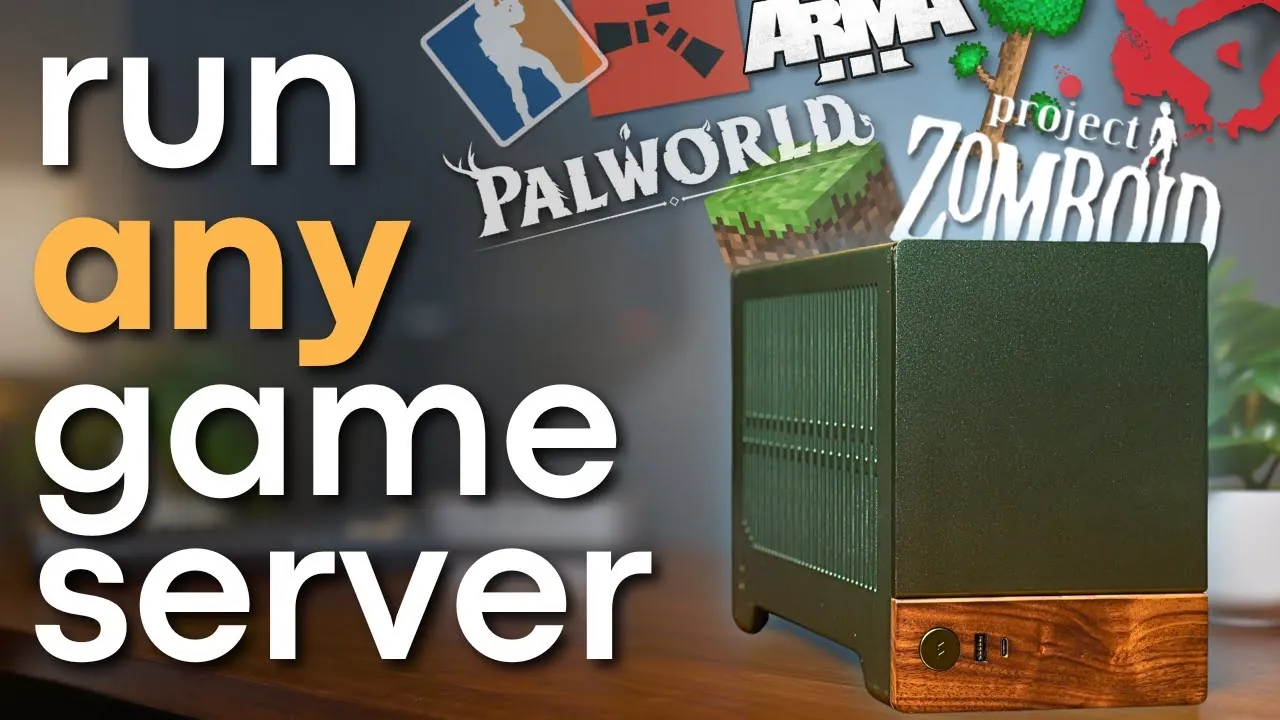
Have you ever wondered what it takes to run your own game server? Imagine having complete control over your gaming environment, customizing every detail, inviting friends to join without limits, and avoiding the recurring costs of subscription-based hosting services. While the idea might sound like a tech-savvy dream, the reality is far more accessible than you might think. Thanks to modern solutions like the Application Management Panel (AMP) and secure tunneling services such as Playit.gg, hosting your own game servers has never been more straightforward. Whether you’re a casual gamer or an aspiring community builder, the ability to self-host opens up a world of possibilities, offering both unmatched flexibility and significant cost savings.
In this overview, Hardware Haven take you through the essential steps and tools needed to host game servers efficiently and securely. From choosing the right hardware to navigating the intricacies of plugins and network configurations, you’ll gain insights into creating a reliable hosting environment tailored to your needs. Along the way, we’ll highlight how tools like AMP streamline server management and how Playit.gg enhances security without compromising accessibility. Whether you’re looking to host a private Minecraft world or build a bustling Valheim community, this guide will equip you with the knowledge to turn your vision into reality. After all, the power to shape your gaming experience is closer than you think, it’s just waiting to be unlocked.
Guide to Hosting Game Servers
TL;DR Key Takeaways :
- Self-hosting game servers provides greater control, flexibility, and cost savings compared to subscription-based services, but requires addressing technical challenges like hardware optimization and network security.
- The Application Management Panel (AMP) simplifies server management with features like an intuitive interface, cross-platform compatibility, low resource requirements, and automation for backups and updates.
- Playit.gg enhances security by offering secure tunneling services, eliminating the need for traditional port forwarding and reducing network exposure risks.
- Choosing the right hardware is crucial for performance, with recommendations including multi-core CPUs, at least 8GB RAM, SSD storage, and a gigabit Ethernet connection for stable, low-latency hosting.
- Customizing servers with plugins and optimizing settings using tools like AMP can enhance the gaming experience, while practical tips like regular backups and static IPs ensure smooth self-hosting operations.
Understanding the Challenges of Hosting Game Servers
Hosting game servers involves navigating a range of technical and logistical challenges. Each game has unique requirements, including memory allocation, plugin compatibility, and network configurations. Additionally, subscription-based hosting services can become prohibitively expensive, particularly if you plan to run multiple servers. Self-hosting addresses these cost concerns but introduces its own complexities, such as making sure hardware optimization and maintaining network security. To overcome these challenges, you need a clear understanding of the tools and techniques that simplify the process while making sure reliable performance.
Streamlining Server Management with AMP
The Application Management Panel (AMP) is a powerful tool designed to simplify the management of game servers. Whether you’re hosting popular games like Minecraft, Valheim, or Terraria, AMP provides an intuitive interface that eliminates the need for manually editing complex configuration files. Its compatibility with both Windows and Linux systems, combined with low system requirements, makes it a versatile choice for users with varying levels of technical expertise.
Key Features of AMP:
- Ease of Use: AMP’s user-friendly interface allows you to configure servers without diving into technical details.
- Cross-Platform Compatibility: Works seamlessly on both Windows and Linux operating systems.
- Low Resource Requirements: Operates efficiently even on older or budget hardware.
- Automation: Supports automated backups and scheduling to reduce manual workload.
How to Host Your Own Game Server

Here are additional guides from our expansive article library that you may find useful on gaming.
- PlayStation 6 Specs Leak: Everything About the New PS6 Here
- PlayStation 6 & PS6 Portable: Early Rumors and Predictions
- Next Xbox and PlayStation 6: Rumored Features & Release Dates
- AMD Ryzen Z2 Extreme: Powering the Next Handheld Gaming
- PyGamer open source handheld games console $39.95
- Aya Neo handheld gaming PC prototypes teased
- Evercade retro handheld game console from $80
- Everything We Know About the ASUS ROG Ally 2 Handheld
Setting Up AMP for Your Game Servers
Installing AMP is a straightforward process, tailored for different operating systems:
- Linux Users: For optimal performance, use Debian-based distributions such as Ubuntu. Follow the official AMP installation guide for step-by-step instructions.
- Windows Users: Download the AMP installer from the official website and follow the guided setup process.
Once installed, AMP allows you to allocate memory, install plugins, and customize server settings with ease. Its automation features, such as scheduled backups and updates, ensure that your servers remain secure and operational with minimal intervention.
Choosing the Right Hardware for Hosting
The hardware you use plays a critical role in the performance and reliability of your game servers. While the specific requirements vary depending on the games you host, the following general specifications are recommended:
- CPU: A multi-core processor from the last decade is sufficient for most game servers.
- RAM: A minimum of 8GB is recommended, though more may be required for resource-intensive games or multiple servers.
- Storage: At least 250GB of available space, preferably on an SSD for faster read/write speeds.
- Network: A gigabit Ethernet connection ensures stable and low-latency performance, especially for public servers.
If you’re using a dedicated server, a GPU is generally unnecessary, as most game servers rely on CPU performance. This can also help reduce power consumption and overall costs.
Enhancing Security with Playit.gg
Sharing your game servers with others often requires port forwarding, which can expose your network to potential security risks. Playit.gg offers a safer alternative by providing secure tunneling services. This tool allows you to share your servers without directly exposing your network to the internet.
Benefits of Playit.gg:
- Ease of Use: Simplifies the process of sharing servers without requiring advanced networking knowledge.
- Automatic Reconnection: Ensures your servers remain accessible even after system reboots.
- Enhanced Security: Reduces the risks associated with traditional port forwarding.
However, it’s important to note that tunneling services like Playit.gg cannot wake sleeping servers. Ensure your system remains active when hosting to avoid disruptions.
Customizing and Optimizing Your Servers
Customizing your game servers with plugins can significantly enhance the gaming experience. For instance, Minecraft servers can benefit from plugins like EssentialsX, which provide advanced administrative tools and gameplay enhancements. AMP simplifies the installation and management of plugins, allowing you to tailor your servers to meet specific preferences or gameplay styles.
Tips for Effective Customization:
- Research Plugins: Choose plugins that align with your server’s goals and the preferences of your players.
- Test Compatibility: Ensure that plugins are compatible with your server’s version and other installed plugins.
- Monitor Performance: Regularly check server performance to identify and address any issues caused by plugins.
Practical Tips for Successful Self-Hosting
Self-hosting game servers can be a cost-effective and rewarding option for personal use, playing with friends, or even creating public gaming communities. To ensure a smooth experience, consider the following practical tips:
- Set Static IPs: Configure your router to assign consistent local IP addresses to your servers, reducing the need for frequent reconfiguration.
- Regular Backups: Schedule regular backups of your server data to prevent data loss due to unexpected issues.
- Optimize Hardware: Consider using refurbished or second-hand hardware to achieve excellent performance at a lower cost.
- Monitor Performance: Use tools like AMP to track server metrics and address potential issues proactively.
Building a Reliable Hosting Environment
Hosting your own game servers offers unparalleled flexibility and control, allowing you to create a tailored gaming experience for yourself and others. By using tools like AMP and Playit.gg, you can simplify server management, enhance security, and optimize performance. Whether you’re a beginner or an experienced user, following these steps will help you establish a reliable hosting environment that meets your needs. With careful planning and the right tools, self-hosting can transform your gaming experience into a seamless and enjoyable endeavor.
Media Credit: Hardware Haven
Disclosure: Some of our articles include affiliate links. If you buy something through one of these links, Geeky Gadgets may earn an affiliate commission. Learn about our Disclosure Policy.
