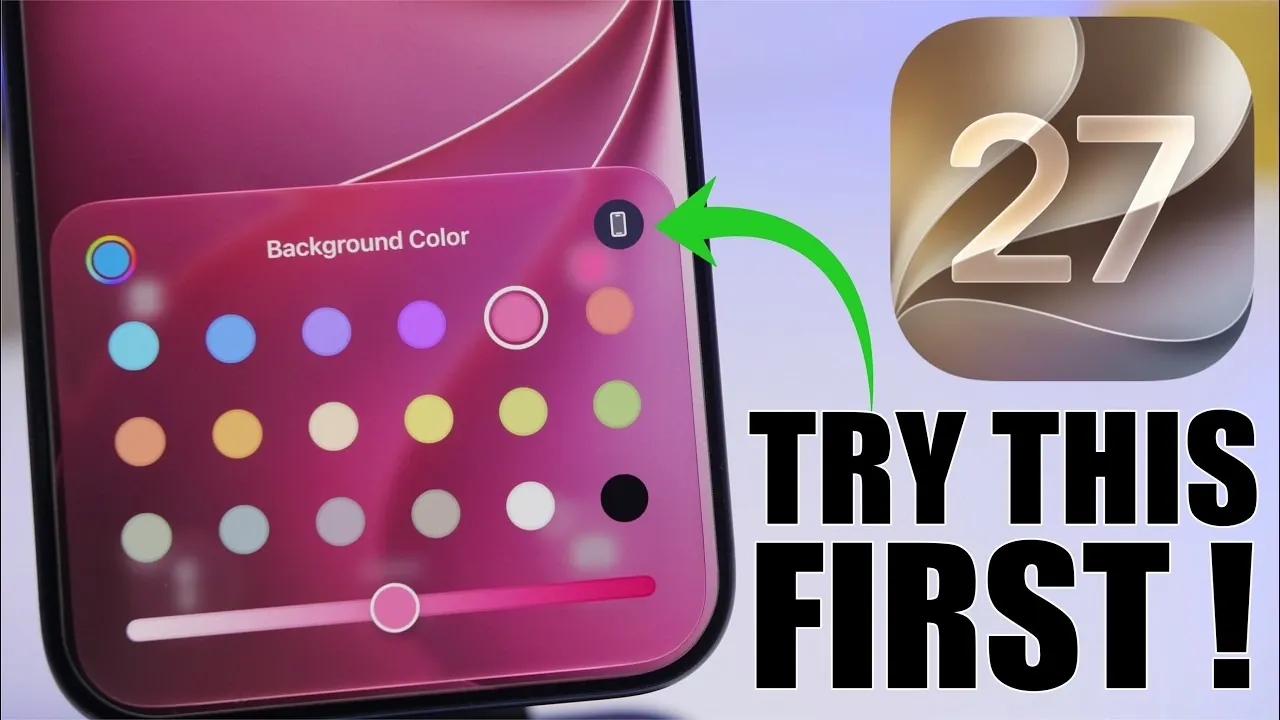
Apple’s iOS 27 introduces a host of innovative features designed to enhance customization, performance and overall functionality. With a focus on creating a seamless and intuitive user experience, this update redefines how you interact with your device. Below, we delve into the most compelling features of iOS 27, highlighting how they can transform your daily interactions with your iPhone or iPad.

Redesigned Icons and Liquid Glass UI
One of the most visually striking updates in iOS 27 is the introduction of the Liquid Glass UI, which brings a fresh, layered aesthetic to app icons. These redesigned icons feature a semi-transparent, glass-like effect that adds depth and sophistication to your home screen. The Liquid Glass Slider allows you to adjust the transparency and tint of these icons, allowing a level of personalization that aligns with your unique style. This feature extends beyond aesthetics, offering a modern, customizable interface that feels both engaging and futuristic.
Dynamic and Customizable Wallpapers
Wallpapers in iOS 27 are no longer static backdrops. The system now supports dynamic wallpapers that adapt to your preferences and environment. Using advanced Apple Intelligence, your wallpaper can automatically adjust its colors to complement your app icons and widgets, creating a cohesive visual experience. Additionally, the extended wallpaper feature ensures that your chosen image fits perfectly across all screen sizes, whether you’re using an iPhone Mini or an iPad Pro. This seamless integration between wallpapers and the user interface enhances both functionality and aesthetics.
Smarter Siri with Enhanced Capabilities
Siri has received a significant upgrade in iOS 27, making it more conversational and context-aware than ever before. Using Apple Intelligence, Siri now provides tailored recommendations based on your habits and preferences. Whether you’re managing your schedule, setting reminders, or controlling smart home devices, Siri’s enhanced capabilities make it feel like a true personal assistant. For example, Siri can now suggest shortcuts for frequently performed tasks or provide proactive alerts for upcoming events, making sure you stay organized and efficient.
Simplified Automations with Natural Language Input
The Shortcuts app in iOS 27 introduces natural language input, transforming how users create automations. Instead of manually configuring tasks, you can now describe them in plain language. For instance, saying, “Turn off the lights at 10 PM,” will automatically generate the corresponding shortcut. This feature democratizes automation, making it accessible to users of all technical skill levels. Whether you’re a seasoned tech enthusiast or a casual user, this enhancement simplifies the process of streamlining your daily routines.
Advanced Photo Editing Tools
The Photos app in iOS 27 comes equipped with powerful new tools that make image editing more intuitive and efficient. The improved cleanup tool allows you to remove multiple unwanted objects from a photo simultaneously, saving time and effort. Additionally, the new reframe feature enables you to adjust the composition of your photos with ease, making sure they’re optimized for sharing on social media or printing. These enhancements empower users to achieve professional-quality edits without requiring third-party apps.
Faster File Sharing with AirDrop
AirDrop has been significantly improved in iOS 27, with transfer speeds increasing by up to 80%. This enhancement is particularly beneficial for sharing large files, such as high-resolution images or videos. Whether you’re collaborating on a work project or sharing media with friends, the faster transfer rates ensure a smoother and more efficient experience. This improvement underscores Apple’s commitment to making everyday tasks more seamless and reliable.
Noticeable Performance Improvements
iOS 27 delivers a substantial boost in performance across the board. Apps now open 30% faster, including third-party applications, making sure a more responsive and efficient user experience. This improvement is particularly noticeable during multitasking, gaming and streaming, where speed and reliability are crucial. By optimizing system performance, Apple has ensured that iOS 27 feels faster and more fluid, regardless of how you use your device.
Deeper Apple Intelligence Integration
At the core of iOS 27’s new features is Apple Intelligence, which powers many of the system’s enhancements. From dynamic wallpapers to Siri’s improved capabilities, this integration allows your device to anticipate your needs and provide smarter, context-aware suggestions. For example, it can recommend shortcuts based on your daily routines or suggest photo edits tailored to the content of your images. This deeper integration ensures that your device feels more intuitive and personalized, adapting to your unique usage patterns.
Expanded Liquid Glass UI Features
The Liquid Glass design isn’t limited to app icons. It extends to the entire user interface, including menus, notifications and other system elements. With adjustable transparency settings, you can fine-tune the appearance of your device to create a more immersive and personalized experience. This cohesive design approach ensures that every aspect of the user interface feels modern and visually appealing, enhancing both usability and aesthetics.
Streamlined User Experience
Every feature in iOS 27 has been designed to work together seamlessly, creating a streamlined user experience. From faster app performance to smarter automation tools, this update prioritizes usability and efficiency. The cohesive design and functionality ensure that your device feels more intuitive and responsive, making everyday tasks easier and more enjoyable. Whether you’re exploring new features or relying on familiar tools, iOS 27 delivers a polished and consistent experience.
Unlock the Full Potential of iOS 27
iOS 27 represents a significant step forward in customization, performance and functionality. With features like the Liquid Glass UI, smarter Siri and faster file sharing, this update enhances every aspect of your device. By exploring these top features, you can unlock the full potential of iOS 27 and enjoy a more personalized, efficient and engaging experience.
Expand your understanding of iOS 27 features with additional resources from our extensive library of articles.
- Apple Just Confirmed 8 Major Features Coming to iOS 27
- iOS 27 Rumors: Top Features We Need (and What’s Leaked So Far)
- Is Your iPhone on the List? iOS 27 Could Cut Off These Popular Models
- iOS 27 Leak: Apple Is Giving You More Control Over the ‘Liquid Glass’ Design
- What to Expect from Apple’s Massive iOS 27 Update
Source & Image Credit: iReviews
Disclosure: Some of our articles include affiliate links. If you buy something through one of these links, Geeky Gadgets may earn an affiliate commission. Learn about our Disclosure Policy.
