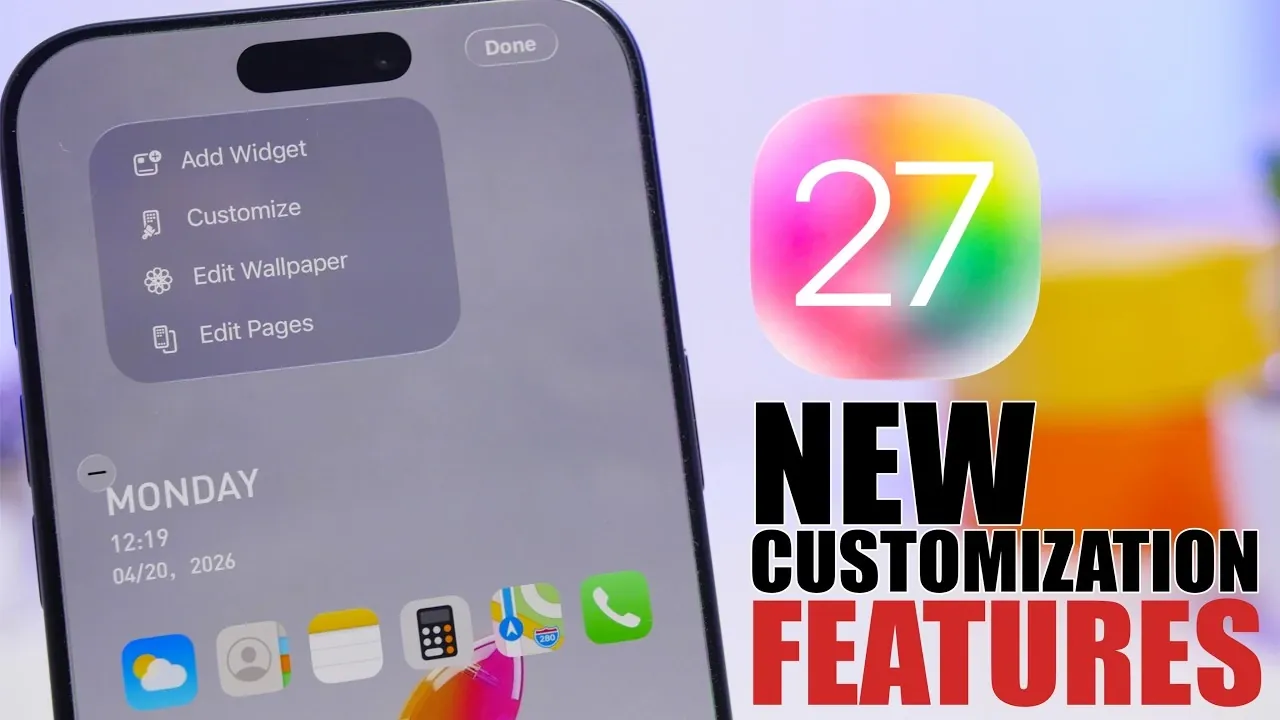
Apple’s iOS 27 is set to reshape how you interact with your iPhone and iPad, offering a robust suite of customization options, refined user interface updates, and advanced AI-powered tools. This update emphasizes personalization, usability, and seamless integration of intelligent features, marking a significant step forward in Apple’s mobile operating system. With the first beta scheduled for June 8, 2026, during WWDC and a public release planned for September 2026, here’s an in-depth look at what this update brings to the table. The video below from iReviews gives us more details on what to expect from iOS 27.
Home Screen Customization: Enhanced Control and Flexibility
iOS 27 introduces a new approach to home screen customization, giving you more control over how your device looks and functions. For the first time, Apple is adding undo and redo buttons, allowing you to experiment with layouts without the fear of losing your preferred setup.
Whether you’re rearranging widgets, organizing app folders, or testing new configurations, these tools provide a safety net for your creativity. This feature enables you to design a home screen that not only reflects your unique preferences but also adapts to your evolving needs. By making customization more accessible, Apple ensures that your device feels truly personal.
Siri and Dynamic Island: A Smarter, More Integrated Assistant
Siri is receiving a significant upgrade with its integration into the Dynamic Island, enhancing both functionality and accessibility. This new interface features a glowing effect, improving visibility and interaction while multitasking. By embedding Siri into the Dynamic Island, Apple aims to make the assistant more intuitive and less intrusive.
For instance, while using other apps, Siri’s responses will remain easily accessible without disrupting your workflow. Whether you’re setting reminders, sending messages, or asking for directions, this integration ensures a smoother and more efficient user experience. This enhancement underscores Apple’s commitment to blending convenience with innovation.
Liquid Glass Adjustment: Tailor Your Device’s Aesthetic
Building on the success of previous lock screen customization options, iOS 27 introduces a system-wide liquid glass slider. This feature allows you to adjust the appearance of liquid glass elements across your device, offering a new level of aesthetic personalization.
Whether you prefer a subtle, minimalist look or a bold, vibrant design, the liquid glass slider lets you fine-tune your device’s appearance to match your style. This addition, while seemingly small, enhances the overall visual experience and reinforces Apple’s focus on user-centric design.
Apple Intelligence: Practical AI Features for Everyday Use
iOS 27 takes Apple Intelligence to the next level by introducing AI-driven features designed to simplify daily tasks and improve productivity. These tools focus on practical applications that seamlessly integrate into your routine:
- Food Scanning: Instantly access nutritional information about food items using your camera. This feature is invaluable for health-conscious users or those managing specific dietary needs.
- Text Scanning: Capture real-world text, such as business cards or handwritten notes and convert it into digital data. This makes it easy to save contacts or store important information.
- Digital Pass Creation: Generate digital passes for tickets, memberships and credentials, streamlining event participation and access management.
These enhancements demonstrate Apple’s commitment to integrating AI into everyday scenarios, transforming your device into a powerful tool for convenience and efficiency.
User Interface Refinements: Subtle Improvements for a Polished Experience
iOS 27 introduces a series of subtle yet impactful user interface refinements that enhance the overall experience. From smoother animations to more intuitive menu layouts, these changes contribute to a polished and cohesive system.
For example, transitions between apps feel more fluid and navigation menus are easier to understand, making your interactions with the device more seamless. These updates, while not immediately noticeable, play a crucial role in making sure that your device feels modern and responsive.
Safari Tab Group Automation: Smarter Organization for Browsing
Safari is getting a notable upgrade with the introduction of automatic tab group organization. This feature categorizes your tabs based on their content, such as work, entertainment, or shopping, helping you stay organized while browsing.
Imagine researching a project and having Safari automatically group related tabs together, reducing clutter and improving focus. This feature is particularly useful for multitaskers who manage multiple online activities simultaneously, making browsing more efficient and enjoyable.
Release Timeline: Key Dates for iOS 27
Apple is adhering to its traditional release schedule for iOS 27. The first developer beta will be available on June 8, 2026, coinciding with WWDC. A public beta is expected to follow in mid-July, giving you an early opportunity to explore the new features. The final version is anticipated to launch on September 14, 2026, alongside the next generation of iPhones.
A Comprehensive Evolution of iOS
iOS 27 represents a thoughtful evolution of Apple’s mobile operating system, focusing on customization, intelligence, and usability. With features like undo/redo options for home screen layouts, Siri’s integration into the Dynamic Island, and practical AI tools, this update caters to a wide range of users, from those who value aesthetic personalization to those seeking enhanced productivity.
As the release date approaches, these innovations promise to redefine how you interact with your device, making it more adaptable to your needs and preferences. Whether you’re drawn to the visual upgrades or the practical AI enhancements, iOS 27 is shaping up to be a significant update that enhances both form and function.
Source & Image Credit: iReviews
Disclosure: Some of our articles include affiliate links. If you buy something through one of these links, Geeky Gadgets may earn an affiliate commission. Learn about our Disclosure Policy.
