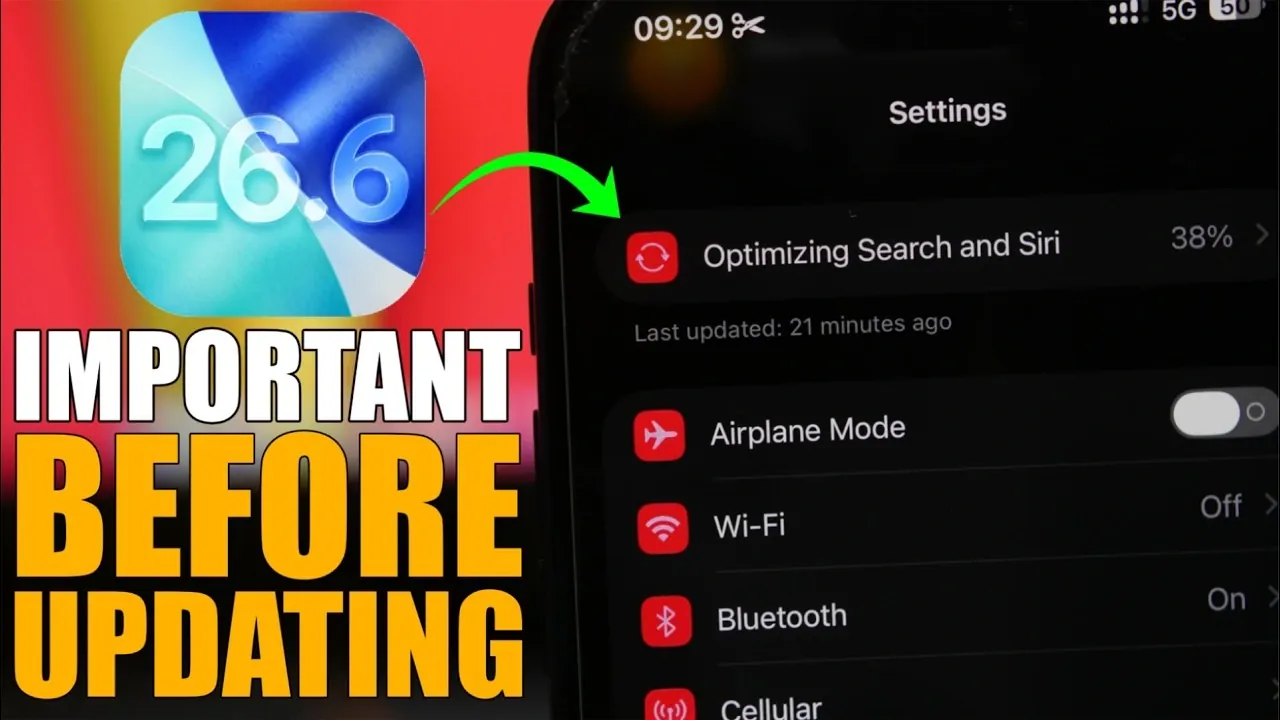
The upcoming release of iOS 26.6 marks the final major update for iOS 26, bringing a combination of performance enhancements, critical security updates, and optimizations to prepare your device for iOS 27. Before proceeding with the update, it’s essential to understand the key aspects of this release to ensure a smooth and hassle-free upgrade process. The video below from iReviews gives us more details on what to do before updating to the latest beta.

1. Check Your Storage Space
Updating to iOS 26.6 requires sufficient free storage on your device. The update size typically ranges between 2 to 3 GB for most users. However, if you’re installing the Release Candidate (RC) version, you may need up to 8 GB of available space. To avoid installation issues, it’s recommended to have at least 8–10 GB of free storage ready.
Here are some effective ways to free up space:
- Delete unnecessary files: Review and remove duplicate photos, unused videos, or other large files taking up space.
- Clear app caches: Many apps store temporary data that can be safely deleted to reclaim storage.
- Uninstall unused apps: Remove apps you rarely use. You can always reinstall them later if needed.
- Transfer files: Move large files to cloud storage services like iCloud or Google Drive, or use an external storage device.
Taking these steps ensures your device has enough space for a seamless update experience.
2. Back Up Your Device
Backing up your device is a crucial step before any major update. This precaution safeguards your data in case of unexpected issues during the installation process. Apple provides two reliable methods for creating backups:
- iCloud Backup: Use Apple’s cloud-based service to securely store your data online. Ensure you’re connected to Wi-Fi and have sufficient iCloud storage available.
- Local Backup: Connect your device to a computer and back it up using Finder (on macOS) or iTunes (on Windows). This method allows you to save a complete copy of your data locally.
By backing up your photos, messages, and other important files, you can restore your data quickly if needed, providing peace of mind during the update process.
3. Beta and RC Users: What You Need to Know
If you’re already using the iOS 26.6 Release Candidate (RC), there’s no need to take additional action. The RC version is identical to the final public release, meaning you’re already running the latest version.
For beta users, it’s advisable to disable beta updates after installing the public release. This prevents your device from automatically downloading future beta versions unless you intend to continue testing. Staying on the stable public release ensures a more reliable and consistent user experience, free from the potential bugs and instability often associated with beta software.
4. Preparing for iOS 27
iOS 26.6 is more than just a routine update—it’s designed to prepare your device for the upcoming iOS 27. This update includes pre-optimizations that enhance compatibility with new features and functionalities expected in iOS 27.
Key areas of optimization include:
- Siri enhancements: Improved indexing and pre-setup for Siri ensure faster and more efficient performance when iOS 27 is installed.
- Search functionality: Updates to search indexing reduce setup time and improve responsiveness for future updates.
By updating to iOS 26.6 now, you’re laying the groundwork for a smoother transition to Apple’s next major release, ensuring your device is ready to take full advantage of the new features and improvements.
5. Enhanced Security Features
Security remains a top priority in iOS 26.6, with several new measures introduced to protect your privacy and data. These enhancements are designed to address emerging threats and provide users with greater control over their security settings.
Notable security improvements include:
- Pop-up alerts: Notifications for blocked contact limits and malicious messages help you stay informed and take action when necessary.
- Advanced safeguards: Enhanced protections against potential threats, such as phishing attempts and malware, ensure your personal information remains secure.
These updates reflect Apple’s ongoing commitment to user privacy and data security, helping you stay protected in an increasingly connected world.
Release Date and What to Expect
The public release of iOS 26.6 is scheduled for July 27 or 28, 2026. If you’re currently running iOS 26, updating to iOS 26.6 is highly recommended. This update not only improves your device’s performance and security but also ensures it’s optimized for the seamless transition to iOS 27.
By following the outlined steps—checking storage, backing up your data, and understanding the update’s features—you’ll be well-prepared to enjoy the latest advancements Apple has to offer. Updating now ensures your device remains secure, efficient, and ready for the future.
Check out more relevant guides from our extensive collection on iOS 26.6. that you might find useful.
- Why Apple Just Dropped iOS 26.6 Beta 1 Right Before iOS 27
- Apple Releases iOS 26.6 Beta 5: Minor Changes You Might Have Missed
- iOS 26.6 Final Release: Apple’s Predictable Launch Pattern Reveals the Date
- iOS 26.6 Beta 4 Finally Improves iPhone’s Battery Life
- Why Apple Released iOS 26.5.2 —And What It Means for iOS 26.6 and 27 Beta 3
- iOS 26.6 Beta 5: What’s New and When to Expect the Public Release
Source & Image Credit: iReviews
Disclosure: Some of our articles include affiliate links. If you buy something through one of these links, Geeky Gadgets may earn an affiliate commission. Learn about our Disclosure Policy.
