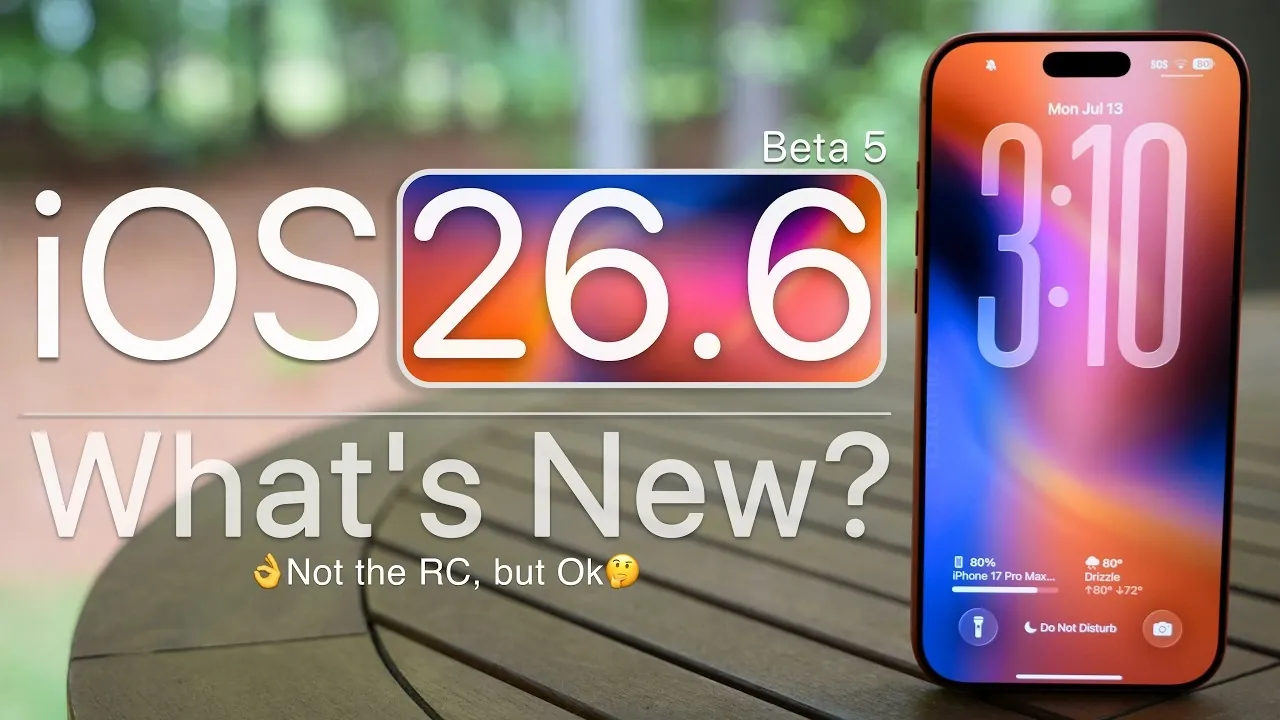
Apple has officially released iOS 26.6 Beta 5 for developers, marking another incremental step in the evolution of its mobile operating system. While this update does not introduce any major new features, it focuses on bug fixes, performance enhancements, and minor adjustments aimed at improving the overall user experience. If you’re an iPhone user, particularly with the latest models, this beta provides a glimpse into Apple’s ongoing efforts to refine its software ecosystem. Below is a detailed exploration of what this update entails in a great new video from Zollotech.
Key Update Details
The iOS 26.6 Beta 5 update is identified by build number 23G5065A and has a download size of approximately 1.58 GB on the iPhone 17 Pro Max. Notably, there is no update to the modem firmware compared to Beta 4, indicating that connectivity features remain unchanged in this release. This update is part of a broader rollout across Apple’s ecosystem, including iPadOS, watchOS, macOS and VisionOS, reflecting the company’s synchronized development strategy.
Apple’s approach with this beta emphasizes stability and refinement rather than introducing headline-grabbing features. By addressing minor issues and optimizing performance, the company continues to prioritize a seamless user experience across its devices.
What’s New and Fixed?
Although iOS 26.6 Beta 5 does not bring significant new features, it introduces a few noteworthy updates and fixes while leaving some issues unresolved. Key highlights include:
- A potential stolen device protection feature, though its functionality remains unconfirmed at this stage.
- The Phone app now alerts users when they reach the limit of 3,000 blocked contacts, offering a practical improvement for managing extensive contact lists.
However, some known issues persist, including:
- HDR screenshots may appear distorted when shared via the Messages app, which could affect users who frequently share high-quality images.
- The wallpaper dimming bug remains unresolved, potentially impacting users who customize their home screens regularly.
These updates and lingering issues reflect Apple’s iterative approach to software development, where incremental improvements are made while some challenges require additional time to address.
Performance Insights
Performance benchmarks for iOS 26.6 Beta 5 indicate a stable and reliable user experience. Testing on the iPhone 17 Pro Max reveals consistent results, with single-core scores of 3,934 and multi-core scores of 10,084. These figures align closely with previous beta releases, suggesting that Apple is maintaining its high performance standards while addressing minor inefficiencies.
The smooth performance observed in this beta highlights Apple’s commitment to making sure that even incremental updates deliver a polished experience. This stability is particularly beneficial for developers and early adopters who rely on beta software for testing and feedback.
Battery Life Improvements
Battery optimization remains a key focus in iOS 26.6 Beta 5. On the iPhone 17 Pro Max, the update demonstrates efficient battery usage, consuming only 32% of the battery during 3 hours and 43 minutes of active screen time. This level of efficiency is promising for users who depend on their devices for extended periods of daily activity.
While battery performance can vary depending on individual usage patterns and device conditions, the results from this beta indicate that Apple continues to prioritize energy efficiency in its software updates. This focus on battery life is particularly important as users increasingly rely on their devices for both work and leisure.
Looking Ahead: iOS 27
As Apple shifts its focus toward the development of iOS 27, the release of iOS 26.6 Beta 5 serves as a transitional update. iOS 27 Beta 4 and its public beta release are expected to introduce more significant features and enhancements, building on the foundation laid by the current version.
For now, iOS 26.6 Beta 5 provides a stable and refined experience, addressing minor bugs and improving performance. This update lays the groundwork for future advancements while making sure that the current operating system remains reliable and efficient.
Should You Install iOS 26.6 Beta 5?
If you are already using a previous beta version of iOS 26.6, upgrading to Beta 5 is highly recommended to take advantage of the latest fixes and optimizations. For users still on iOS 26.5.2 or earlier, this update may offer noticeable improvements in performance, stability, and battery life. However, as with any beta software, it is essential to back up your device before installation to safeguard your data against potential issues.
Developers and early adopters will find this update particularly useful for testing purposes, as it provides a reliable platform for evaluating app performance and compatibility with the latest iOS features.
What This Update Means for Users
iOS 26.6 Beta 5 underscores Apple’s dedication to incremental improvements and system stability. While it does not introduce new changes, it addresses minor bugs, enhances performance and optimizes battery life. These updates reflect Apple’s ongoing commitment to delivering a polished and reliable user experience.
As Apple transitions its focus to iOS 27, this beta serves as a reminder of the company’s methodical approach to software development. Whether you are a developer, an early adopter, or simply an iPhone user looking for a more stable experience, iOS 26.6 Beta 5 offers a solid step forward in Apple’s software evolution.
Take a look at other insightful guides from our broad collection that might capture your interest in iOS 26.6 Beta.
- iOS 26.6 Beta 4 Finally Improves iPhone’s Battery Life
- iOS 26.6 Beta 3 Fixes App Crashes and Boosts Battery Life
- Apple Just Dropped iOS 26.6 Beta 1: Here is What Changed
- iOS 26.6 Beta 2 First Look: Apple is Quietly Upgrading Your iPhone’s Security
- Why You Should Wait Before Installing iOS 26.6 Beta
Source & Image Credit: zollotech
Disclosure: Some of our articles include affiliate links. If you buy something through one of these links, Geeky Gadgets may earn an affiliate commission. Learn about our Disclosure Policy.
