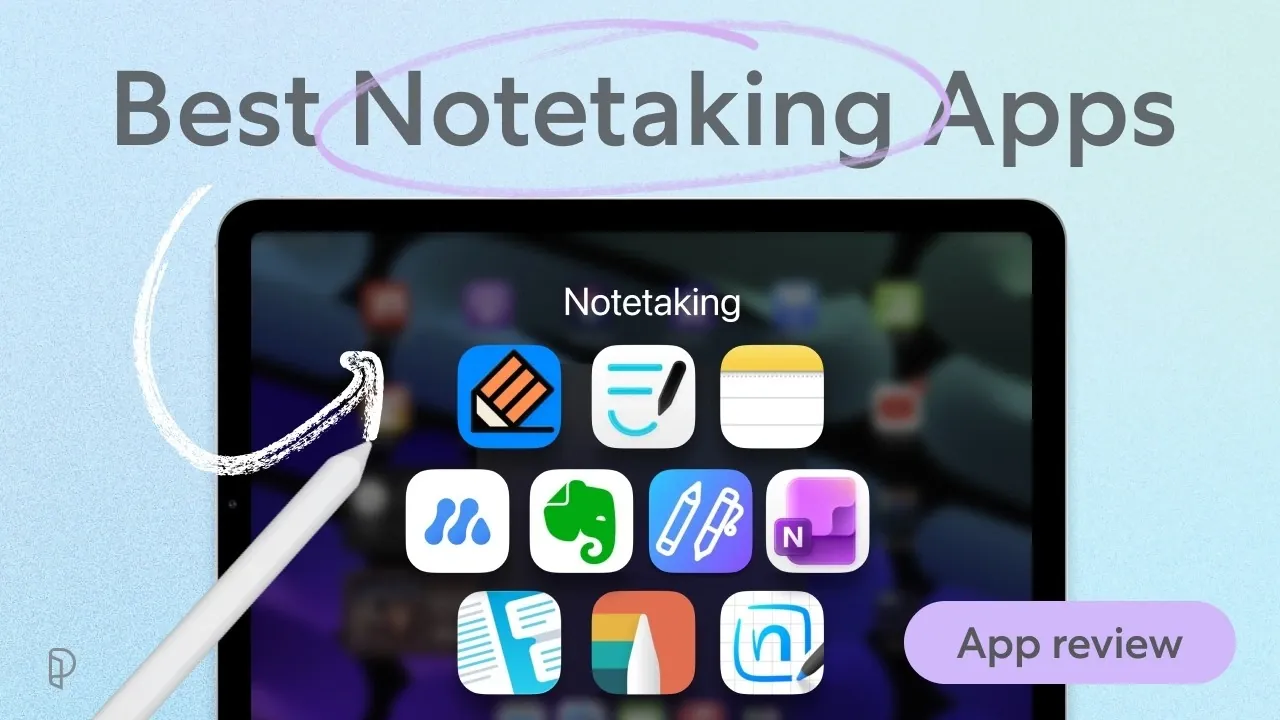
The iPad remains a reliable choice for digital note-taking, offering a variety of apps designed to suit different needs and workflows. In 2026, options like GoodNotes, Notability and LiquidText continue to stand out for their specialized features. GoodNotes, for instance, excels with its natural handwriting recognition and robust PDF annotation tools, making it a strong choice for users who value precision and detailed organization. As noted by Paperlike, these apps cater to a wide audience, including students, professionals and researchers, by addressing both productivity and accessibility.
Explore how Notability’s audio recording capabilities can support detailed note-taking in real-time scenarios like lectures or meetings. Learn about MarginNote’s mind mapping features for managing complex projects and research. Gain insight into the simplicity of Apple Notes for everyday use, the collaborative features of CollaNote and the cross-platform flexibility of MyScript Notes. This deep dive offers a practical comparison to help you navigate the options available.
TL;DR Key Takeaways :
- GoodNotes excels in detailed note organization, handwriting recognition and AI-powered tools, but has limited cross-platform syncing and cumbersome handwriting-to-text conversion.
- Notability is ideal for audio-integrated note-taking with features like audio-syncing and AI-generated quizzes, though its free tier has editing limits.
- Apple Notes offers a simple, cost-free solution for casual users, but lacks advanced PDF annotation and deep folder organization.
- MarginNote and LiquidText cater to researchers with advanced tools like mind mapping, flashcard creation and interactive PDF annotation, though both have steep learning curves.
- CollaNote and Evernote focus on collaboration and productivity, while OneNote provides a versatile infinite canvas for creative users, all with varying pricing and feature sets.
GoodNotes: A Versatile Tool for Detailed Note-Taking
GoodNotes remains a top choice for users who value detailed note organization and advanced handwriting capabilities. Its robust feature set includes:
- Natural handwriting recognition for smooth and precise inking.
- Comprehensive PDF annotation tools for editing and markup.
- AI-powered tools that assist with search and productivity tasks.
- Organizational features like nested folders and seamless iCloud syncing.
Despite its strengths, handwriting-to-text conversion can feel cumbersome and its cross-platform syncing options are somewhat limited. Priced at $11.99/year, GoodNotes is ideal for users who need a feature-rich app to manage detailed notes and documents effectively.
Notability: Perfect for Audio-Integrated Notes
Notability stands out for its audio recording integration, making it a favorite among students and professionals who attend frequent lectures or meetings. Key features include:
- Audio-syncing that aligns recordings with your notes, allowing you to revisit specific moments with ease.
- AI tools that generate quizzes and summaries to enhance learning and review.
However, the free tier imposes monthly editing limits, and iCloud integration lacks the depth some users may require. Starting at $7.99/month, Notability is a strong contender for those who prioritize audio-enhanced note-taking and quick, efficient workflows.

Here are additional guides from our expansive article library that you may find useful on iPad.
- Apple iPad Mini 8 Just Fully Leaked: Here is Everything Changing
- Apple’s OLED iPad Mini Is Finally Happening: Here Is Everything We Know
- iPad Mini 8: Major Changes Coming to Apple’s Next Compact Tablet
- iPad Mini 8 Leaks: Massive Upgrades, But Will You Pay $799 for It?
- Leaked OLED iPad Mini Details Surface, but Does It Finally Deserve the ‘Pro’ Name?
- How iPadOS 27 May Fundamentally Change the iPad Experience
- Apple’s iPadOS 27 Could Finally Make the iPad a Real Computer
- Oops: Apple Accidentally Leaks a Whole Wave of Unreleased Products
- Leaked iPad 12 Specs Prove Apple’s Entry-Level Tablet Is Getting a Major Overhaul
- Apple Event Leak Suggests 8 New Products Coming in October
Apple Notes: A Simple, Built-In Solution
Apple Notes offers a straightforward and cost-free solution for casual note-takers. Pre-installed on all iPads, it provides:
- Basic inking tools for handwriting and sketching.
- Hashtag tagging for quick and easy organization.
- The Quick Notes feature for jotting down ideas instantly.
While it’s convenient and user-friendly, its PDF annotation tools are limited and the folder hierarchy lacks depth for more complex organization. Apple Notes is best suited for users seeking a no-frills, integrated app without additional costs.
MarginNote: Advanced Tools for Researchers
MarginNote is tailored for researchers and academics who need specialized tools for managing complex information. Its standout features include:
- Mind mapping for visualizing and connecting intricate ideas.
- Automatic flashcard creation to aid in study and memorization.
- Structured tools for annotating and organizing detailed PDFs.
The app’s steep learning curve and limited free version may deter casual users. Starting at $12.99 for the Pro version, MarginNote is a powerful option for those who require advanced study and research capabilities.
LiquidText: Interactive PDF Annotation
LiquidText offers a unique approach to PDF annotation, making it a favorite for researchers and analysts. Its features include:
- A free-form workspace for organizing and connecting ideas visually.
- Highlight-focused review tools for efficient document analysis.
- Multi-document comparison for in-depth research and analysis.
While its infinite workspace can feel overwhelming for some users and the lack of a flashcard system may limit its appeal to students, LiquidText remains a premium choice. Priced at $79.99 for the Pro version, it’s ideal for users who need flexible and interactive tools for dissecting documents.
MyScript Notes (Nebo): Seamless Handwriting Conversion
MyScript Notes, also known as Nebo, excels in handwriting-to-text conversion and is perfect for users who frequently switch between writing and typing. Its key features include:
- Intuitive editing gestures that make corrections seamless and efficient.
- Cross-platform access, allowing you to work across devices effortlessly.
However, it lacks deep folder organization and aesthetic templates, which may be a drawback for users who prioritize visual customization. Starting at $7.99/year, MyScript Notes is an excellent choice for those who value handwriting integration and cross-platform flexibility.
CollaNote: Real-Time Collaboration for Teams
CollaNote is designed for users who need real-time collaboration tools, making it a great option for teams and study groups. Its features include:
- Real-time collaboration for seamless teamwork and group projects.
- Extensive pen and brush tools for creative customization.
- AI-driven features like math recognition and translation for added functionality.
The app’s pixelated writing experience and somewhat cluttered interface may not appeal to everyone. With a free tier and a $13.90 one-time premium option, CollaNote is a budget-friendly solution for collaborative environments.
Evernote: Productivity and Organization
Evernote is a productivity-focused app that combines note-taking with task management. Its features include:
- A dashboard for organizing tasks and projects efficiently.
- A web clipper for saving and annotating online content.
- Searchable PDFs for quick access to important information.
While its handwriting tools are limited and the free tier is restrictive, Evernote is an excellent choice for professionals who prioritize organization and productivity. Pricing starts at $4.99/month, making it a practical option for users focused on managing their workload effectively.
OneNote: Infinite Canvas for Creative Flexibility
OneNote offers a versatile and adaptable workspace, making it a popular choice for creative users. Its features include:
- An infinite canvas for free-form note-taking and brainstorming.
- Flexible formatting options for customizing your notes.
- Unique inking tools that cater to artistic and creative needs.
However, its 5GB of free storage and somewhat outdated interface may be drawbacks for some users. As a free app, OneNote is an excellent option for those seeking a cost-effective and adaptable solution.
Choosing the Right App for Your Needs
Selecting the best note-taking app for your iPad in 2026 depends on your specific requirements.
- For advanced handwriting features, GoodNotes and Notability are standout options.
- Casual users will appreciate the simplicity of Apple Notes and OneNote.
- Researchers may find MarginNote or LiquidText indispensable for their specialized tools.
- Teams and collaborators can benefit from CollaNote, while professionals focused on productivity may prefer Evernote.
By identifying your priorities, whether it’s handwriting recognition, PDF annotation, or collaboration—you can choose the app that best aligns with your workflow and enhances your productivity.
Media Credit: Paperlike
Disclosure: Some of our articles include affiliate links. If you buy something through one of these links, Geeky Gadgets may earn an affiliate commission. Learn about our Disclosure Policy.
