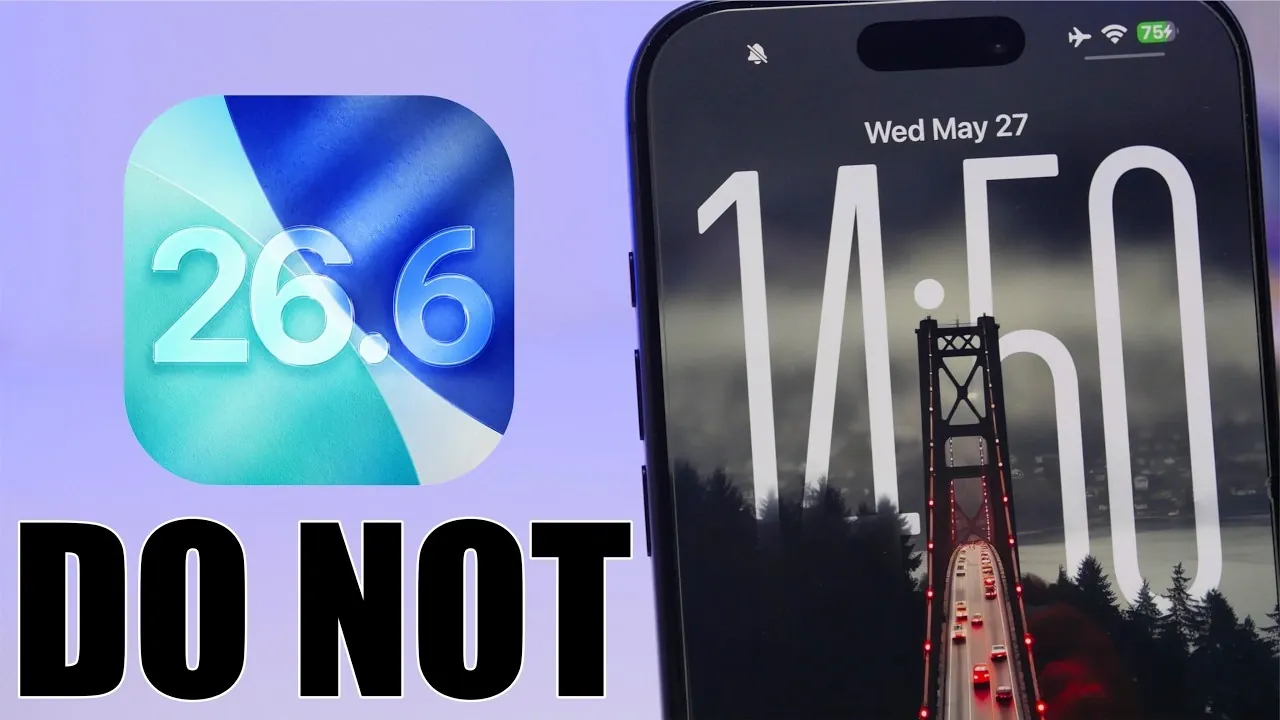
Apple has recently released iOS 26.6 beta 1, marking the final major update for devices that will not support iOS 27. While this update primarily focuses on bug fixes and performance enhancements, it introduces only a handful of minor features. If you are contemplating installing it, especially with iOS 27 on the horizon, it’s essential to weigh the potential drawbacks. Below is a detailed analysis to help you make an informed decision. The video below from iReviews gives us more details.

Release Timeline and Expectations
The iOS 26.6 beta 1 is currently available to developers and testers, with the final public release anticipated by late June 2026. Apple typically follows a structured beta release cycle, rolling out four to five beta versions before finalizing an update. This ensures that the final version is polished and reliable.
For older devices that will not transition to iOS 27, this update holds particular significance. It represents the last opportunity for Apple to refine the software experience on these devices, addressing lingering issues and optimizing performance. However, for users with devices eligible for iOS 27, the value of this update is considerably less compelling.
Update Size and Build Details
The iOS 26.6 beta is a substantial download, averaging around 9 GB, though the exact size may vary depending on your device model. Its build number, 23G5028E, indicates that this is an early-stage beta, suggesting that further refinements and adjustments are expected in subsequent versions.
The large file size underscores the presence of significant behind-the-scenes changes, even if the visible new features are minimal. These updates are likely aimed at improving system stability, addressing bugs and enhancing overall performance rather than introducing new functionality.
Key Features and Improvements
Although iOS 26.6 does not bring innovative changes, it includes a few noteworthy updates designed to enhance usability and address specific user concerns:
- Blocked Contacts Notification: A new alert in the Phone app now notifies users when they have reached the blocked contacts limit of 20,000 numbers. This feature is particularly beneficial for users who rely heavily on call blocking to manage spam or unwanted calls.
- Modem Update: Improvements to the modem software aim to enhance call quality and resolve call drop issues reported in earlier versions of iOS 26. This update could be especially valuable for users who have experienced persistent connectivity problems.
Despite these updates, the primary focus of iOS 26.6 remains on stability and performance optimization rather than introducing new features.
Why This Update Matters
For devices that will not support iOS 27, iOS 26.6 is a critical update. It serves as the final opportunity to refine the iOS 26 experience, addressing bugs and optimizing performance to ensure the software remains functional and reliable.
However, for users with devices eligible for iOS 27, this update offers limited benefits. Installing the beta version of iOS 26.6 could complicate the upgrade process to iOS 27, making it a less practical choice for those planning to transition to the next major iOS version.
Reasons to Avoid Installing the Beta
If you are considering upgrading to iOS 27, installing the iOS 26.6 beta may not be the most prudent decision. Here are some key reasons to avoid it:
- Downgrade Challenges: Reverting from the beta version to a stable release of iOS 26.5 in preparation for iOS 27 can be a complex and time-consuming process. It often involves multiple steps and carries the risk of data loss.
- Stability Issues: Beta versions are inherently less stable than final releases. Users may encounter performance issues, unexpected bugs, or compatibility problems with certain apps, which could disrupt daily usage.
For most users, waiting for the final release, or skipping this update entirely if planning to upgrade to iOS 27, is the safer and more practical option.
Looking Ahead to iOS 27
Apple is expected to unveil iOS 27 beta 1 on June 8, 2026, during its annual Worldwide Developers Conference (WWDC). A public beta is likely to follow by mid-July 2026. Early beta versions of major iOS updates often come with significant bugs, reduced battery performance and other issues that can affect usability.
If you are eager to test iOS 27, it’s advisable to proceed with caution. Waiting for later, more stable beta releases can help minimize potential disruptions and ensure a smoother experience.
Recommendations for iOS Users
Based on your current iOS version and device compatibility, here are some tailored recommendations:
- If you’re on iOS 26.5: It’s best to remain on this version until iOS 27 becomes available. iOS 26.5 is stable and reliable, making it the most practical choice for now.
- If your device won’t support iOS 27: Consider upgrading to the final release of iOS 26.6, but only after it exits the beta phase. This ensures you avoid the risks and instability associated with beta software.
Early adoption of beta software is generally not recommended unless you are a developer or an experienced tester prepared to handle potential issues.
Final Thoughts
The iOS 26.6 beta serves as a transitional update, primarily aimed at refining the experience for older devices. While it introduces a few minor features, its primary focus is on stability and performance improvements. For users planning to upgrade to iOS 27, skipping this beta is the best way to ensure a smooth transition. For those with older devices, waiting for the final release of iOS 26.6 is a safer and more practical choice. By carefully evaluating your options, you can avoid unnecessary complications and ensure your device remains stable and functional.
Find more information on iOS 26.6 beta by browsing our extensive range of articles, guides and tutorials.
- Apple Just Dropped iOS 26.6 Beta 1: Here is What Changed
- The Hidden Feature in iOS 26.6 Beta No One Saw Coming
- Why Apple Users Are Rushing to Download iOS 26.5
- How to Get Your iPhone Ready for the iOS 27 Beta: A Step-by-Step Guide
- Why Apple is Rushing the iOS 26.5.1 Update to Your iPhone
Source & Image Credit: iReviews
Disclosure: Some of our articles include affiliate links. If you buy something through one of these links, Geeky Gadgets may earn an affiliate commission. Learn about our Disclosure Policy.
