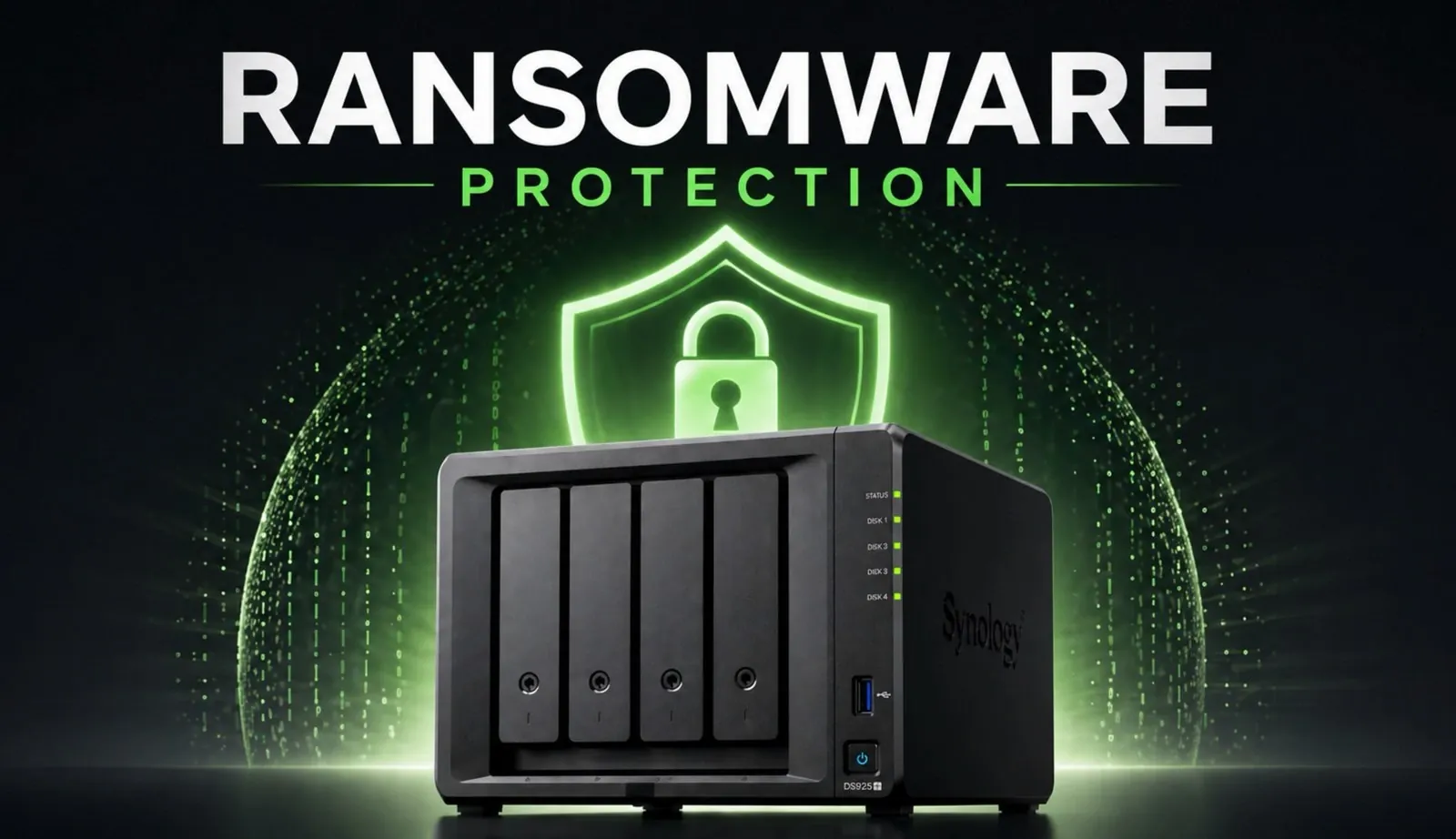
Immutable backups have become an essential component of modern data protection strategies, offering a safeguard against threats like ransomware, accidental deletions and insider attacks. These backups, designed to remain unalterable for a set retention period, ensure that critical data remains intact even if administrative credentials are compromised. In this guide, SpaceRex explains how Synology NAS, equipped with features like the BTRFS file system and Snapshot Replication, can help you implement immutable backups effectively. By following a structured approach, you can enhance your organization’s ability to recover quickly and minimize disruptions in the face of data loss.
Explore how to configure immutable backups on your Synology NAS, from verifying compatibility with the BTRFS file system to setting up Snapshot Replication and defining retention policies. Gain insight into best practices, such as isolating backup accounts and integrating immutable backups into your disaster recovery plan, to maximize security and efficiency. Whether you’re safeguarding business-critical data or preparing for potential cyber threats, this guide provides the actionable steps you need to build a resilient backup strategy.
Why Are Immutable Backups Crucial?
TL;DR Key Takeaways :
- Immutable backups are critical for modern data protection, making sure data remains unalterable during a specified retention period, even in the event of cyberattacks or accidental deletions.
- Synology NAS, with its BTRFS file system and Snapshot Replication, provides a reliable platform for creating and managing immutable backups effectively.
- Key steps for configuring immutable backups include verifying compatibility, allowing Snapshot Replication, defining retention policies and avoiding disruptions to primary servers.
- Best practices for managing immutable backups include isolating backup accounts, using backup tools, reviewing retention policies and integrating backups into disaster recovery plans.
- While immutable backups enhance data security and recovery, careful planning is required to address storage requirements and operational constraints during the retention period.
Immutable backups are a cornerstone of robust data protection strategies. These backups are designed to remain unalterable for a specified period, making sure that once data is saved, it cannot be modified or deleted, even if administrative credentials are compromised. This makes them particularly valuable in environments where centralized access systems, such as single sign-on (SSO) or domain controllers, are common targets for cyberattacks.
By adopting immutable backups, organizations can protect themselves against a range of threats, including ransomware attacks, insider threats and accidental deletions. The assurance of having an unaltered copy of critical data significantly reduces downtime, minimizes financial losses and ensures business continuity. This approach not only safeguards your data but also enhances your organization’s ability to recover quickly and efficiently in the face of unforeseen events.
Understanding the Difference Between Immutable Backups and WORM Systems
While both immutable backups and WORM (Write Once, Read Many) systems aim to preserve data integrity, they cater to different needs and use cases. Understanding these differences is essential for selecting the right solution for your organization.
- WORM Systems: These systems permanently lock files, making them unmodifiable after their initial creation. They are particularly suited for industries such as finance, healthcare and legal services, where regulatory compliance mandates long-term data preservation.
- Immutable Backups: Unlike WORM systems, immutable backups offer greater flexibility. While the backup copies remain unalterable during the retention period, the system itself allows for modifications and updates. This makes them ideal for businesses that manage dynamic data requiring frequent updates while still making sure data protection.
For most organizations, immutable backups strike a balance between data security and operational flexibility, making them a preferred choice for modern backup strategies.
Discover other guides from our vast content that could be of interest on Synology.
- Synology 2026 Roadmap : New Video Chat App Planned?
- Synology Drive vs SMB Mapped Network Drive : Pros & Cons Explained
- Synology introduces AI for customer service
- Synology NAS Drops HEVC Support: What It Means for Users
- Synology NAS CVE-2026-24061 : Patch DSM 7.3.2 Update 1 Now
- Synology NAS Home vs Homes folders explained
- How to Backup Your Mac to Synology NAS: Time Machine vs Active Backup vs Synology Drive
- Synology Hard Drive Compatibility Update 2025 : Full Breakdown
- How to Set Up a Reverse Proxy on Synology NAS Step-by-Step
- UGREEN vs Synology: A Comprehensive NAS Comparison
Steps to Configure Immutable Backups on Synology NAS
Synology NAS devices, equipped with the BTRFS file system and Snapshot Replication, provide a reliable platform for creating immutable backups. Follow these steps to set up and optimize your backup strategy:
- Verify Compatibility: Ensure your Synology NAS model supports the BTRFS file system and Snapshot Replication. These features are essential for creating and managing immutable snapshots.
- Enable Snapshot Replication: Use this tool to create point-in-time snapshots of your data. Configure these snapshots as immutable for a specific retention period to prevent unauthorized changes.
- Define Retention Policies: Set a retention period that aligns with your organization’s recovery and storage requirements. Common retention periods range from 7 to 14 days, balancing data protection with storage efficiency.
- Avoid Locking Primary Servers: Refrain from allowing immutable snapshots on primary file servers to prevent disruptions in daily operations. Instead, focus on secondary or backup servers.
By carefully configuring these settings, you can create a robust and efficient backup system that aligns with your operational needs.
Best Practices for Managing Immutable Backups
To maximize the effectiveness of your immutable backups, it is essential to adopt best practices that enhance security, efficiency and recovery capabilities. Consider the following recommendations:
- Isolate Backup Accounts: Use separate accounts for backup operations and ensure they are not linked to domain controllers. This reduces the risk of unauthorized access in the event of a breach.
- Use Backup Tools: Use Synology’s Active Backup for Business or third-party software like Veeam. These tools integrate seamlessly with immutable snapshots, streamlining backup and recovery processes.
- Regularly Review Retention Policies: Periodically evaluate your snapshot retention periods to ensure they align with your storage capacity and recovery objectives. Adjust policies as needed to optimize resource utilization.
- Integrate with Disaster Recovery Plans: Incorporate immutable backups into your broader disaster recovery strategy. This ensures comprehensive protection against data loss and facilitates rapid recovery in critical situations.
By adhering to these practices, you can enhance the reliability and efficiency of your backup system while minimizing potential vulnerabilities.
Enhancing Recovery with Immutable Backups
One of the most significant advantages of immutable backups is their ability to simplify and streamline the recovery process. In the event of a ransomware attack, accidental deletion, or other data loss scenarios, immutable backups guarantee access to unaltered data. Synology NAS’s recovery tools allow you to restore files to their original state quickly and efficiently, making sure minimal disruption to your operations.
This capability is particularly valuable for businesses that rely on uninterrupted access to critical data. By incorporating immutable backups into your data protection strategy, you can ensure that your organization remains resilient and operational, even in the face of unexpected challenges.
Key Considerations and Potential Limitations
While immutable backups offer numerous benefits, it is important to be aware of their limitations to ensure effective implementation and management:
- Storage Requirements: Immutable snapshots cannot be modified or deleted until the retention period expires. Excessive snapshots or overly long retention periods can strain storage resources, necessitating careful planning.
- Operational Constraints: The inability to alter immutable snapshots during the retention period requires thoughtful scheduling to avoid disruptions to regular operations.
To address these challenges, plan your snapshot schedules and retention policies carefully. Pairing immutable backups with a comprehensive disaster recovery plan ensures that your organization is prepared for scenarios requiring rapid data restoration while minimizing storage overhead.
Building a Resilient Data Protection Strategy
Immutable backups on Synology NAS provide a powerful and practical solution for protecting your organization’s data from cyber threats, accidental loss and other risks. By using the BTRFS file system, Snapshot Replication, and tools like Active Backup for Business, you can create a resilient and adaptable data protection strategy tailored to your needs. When combined with best practices and a well-defined disaster recovery plan, immutable backups ensure that your critical data remains secure, recoverable and ready to support your operations in any situation.
Media Credit: SpaceRex
Disclosure: Some of our articles include affiliate links. If you buy something through one of these links, Geeky Gadgets may earn an affiliate commission. Learn about our Disclosure Policy.
