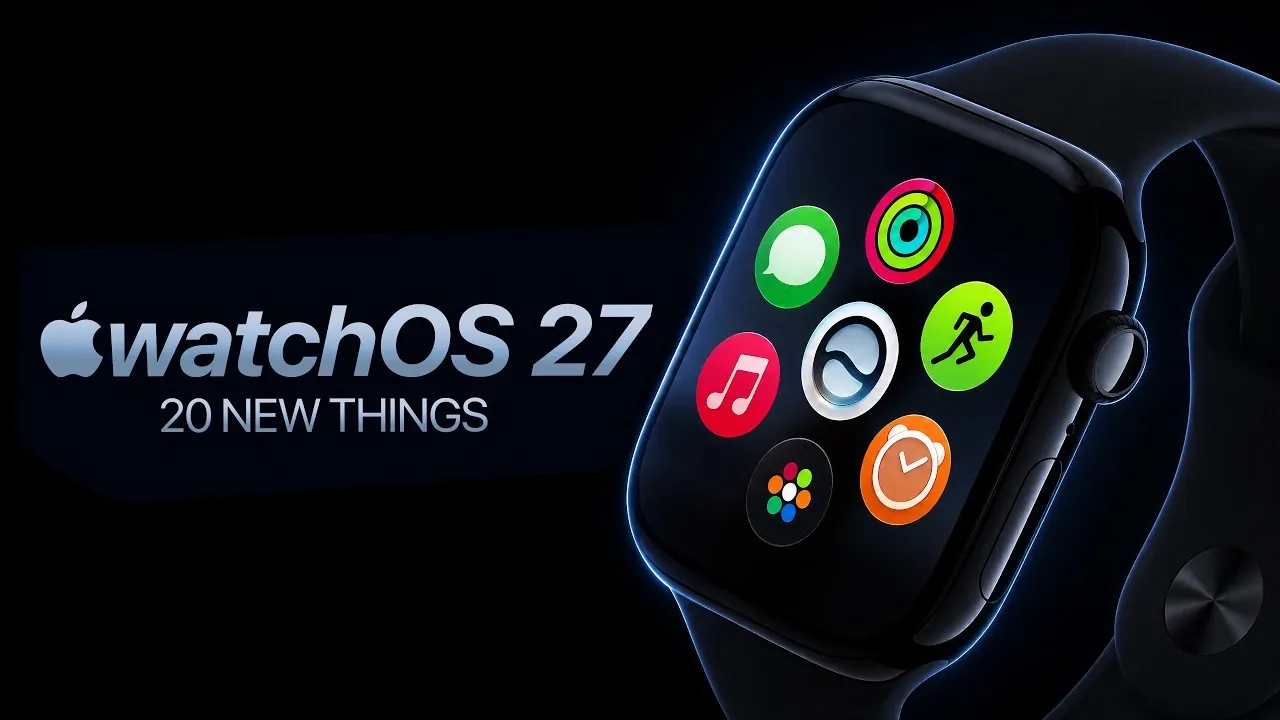
Apple’s watchOS 27 introduces a comprehensive suite of updates aimed at enhancing usability, health tracking, and overall performance. With features designed to streamline daily interactions and improve functionality, this update continues Apple’s tradition of refining the smartwatch experience. However, stricter hardware requirements mean that some older Apple Watch models will no longer be supported. The video below from ZONEofTECH provides a detailed look at the key updates and their potential impact on your Apple Watch experience.
Smarter Navigation with a Redesigned App Grid
The app grid in watchOS 27 has been completely reimagined to improve usability. Larger icons and context-based app suggestions make it easier to locate the apps you use most frequently without excessive scrolling. This dynamic interface adapts to your usage patterns, allowing for faster multitasking and a more intuitive user experience. Whether you’re accessing fitness apps or productivity tools, the redesigned grid ensures seamless navigation.
Gesture Control: Hands-Free Interactions
watchOS 27 introduces a new index-thumb tap gesture that enables hands-free control of your Apple Watch. This feature is particularly beneficial during workouts, cooking, or other activities where touching the screen is inconvenient. By simply tapping your index finger and thumb together, you can interact with widgets, notifications and other key features. This innovation enhances accessibility and provides a more seamless way to interact with your device.
Enhanced Smart Stack Widgets
The Smart Stack widget system has been upgraded to deliver more personalized suggestions based on your location, schedule and activity. For example, reminders for meetings or navigation prompts appear exactly when and where you need them. This enhancement ensures that your Apple Watch becomes an even more effective tool for staying organized and informed throughout your day.
Find My App Gets a Map-Centric Redesign
The updated Find My app now features a map-focused interface, making it easier to locate devices, friends, or family members. The new design provides a clearer and more intuitive overview of your tracked items, making sure you can quickly find what you’re looking for. Whether you’re locating a misplaced device or checking on a loved one’s location, this redesign improves usability and efficiency.
Call Info at Your Fingertips
watchOS 27 enhances the calling experience by surfacing relevant details during calls, such as booking codes, contact-specific notes, or calendar events. This feature ensures that important information is readily accessible, making it easier to manage tasks or reference details without interrupting your conversation. It’s a practical addition for both personal and professional use.
Liquid Glass Display for Better Readability
The introduction of liquid glass display technology in watchOS 27 significantly improves screen readability. By enhancing contrast and reducing glare, the display adapts to various lighting conditions, whether you’re outdoors in bright sunlight or indoors in dim environments. This ensures a consistently clear and comfortable viewing experience, regardless of where you are.
Faster Music Playback
Music playback has been optimized in watchOS 27, with reduced delays when starting tracks or switching between playlists. This improvement is particularly noticeable when using streaming services, providing a smoother and more enjoyable listening experience. Whether you’re working out or relaxing, the faster response time enhances your overall interaction with music on your Apple Watch.
Reliable Step Syncing
watchOS 27 resolves previous synchronization issues between the Activity and Health apps. Step counts and fitness data are now accurately recorded and displayed across devices, making sure consistency and reliability. This improvement is especially valuable for users who rely on their Apple Watch for tracking fitness goals and maintaining an active lifestyle.
Proactive Battery Optimization Tips
To help users extend their Apple Watch’s battery life, watchOS 27 introduces battery optimization suggestions. These tips include recommendations for adjusting settings, such as reducing screen brightness or disabling certain features when not in use. By following these suggestions, you can maximize your device’s runtime and reduce the need for frequent charging.
Streamlined Notification Muting
A new dedicated button for muting notifications simplifies the process of silencing alerts. With a single tap, you can mute notifications, making it easier to focus during meetings, workouts, or other activities where interruptions are unwelcome. This feature adds convenience and enhances your ability to manage distractions effectively.
Workout App Improvements
The Workout app in watchOS 27 has been enhanced with more detailed metrics, faster indoor distance tracking and greater independence from your iPhone. These updates cater to fitness enthusiasts who seek precise and reliable data for their workouts. Whether you’re running, cycling, or engaging in other activities, the improved app ensures a more comprehensive fitness tracking experience.
Expanded Health Tracking Features
watchOS 27 expands its health monitoring capabilities by introducing menopause and perimenopause tracking. This addition underscores Apple’s commitment to providing inclusive health features that cater to a diverse range of users. By offering tools to track these important health milestones, the update enables users to better understand and manage their well-being.
Smarter Siri with Context-Aware Responses
Siri becomes more intuitive in watchOS 27, offering context-aware responses and app actions based on your activity. For example, Siri can suggest opening a specific app or provide tailored information depending on what you’re doing. A dedicated Siri app ensures seamless interactions across your Apple devices, making it easier to access information and perform tasks.
Compatibility Changes: Who’s Left Behind?
One of the most significant changes in watchOS 27 is its stricter hardware requirements. The update drops support for older models, including the Series 6, 7, 8 and the first-generation Ultra. Compatibility is now limited to the Series 9, Ultra 2 and SE 3 models. This shift allows Apple to focus on using the advanced capabilities of newer hardware, but it also means that some users will need to upgrade their devices to access the latest features.
Faster App Extensions and Wallet Customization
Companion apps now launch faster and support background actions, improving overall performance. Additionally, the Wallet app introduces new customization options, allowing you to create digital passes for unsupported cards or memberships. These updates enhance both functionality and convenience, making your Apple Watch even more versatile.
What This Means for You
watchOS 27 delivers a robust set of features designed to enhance your Apple Watch experience. From smarter navigation and expanded health tracking to improved performance and usability, the update reflects Apple’s dedication to refining its smartwatch ecosystem. However, the stricter hardware requirements mean that some users will need to upgrade their devices to take advantage of these advancements. If your Apple Watch is compatible, watchOS 27 promises to elevate your daily interactions, making it a valuable update for both productivity and personal use.
Explore further guides and articles from our vast library that you may find relevant to your interests in watchOS 27 features.
- WatchOS 27: the Biggest Surprises on Apple Watch
- Your Apple Watch is About to Change: 3 Huge Features in watchOS 27
- The Hidden Features Inside Apple’s watchOS 27 Update
- Update Your Apple Watch Now: watchOS 26.4 Squashes Liquid Glass Lag and Battery Drains
- WatchOS 26.5 is Here: See the Two Annoying Bugs It Finally Fixes
Source & Image Credit: ZONEofTECH
Disclosure: Some of our articles include affiliate links. If you buy something through one of these links, Geeky Gadgets may earn an affiliate commission. Learn about our Disclosure Policy.
