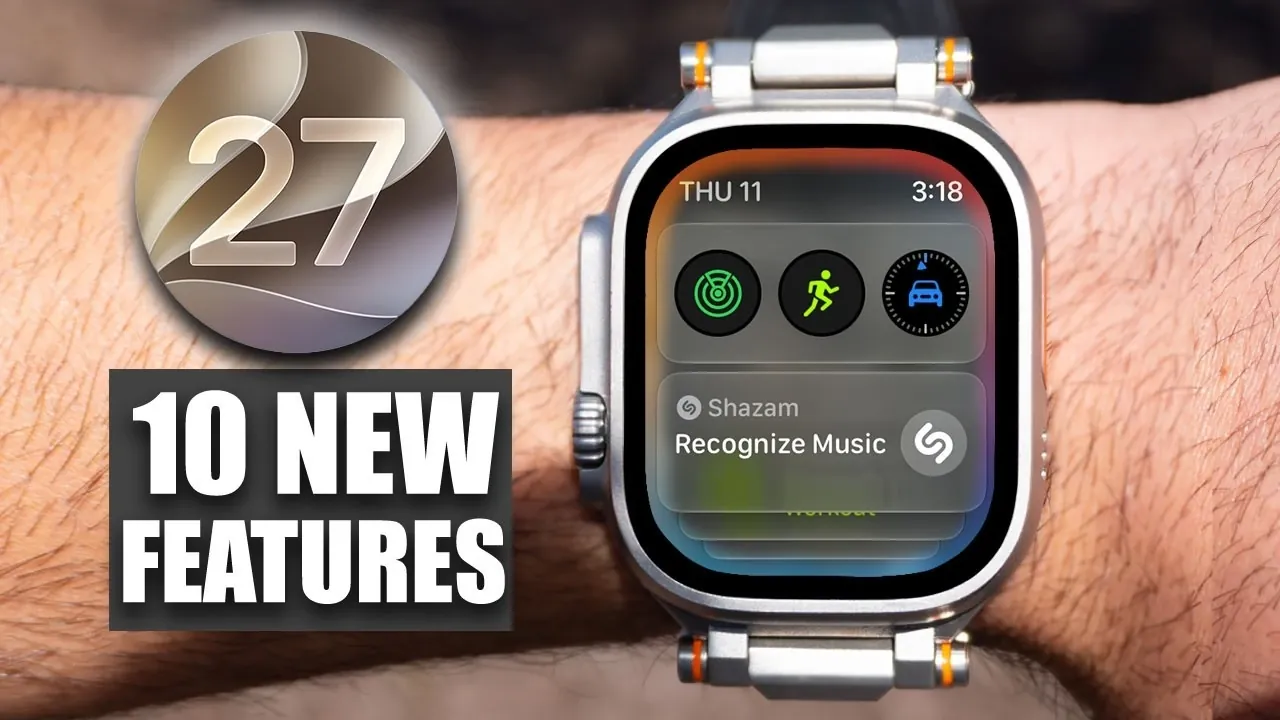
Apple’s watchOS 27 brings a combination of new features, interface refinements, and performance upgrades, aiming to enhance the Apple Watch experience. While the update introduces several improvements, it also removes certain familiar functionalities and omits a few anticipated features. This detailed overview will guide you through the notable changes, helping you understand what’s new, what’s been removed, and what’s still missing. The video below from HotshotTek gives us more details about the new Apple watchOS 27.

Device Compatibility: Prioritizing Newer Models
With watchOS 27, Apple has shifted its focus toward newer Apple Watch models, making sure the software takes full advantage of advanced hardware capabilities. Supported devices include:
- Apple Watch Series 9
- Apple Watch Series 10
- Apple Watch Ultra 2
- Apple Watch Ultra 3
- Apple Watch SE (3rd Generation)
However, the first-generation Apple Watch Ultra is no longer supported. This decision reflects Apple’s strategy of optimizing performance for its latest devices, though it may disappoint users who own older models. By narrowing compatibility, Apple ensures that watchOS 27 delivers a seamless experience on devices equipped with the latest technology.
Removed Features: Balancing Simplicity and Functionality
While watchOS 27 introduces several enhancements, it also removes certain features, potentially impacting users who relied on them. Key removals include:
- The app switcher, previously used for multitasking between apps.
- The Walkie-Talkie app, which offered a niche communication tool.
These changes aim to streamline the user experience, but they may frustrate those who found these features valuable. Apple’s decision to remove these functionalities suggests a focus on simplifying the interface, though it comes at the cost of reducing options for some users.
Interface and App Updates: A Refined User Experience
The interface in watchOS 27 has been redesigned to provide a more modern and intuitive experience. Key updates include:
- A dynamic grid view for apps, replacing the older grid style with a sleeker, more organized layout.
- Redesigned apps like Maps, featuring a liquid glass design for smoother visuals and Find My, which now offers streamlined navigation.
- Improvements to the Smart Stack, delivering smarter, context-aware suggestions such as reminders or the location of your parked car.
These updates aim to make interactions with the Apple Watch more seamless and visually appealing, enhancing usability for both new and experienced users.
Performance Enhancements: Faster, Smarter and More Efficient
Performance improvements are a standout feature of watchOS 27, with several updates designed to enhance speed and efficiency:
- The Apple Music app now syncs faster, reducing wait times for transferring playlists or songs.
- Workout data syncs in real-time with the Health app, making sure your fitness progress is always up to date.
- New battery optimization suggestions identify energy-draining behaviors and provide actionable recommendations to extend battery life.
These enhancements cater to users who prioritize speed, accuracy and longevity in their devices, making sure that the Apple Watch remains a reliable companion for daily activities.
New Features: Expanding Capabilities
watchOS 27 introduces several new features designed to improve the overall user experience and expand the device’s functionality:
- The refined double-tap gesture simplifies navigation, especially for one-handed use.
- Workout Buddy now supports additional languages, such as Spanish, and offers more precise workout data.
- Context-aware phone call features display relevant information, like boarding passes, during conversations.
- Expanded Wallet integration allows you to create and transfer Wallet Passes directly from your iPhone to your Apple Watch.
- New health tracking tools address menopause and pre-menopause monitoring, filling a gap in personal health features.
These updates reflect Apple’s commitment to accessibility, personalization, and addressing the diverse needs of its users.
What’s Missing: Features Yet to Arrive
Despite its improvements, watchOS 27 leaves out some anticipated features, which may disappoint users who were expecting more significant updates. Notable omissions include:
- The absence of the Siri AI app, which many hoped would debut in this update.
- The lack of an updated Siri animation leaves the virtual assistant’s interface unchanged.
- No new watch faces, limiting customization options for users seeking fresh personalization choices.
These missing features highlight areas where Apple could have further enhanced the user experience, particularly for those looking forward to advancements in Siri functionality and design.
Beta Access: Early Adoption Considerations
For those eager to try watchOS 27 before its official release, beta access is available. To participate, you’ll need a compatible iPhone running iOS 27 (available for iPhone 11 and newer models). However, there are important considerations:
- Beta versions may contain bugs or incomplete features, potentially affecting usability.
- Reliability could be compromised, so it’s advisable to avoid installing the beta on a primary device.
If you rely heavily on your Apple Watch for daily tasks, it may be wiser to wait for the stable release to ensure a smoother experience.
watchOS 27: A Step Forward with Trade-Offs
watchOS 27 represents a significant update, offering performance enhancements, redesigned apps and new features that improve usability and personalization. However, the removal of certain functionalities and the absence of anticipated updates may leave some users feeling underwhelmed. By focusing on compatibility with newer devices and refining the user experience, Apple continues to advance its ecosystem, albeit at the expense of older features and hardware. For users with supported devices, watchOS 27 delivers a polished and efficient experience, but those with older models or specific feature preferences may find the update less compelling.
Unlock more potential in watchOS 27 compatibility by reading the previous articles we have written.
Source & Image Credit: HotshotTek
Disclosure: Some of our articles include affiliate links. If you buy something through one of these links, Geeky Gadgets may earn an affiliate commission. Learn about our Disclosure Policy.
