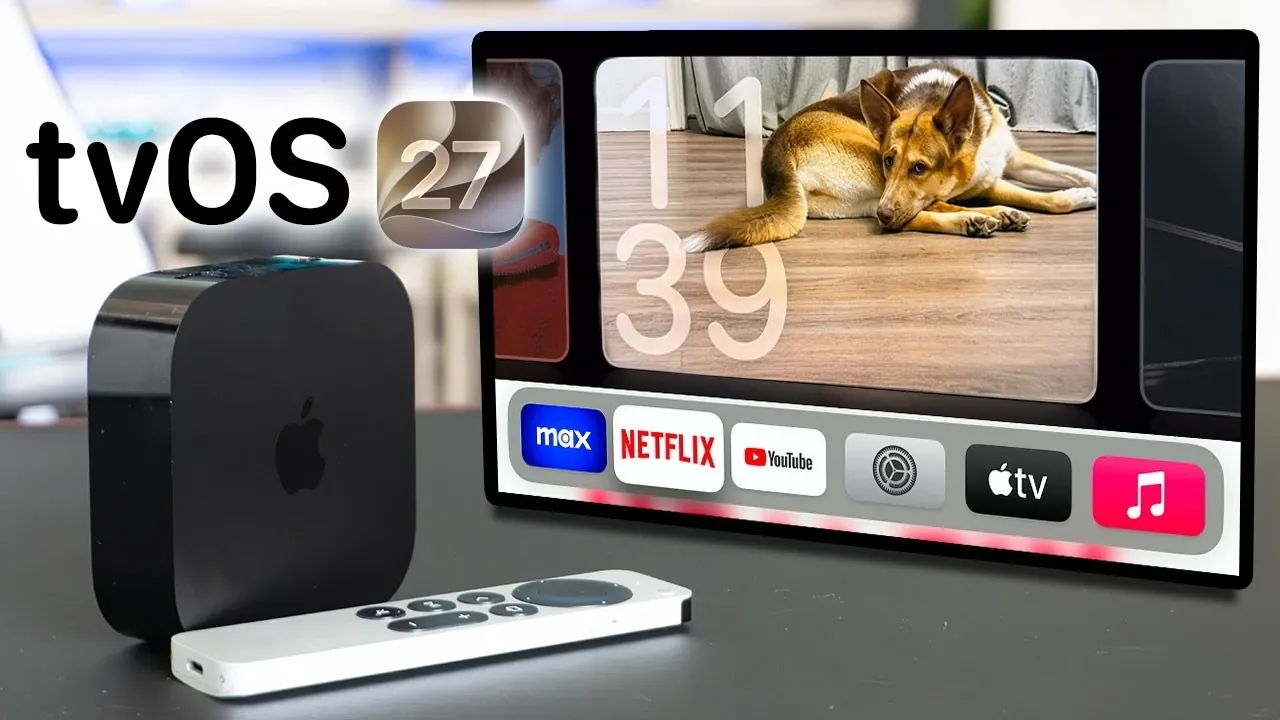
Apple has officially launched tvOS 27, a comprehensive update designed to refine and enhance the Apple TV experience. This release brings a combination of new features, interface improvements, and performance upgrades, all while phasing out support for older devices. Whether you’re a long-time Apple TV user or new to the platform, this update introduces meaningful changes that aim to improve functionality and usability. Here’s a detailed look at what tvOS 27 has to offer. The video below from HotshotTek gives us more details about the new tvOS.

Device Compatibility: What’s Changed?
One of the most significant aspects of tvOS 27 is its updated compatibility requirements. The new version supports only the Apple TV 4K (2nd generation or newer), leaving behind the Apple TV HD and the 1st generation Apple TV 4K. This shift allows Apple to focus on using the advanced hardware capabilities of newer devices, allowing features that older models cannot support.
If you own an unsupported device, upgrading your hardware is essential to access the latest features and improvements. While this change may inconvenience some users, it ensures that the platform remains optimized for modern technology and performance standards.
Interface Updates: A Fresh Look and Feel
tvOS 27 introduces a series of subtle yet impactful updates to the user interface, enhancing both aesthetics and usability. These changes aim to create a more engaging and intuitive experience for users:
- Liquid Glass App Icons: The app icons now feature a sleek “liquid glass” effect, giving the interface a modern and polished appearance.
- Redesigned Podcast App: The Podcast app has been overhauled with a cleaner layout, making it easier to navigate and discover new content.
- Apple Music Integration: Music videos, artist interviews and other exclusive content are now accessible directly within the Podcast app, streamlining your entertainment options.
These updates not only improve the visual appeal of the interface but also enhance functionality, making it easier for users to interact with their favorite apps and content.
New Features: Enhancing Accessibility and Personalization
tvOS 27 introduces a variety of new features designed to cater to diverse user needs, from accessibility improvements to enhanced personalization options. These additions aim to make the Apple TV experience more inclusive and user-friendly:
- Profile Switching: Users can now switch profiles directly within apps, eliminating the need to navigate through the control center. This feature is particularly useful for households with multiple users.
- Lossless Audio Support: Audiophiles can enjoy 24-bit lossless and high-resolution lossless audio, providing a superior listening experience. These settings can be customized for optimal sound quality.
- Text Size Adjustment: A new system-wide text size adjustment option in the accessibility settings makes the interface more accommodating for users with visual impairments.
- Warranty Information: Users can now access warranty and AppleCare details directly from the settings menu, simplifying device management and support inquiries.
These features highlight Apple’s commitment to improving the overall user experience, making sure that the platform meets the needs of a wide range of users.
Performance Enhancements: Faster, Smoother and More Reliable
Performance improvements are a cornerstone of the tvOS 27 update, delivering a faster and more seamless experience. Key enhancements include:
- AirPlay Optimization: AirPlay has been fine-tuned for faster and more reliable performance, reducing delays when sharing photos, videos, or other content.
- Control Center Improvements: The control center has been optimized for quicker access and smoother navigation, making it easier to manage settings and features.
These updates ensure that the system feels responsive and efficient, enhancing the overall usability of Apple TV.
HomeKit and Smart Home Integration
For users invested in smart home technology, tvOS 27 brings significant improvements to HomeKit functionality. These updates make Apple TV an even more capable hub for managing smart home ecosystems:
- 4K Surveillance Camera Support: The system now supports 4K resolution for surveillance cameras, providing sharper and more detailed video feeds for enhanced security.
- Enhanced Device Compatibility: Improved integration with high-end smart home devices ensures a smoother experience when monitoring and controlling your home environment.
These enhancements solidify Apple TV’s role as a central hub for smart home management, offering users greater control and convenience.
Additional Touches: Small but Noteworthy
While tvOS 27 focuses on major updates, it also includes smaller additions that add personality and charm to the platform. For example, new Snoopy-themed screen savers have been introduced, offering a playful and nostalgic touch to your Apple TV. These minor updates, though not new, contribute to a more enjoyable and personalized user experience.
A Comprehensive Update for Apple TV Users
tvOS 27 represents a balanced and thoughtful update that prioritizes compatibility, usability and performance. From the introduction of lossless audio support and profile switching to enhanced HomeKit integration and interface updates, this release caters to a wide range of user preferences and needs.
While the decision to drop support for older devices may require some users to upgrade their hardware, the benefits of the update make it a worthwhile investment for those seeking a more advanced and seamless Apple TV experience. Whether you’re a casual viewer or a tech enthusiast, tvOS 27 delivers meaningful improvements that enhance the functionality and appeal of the platform.
Here are more guides from our previous articles and guides related to tvOS 27 that you may find helpful.
- Why Apple’s iOS 27 and macOS 27 Will Change Everything
- Hardware Ready, Siri Isn’t: The Inside Story of the Apple TV 2026 Delay
Source & Image Credit: HotshotTek
Disclosure: Some of our articles include affiliate links. If you buy something through one of these links, Geeky Gadgets may earn an affiliate commission. Learn about our Disclosure Policy.
