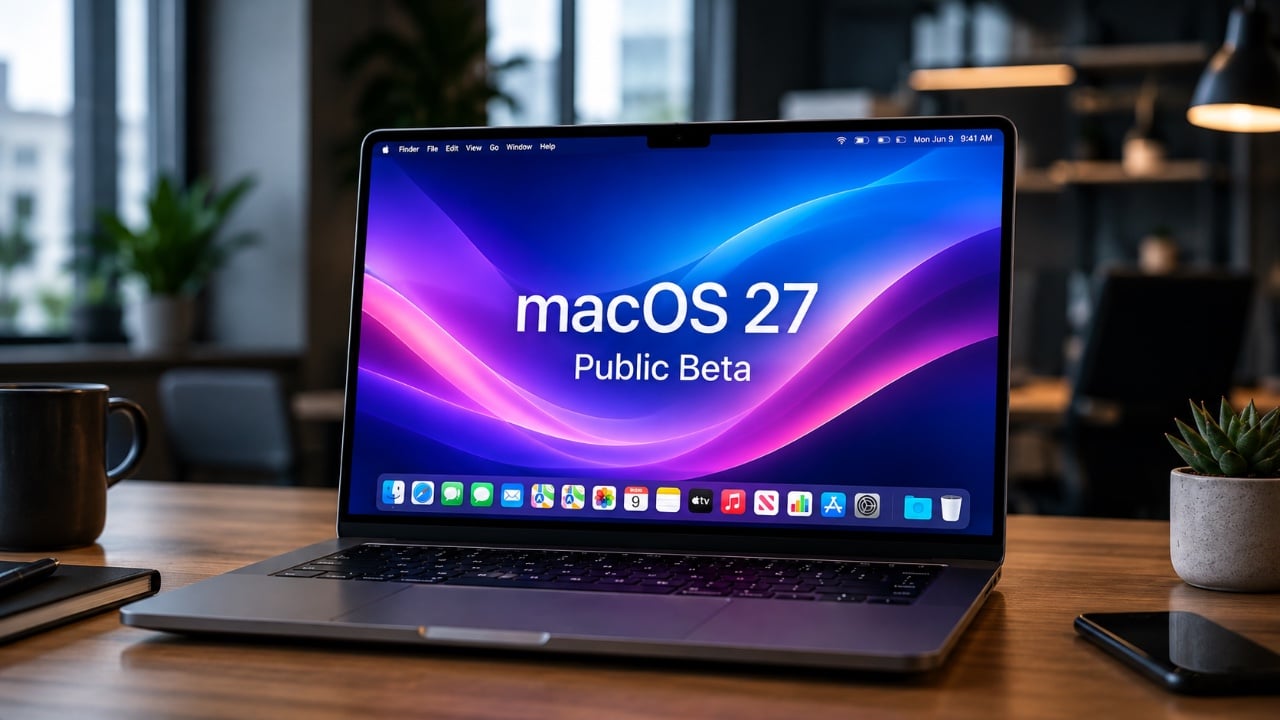
The macOS 27 Golden Gate public beta introduces a range of features designed to enhance productivity, design, and performance. With notable improvements to Siri, Safari, and system optimization, this release provides a clear vision of Apple’s commitment to creating a more seamless and intelligent Mac experience. While still in its beta phase, macOS 27 offers a compelling preview of the future of macOS, making it an exciting update for users eager to explore the next generation of functionality. The video below from MacRumors gives us more details on the latest macOS Beta.

Enhanced Siri Integration and Functionality
Siri in macOS 27 takes a significant step forward, becoming more intuitive and deeply integrated into the system. Its enhanced connection with Spotlight enables AI-driven searches that go beyond simple queries, allowing users to locate files, launch applications, and manage complex tasks with ease. Siri now acts as a proactive assistant, seamlessly embedded into your daily workflow.
One of Siri’s standout features is its ability to analyze on-screen content. For example, if you’re reading an email, Siri can suggest actions such as setting reminders, scheduling meetings, or drafting replies. Additionally, Siri’s new writing tools allow you to compose or rewrite text in apps like Mail and Messages, adapting to your preferred tone and style. These updates make Siri a more versatile and capable tool, enhancing its role in everyday productivity.
Streamlined Automation with Shortcuts
Automation becomes more accessible and user-friendly in macOS 27, thanks to significant updates to the Shortcuts app. Users can now create custom workflows using plain language commands, eliminating the need for technical scripting knowledge. For instance, you can instruct your Mac to “organize my downloads by file type” or “generate a daily summary of unread emails.” These capabilities empower users of all skill levels to streamline their workflows and save valuable time.
Shortcuts also integrate seamlessly with other macOS features, allowing for cross-app automation. Whether you’re automating file organization, setting up recurring tasks, or creating personalized notifications, the updated Shortcuts app makes it easier than ever to optimize your Mac for your specific needs.
Safari Updates: Smarter Browsing and Improved Efficiency
Safari in macOS 27 introduces a host of updates aimed at improving browsing efficiency and user experience. One of the most notable features is automatic tab organization, which groups your tabs by topic. This makes multitasking and research more manageable, especially for users who frequently work with multiple tabs open.
The new “Notify Me” feature is another valuable addition, allowing you to track webpage changes such as price drops or product restocks without the need for constant manual checking. This feature is particularly useful for online shoppers and researchers who need to stay updated on specific content.
Safari also introduces a swipe-to-refresh gesture, simplifying navigation and making it more intuitive. Combined with support for custom extensions created through plain language commands, these updates position Safari as a more powerful and user-friendly browser, catering to both casual users and professionals.
Refined Design and Enhanced Customization
macOS 27 brings subtle yet impactful design refinements that enhance the overall user experience. The introduction of an adjustable translucency slider allows users to personalize the system’s appearance, tailoring it to their preferences. Additionally, uniform toolbars, consistent corner radii and improved window shadows contribute to a polished and cohesive interface.
For users who rely on iPhone apps on macOS, the update significantly improves app mirroring. Resizable windows for iPhone apps provide greater flexibility, bridging the gap between mobile and desktop experiences. This enhancement ensures that users can seamlessly integrate their favorite apps into their Mac workflows, offering a more unified ecosystem experience.
Performance Enhancements for a Smoother Experience
Under the hood, macOS 27 delivers noticeable performance improvements that enhance the overall speed and efficiency of the system. Faster AirDrop transfers, optimized memory usage and enhanced CPU efficiency ensure that your Mac runs smoothly, even during demanding tasks. These updates are particularly beneficial for professionals who rely on their Macs for resource-intensive applications.
Network file browsing and iCloud photo uploads have also been optimized, resulting in faster file management and sharing. These performance boosts not only improve day-to-day usability but also demonstrate Apple’s commitment to delivering a reliable and efficient operating system.
Touchscreen Compatibility: A Glimpse into the Future
While not officially activated, macOS 27 includes subtle interface adjustments that hint at potential touchscreen compatibility. These changes suggest that Apple is preparing for a future where Macs may support touch input, aligning with broader hardware trends and user expectations. This forward-looking approach ensures that macOS remains adaptable to evolving technologies, reinforcing Apple’s commitment to innovation and ecosystem integration.
Why macOS 27 Beta Deserves Your Attention
The macOS 27 Golden Gate public beta represents a significant update that prioritizes usability, performance, and integration. From smarter Siri capabilities and streamlined automation to refined design elements and faster system performance, this beta offers a comprehensive upgrade for Mac users. While still in development, it provides a clear glimpse into Apple’s vision for the future of macOS, making it an exciting opportunity for those eager to explore the next evolution of the Mac experience.
Discover other guides from our vast content that could be of interest on macOS 27 Golden Gate.
- The Biggest Changes Coming to macOS 27 Golden Gate
- Why macOS 27 is Officially Apple’s Biggest Mac Update Yet
- macOS 27 Beta 3 Unlocks Golden Gate Upgrades for Testers
- What Makes macOS 27 Golden Gate Apple’s Best Update Yet
- Apple Brings Advanced Siri AI to macOS 27
Source: MacRumors
Disclosure: Some of our articles include affiliate links. If you buy something through one of these links, Geeky Gadgets may earn an affiliate commission. Learn about our Disclosure Policy.
