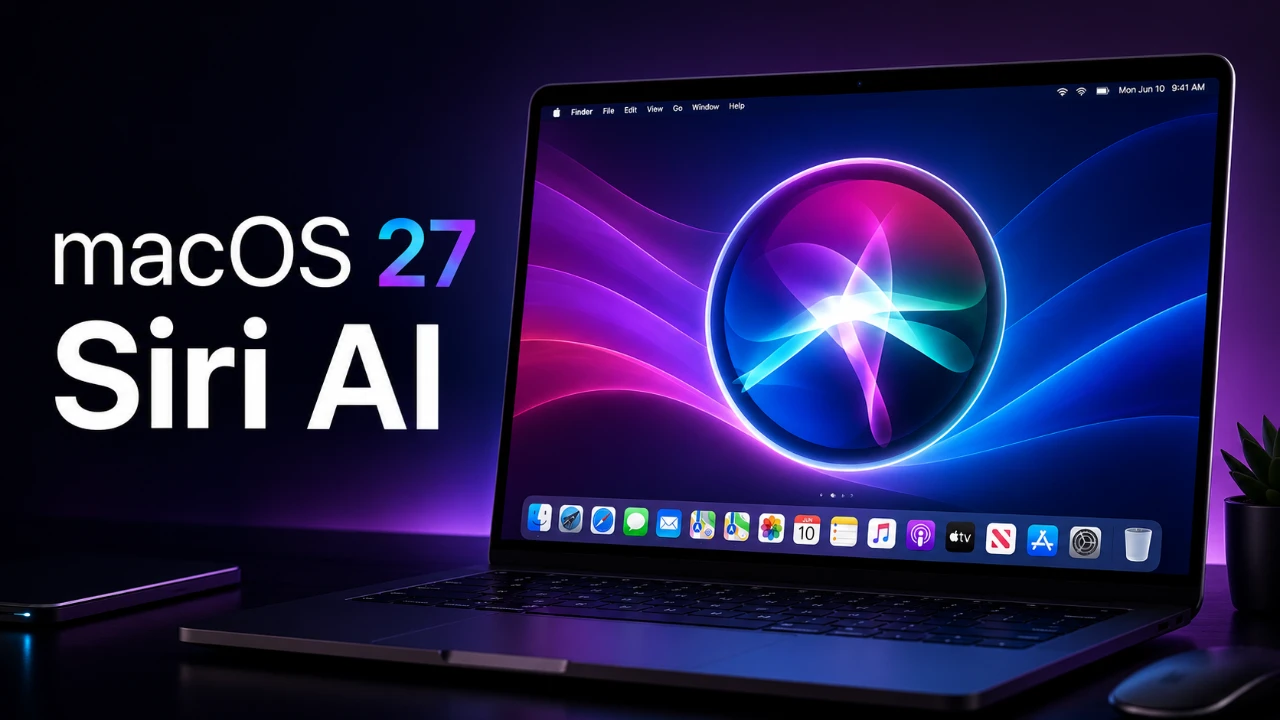
macOS 27 represents a significant step forward in operating systems, combining advanced Siri AI capabilities with a refined and user-centric experience. This update introduces a suite of features aimed at improving productivity, simplifying multitasking, and enhancing overall device functionality. With a strong focus on artificial intelligence, touch-based interactions, and predictive tools, macOS 27 is designed to meet the needs of both casual users and professionals. Below is an in-depth look at its most notable advancements. The video below from Stephen Robles gives us more details about the new features coming to the Mac in macOS 27.

Siri AI: Beyond a Voice Assistant
Siri AI in macOS 27 evolves from a basic voice assistant into a comprehensive productivity tool. By integrating seamlessly with Spotlight, Siri now offers predictive search capabilities, allowing you to locate files, retrieve information, and analyze documents with ease. For instance, Siri can compare two documents side-by-side or identify objects within images using its advanced visual intelligence.
This update also introduces multi-step automation, allowing Siri to handle complex tasks. Imagine taking a screenshot of a recipe and having Siri automatically add the ingredients to your grocery list or schedule a cooking reminder. A dedicated Siri app further enhances these capabilities, allowing you to manage ongoing tasks, track follow-ups, and refine workflows, all from a single interface.
Smarter File Management with Finder
Finder in macOS 27 receives a substantial upgrade, making file organization more intuitive and efficient. It now suggests file names based on content, reducing manual effort. For example, saving a PDF with meeting notes might prompt a name like “Team Meeting – July 2026,” streamlining the process and improving productivity.
The Control Center also sees enhancements, offering improved customization options. You can now prioritize frequently used tools and settings, creating a cleaner and more streamlined workspace tailored to your specific needs.
Enhanced Touch-Based Interactions
Touch functionality takes center stage in macOS 27, particularly through Sidecar and iPhone mirroring. Sidecar now supports advanced touch gestures, such as scrolling, selecting, and dragging, when using an iPad as a secondary display. This makes multitasking across devices more seamless and intuitive.
Improvements to iPhone mirroring allow you to resize mirrored content for better usability. Whether you’re presenting slides, reviewing photos, or managing apps, this feature ensures a smoother and more integrated experience between your devices.
Safari: Smarter Browsing
Safari in macOS 27 introduces several practical enhancements to elevate your browsing experience. The new “Notify Me” feature tracks changes on webpages, keeping you updated on critical information without requiring constant manual checks. For example, you can monitor product availability or breaking news effortlessly.
Additional updates include a pull-to-refresh gesture for easier navigation and automatic tab organization by topic, which groups related tabs for better management. Custom Safari extensions further allow you to tailor the browser to your specific needs, enhancing both functionality and personalization.
Media and Podcasts: A Richer Experience
The Podcasts app now supports video podcasts, allowing seamless enjoyment of multimedia content across devices, including Apple TV. Features like chapter navigation and follow-along transcripts improve accessibility, allowing you to jump to specific segments or read along with audio content.
These updates cater to a wide range of users, from casual listeners to professionals, whether you’re unwinding with entertainment or using podcasts for education and professional development.
Weather and Freeform: Enhanced Utility
The Weather app in macOS 27 delivers more detailed insights, such as precipitation levels, wind conditions, and temperature trends. These updates make it easier to plan your day, whether you’re scheduling outdoor activities or managing travel plans.
In the Freeform app, new folder organization and trackpad drawing capabilities enhance collaboration and creativity. These features streamline brainstorming sessions and project planning, making teamwork more efficient and intuitive.
Refined User Interface and System Updates
macOS 27 introduces subtle yet impactful changes to its user interface, focusing on both aesthetics and functionality. Automatic icon management declutters the menu bar, while uniform corner radii across windows create a cohesive and polished visual design. The new liquid glass slider allows you to adjust transparency levels, adding a layer of personalization to your workspace.
Additional Features Worth Noting
macOS 27 also includes several smaller but valuable updates that enhance the overall user experience:
- Ethernet connection visibility in the Control Center for quick access to network details.
- Expanded automation triggers in Shortcuts to improve task management and streamline workflows.
- Enhanced data syncing to ensure consistency across all your devices, reducing the risk of discrepancies.
macOS 27: A Vision for the Future
macOS 27 exemplifies Apple’s commitment to innovation, blending innovative AI capabilities with thoughtful design and practical functionality. From Siri’s predictive tools to enhanced touch interactions and smarter file management, this update redefines the operating system experience. With these advancements, macOS 27 not only addresses current user needs but also lays the groundwork for future developments, such as touchscreen Macs or foldable devices. This update positions macOS as a more connected, intelligent, and user-friendly platform, setting a new standard for modern computing.
Advance your skills in Siri AI Integration by reading more of our detailed content.
- 10 New Siri AI Features in iOS 27 You Need to Try First
- Why Everyone is Talking About the New Siri in iOS 27
- Why Apple’s New Siri AI in iOS 27 Changes Everything
- First Look at the iOS 27 Siri Redesign Before WWDC 2026
Source: Stephen Robles
Disclosure: Some of our articles include affiliate links. If you buy something through one of these links, Geeky Gadgets may earn an affiliate commission. Learn about our Disclosure Policy.
