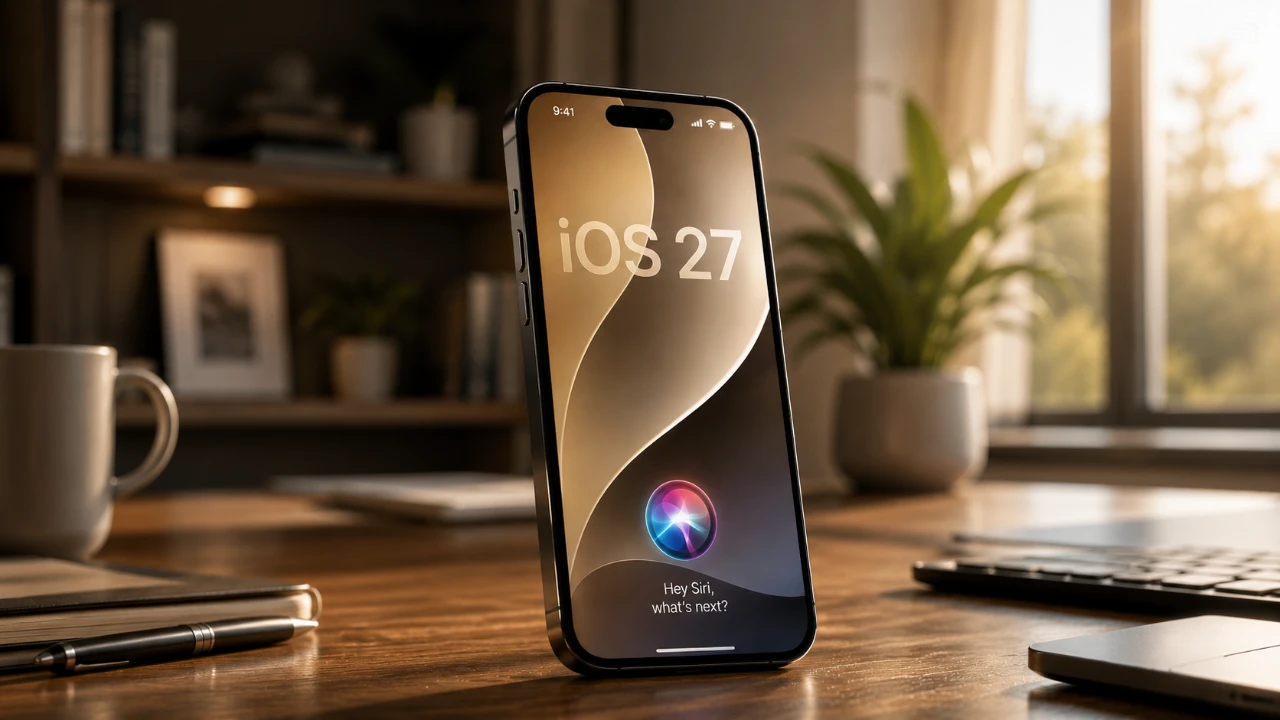
Apple’s iOS 27 introduces a fantastic leap in artificial intelligence (AI) integration, spearheaded by a significantly enhanced Siri AI. This update brings a host of innovative features, including personal context awareness, advanced photo editing tools, and substantial performance improvements. Whether you’re a technology enthusiast or a casual user, iOS 27 offers a more intuitive, efficient, and personalized experience designed to elevate everyday interactions with your device. The video below from Nikia Molina gives us more details about the new iOS 27 and Siri.

Siri AI: Contextual Intelligence at Its Core
At the heart of iOS 27 lies the reimagined Siri AI, which combines a vast repository of global knowledge with personal context to deliver highly relevant and precise assistance. Siri now handles complex queries with ease, such as comparing products, analyzing trends, or providing historical insights, thanks to its expanded database and improved processing capabilities.
A defining feature of Siri in iOS 27 is its ability to understand and use personal context. By analyzing data from your messages, emails and frequently used apps, Siri can offer tailored recommendations and proactive reminders. For example, if you mention a dinner reservation in a text, Siri might suggest adding it to your calendar or even offer directions to the restaurant.
The new Siri app centralizes all interactions, allowing you to manage conversations, review past queries and adjust settings in one place. Cross-app functionality further enhances productivity, allowing tasks like editing photos or sending messages without switching between apps. Additionally, customizable voice options, including pitch, tone and accent, allow users to personalize their experience further.
Camera and Photos: AI-Driven Creativity Unleashed
The Camera and Photos apps in iOS 27 receive a significant upgrade with the integration of advanced AI-driven features. Object recognition technology enables users to identify items in photos, such as plants, books, or meals, and access detailed information or actionable recommendations. For instance, scanning a plant can provide care tips, while identifying a dish might reveal its nutritional content.
The Photos app introduces three new editing tools:
- Cleanup: Precisely removes unwanted objects from images, enhancing their overall quality.
- Extend: Seamlessly expands the boundaries of a photo, creating a more immersive scene.
- Reframe: Adjusts the perspective of an image, making it easier to crop or align for specific purposes.
These tools, combined with photorealistic image generation capabilities, empower users to explore new creative possibilities, whether for personal projects or professional use.
Enhanced Automation with Siri Shortcuts
Automation becomes more accessible and intuitive in iOS 27, thanks to AI-generated Siri Shortcuts. Users can now describe tasks in natural language and Siri will create tailored shortcuts to streamline those activities. For example, saying, “Set up a bedtime routine with a weather update and relaxing music,” generates an automation that runs nightly.
This feature simplifies repetitive tasks, such as sending pre-written messages, managing smart home devices, or organizing daily schedules. The user-friendly interface ensures that even those unfamiliar with automation can create and manage shortcuts effortlessly, making it a valuable tool for enhancing productivity and convenience.
Safari: Smarter Browsing and Shopping Features
Safari in iOS 27 introduces several enhancements designed to improve browsing and online shopping experiences. Automatic tab grouping organizes tabs by themes, such as work, travel, or shopping, reducing clutter and allowing users to focus on specific tasks. For instance, vacation-related tabs can be grouped separately from work-related ones, streamlining navigation and boosting productivity.
Additionally, Safari now includes notifications for price drops and product restocks. If you’re tracking an item online, you’ll receive timely alerts when its price decreases or it becomes available again. This feature saves users time and effort, making online shopping more efficient and rewarding.
Performance and System Enhancements
iOS 27 delivers significant performance improvements, making sure a smoother and faster user experience. App launches are up to 30% quicker, photo loading speeds have increased by 70%, and AirDrop transfers are now 80% faster. These enhancements cater to users who demand efficiency and reliability in their devices.
The update is compatible with devices as old as the iPhone 11, extending its benefits to a broad user base. Additionally, the new liquid glass UI customization feature allows users to adjust the intensity of visual effects, offering a more personalized and aesthetically pleasing interface.
Additional Features That Elevate the Experience
iOS 27 introduces several other noteworthy features that enhance functionality and creativity:
- Call Context Retrieval: During phone calls, Siri can retrieve relevant information, such as related emails or notes, in real-time to assist with discussions.
- FaceTime Dual Capture: Record both yourself and your surroundings simultaneously, making it ideal for video calls, presentations, or content creation.
- Image Playground Expansion: Generate high-quality, photorealistic images using customizable prompts, allowing users to enhance their creative workflows.
- Apple Maps and Home Updates: Improved navigation features and smarter integration with smart home devices provide a more seamless experience.
A New Standard for Mobile Operating Systems
iOS 27 sets a new benchmark for mobile operating systems by seamlessly integrating advanced AI capabilities with user-friendly features. From the smarter, context-aware Siri AI to innovative photo editing tools and enhanced automation, this update redefines what users can achieve with their devices. Whether you’re managing daily tasks, exploring creative projects, or simply navigating your phone, iOS 27 delivers a cohesive, intelligent platform tailored to meet your needs.
Source: Nikias Molina
Disclosure: Some of our articles include affiliate links. If you buy something through one of these links, Geeky Gadgets may earn an affiliate commission. Learn about our Disclosure Policy.
