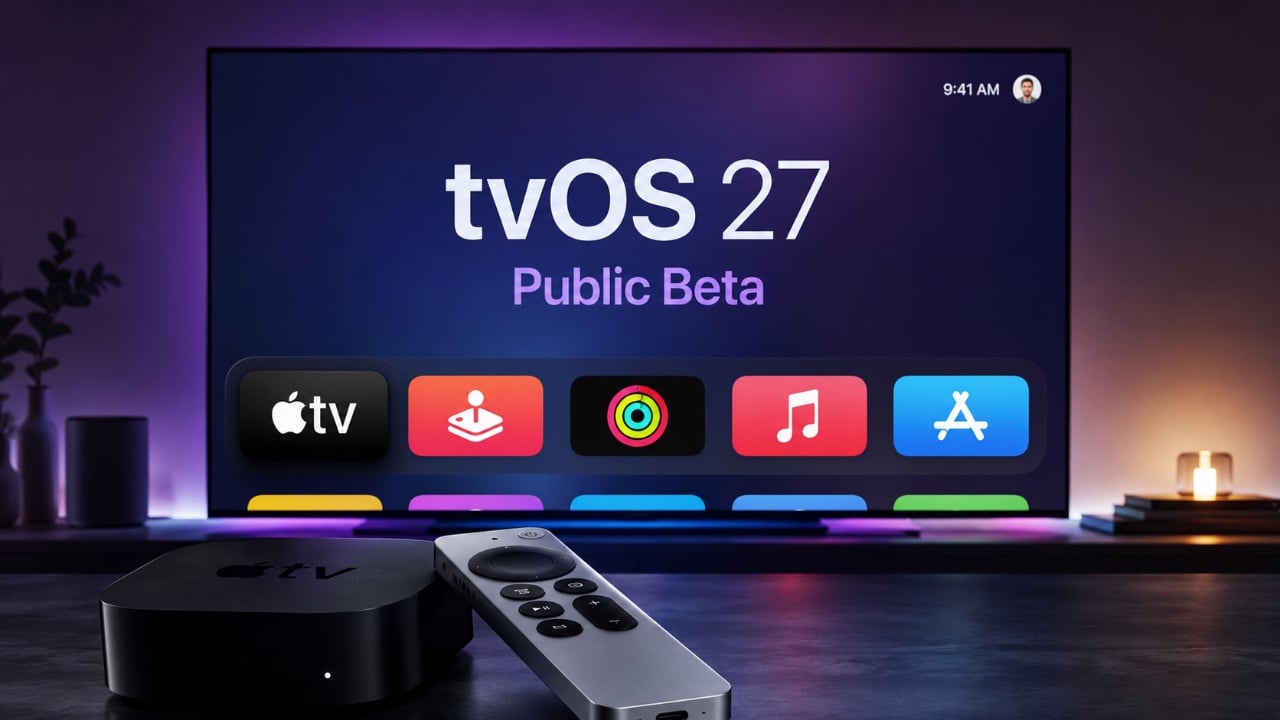
Apple has officially released the tvOS 27 public beta, introducing a range of new features and improvements designed to enhance the Apple TV experience. This update focuses on usability, performance, and integration, but it is exclusively available for Apple TV 4K (2nd generation or newer). Older models, such as the Apple TV HD and 1st generation Apple TV 4K, are no longer supported. Below is a detailed look at the key updates and their significance in a great new video from HotshotTek.

Device Compatibility
The tvOS 27 public beta is compatible with Apple TV 4K (2nd generation or later). Apple’s decision to discontinue support for older devices highlights its commitment to using the advanced hardware capabilities of newer models. These capabilities enable features such as high-resolution audio, improved graphics, and seamless smart home integration. By focusing on modern devices, Apple ensures that users can fully benefit from the latest innovations without being constrained by outdated hardware.
Refreshed User Interface
The tvOS 27 update introduces a modernized and visually appealing user interface that enhances both functionality and aesthetics. Key updates include:
- A “liquid glass” effect for app icons, giving them a sleek and polished appearance.
- A redesigned Podcast app with a cleaner layout and a new “channels” feature, making it easier to discover and organize content.
- Integrated profile switching within apps, simplifying navigation for households with multiple users.
These changes are designed to make the interface more intuitive and visually engaging, making sure a smoother user experience.
Enhanced Audio Features
For audio enthusiasts, tvOS 27 introduces support for lossless audio (24-bit) and high-resolution lossless audio in Apple Music. This feature allows users to enjoy a richer and more immersive listening experience, particularly when paired with high-end audio equipment. To enable this feature, users must manually adjust the “Audio Quality” settings in the system preferences. This update underscores Apple’s commitment to delivering premium audio quality for its users.
Improved AirPlay Performance
AirPlay functionality has been significantly optimized in tvOS 27, resulting in faster and more responsive performance. Whether you’re streaming photos, videos, or other media from your iPhone to your Apple TV, the improved AirPlay ensures a seamless and lag-free experience. These enhancements make it easier than ever to share content across Apple devices, reinforcing the ecosystem’s interconnectedness.
Accessibility Enhancements
Accessibility remains a key focus in tvOS 27. Users can now adjust text size across the operating system, including within third-party apps. This feature improves readability and ensures the interface is more inclusive for individuals with varying visual needs. By prioritizing accessibility, Apple continues to make its devices usable for a broader audience.
Apple Care and Warranty Integration
A new Apple Care menu has been added to the settings, providing users with a centralized hub for managing their device’s warranty and support options. This menu allows users to:
- View their device’s warranty status.
- Access detailed device information, such as serial numbers and hardware specifications.
- Explore support options directly from the Apple TV interface.
This integration simplifies the process of managing device coverage and accessing assistance, making it more convenient for users to resolve issues.
Smart Home Upgrades: HomeKit and Matter Support
The tvOS 27 update brings significant enhancements to smart home functionality, particularly for users using HomeKit and the Matter protocol. Key improvements include:
- Enhanced compatibility with 4K surveillance cameras, making sure seamless integration into smart home setups.
- The ability to individually update Apple TVs and enable beta updates for HomePods, offering greater flexibility in managing smart home devices.
These updates solidify Apple TV’s role as a central hub for smart home ecosystems, providing users with greater control and compatibility.
Performance and Stability
Despite being a beta release, tvOS 27 demonstrates noticeable improvements in system responsiveness and stability. These enhancements ensure a smoother user experience during testing and lay the groundwork for a reliable final release. Apple’s focus on performance optimization reflects its commitment to delivering a high-quality product, even in its early stages.
Additional Notes
While tvOS 27 does not introduce major changes to screen savers, minor additions, such as Snoopy-themed content, add a touch of variety. These subtle updates complement the broader improvements, providing users with small but enjoyable enhancements without overshadowing the core features.
Why tvOS 27 Matters
The tvOS 27 public beta offers a glimpse into the future of Apple TV, showcasing meaningful updates across usability, audio quality, AirPlay performance and smart home integration. By focusing on the capabilities of newer hardware, Apple ensures that users can enjoy a robust and feature-rich experience. For those with compatible devices, exploring the beta provides an opportunity to experience these enhancements firsthand and contribute to the refinement of the final release.
Below are more guides on tvOS 27 from our extensive range of articles.
- What Apple Didn’t Tell You About the tvOS 27 Update
- Updating Your Apple TV Just Got Way Easier Thanks to tvOS 27 Beta 2
- Why Apple’s New tvOS 27 Beta Feels Underwhelming
- Hardware Ready, Siri Isn’t: The Inside Story of the Apple TV 2026 Delay
Source & Image Credit: HotshotTek
Disclosure: Some of our articles include affiliate links. If you buy something through one of these links, Geeky Gadgets may earn an affiliate commission. Learn about our Disclosure Policy.
