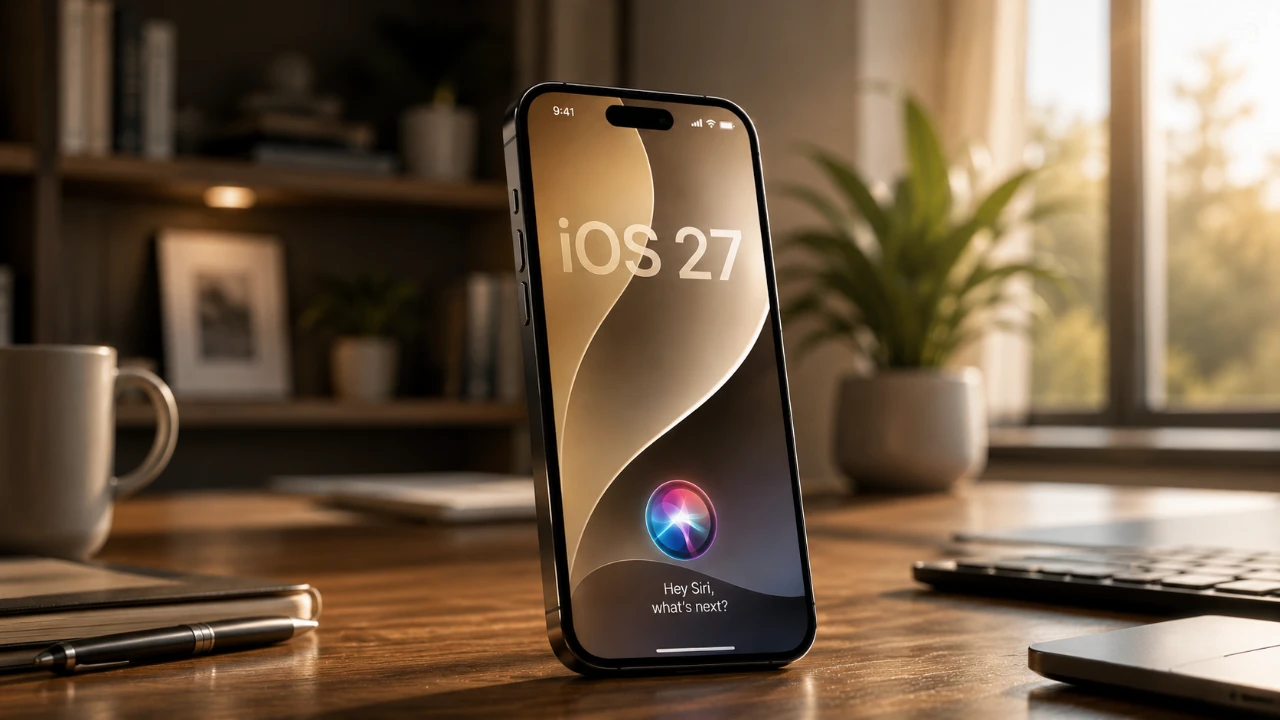
Apple’s iOS 27 Public Beta introduces a wide range of updates aimed at enhancing usability and personalization. While some features have garnered significant attention, others remain underappreciated despite their potential to simplify tasks and improve daily interactions. Below, we explore ten overlooked features that combine AI, automation, and customization to elevate your experience with Apple devices.

CarPlay Skimming Tool: Safer Audio Navigation
The new CarPlay skimming tool makes managing audio while driving more intuitive and safer. This feature allows you to skip, rewind, or resume audio directly from the CarPlay interface, minimizing the need to interact with your device. By reducing distractions, it helps you stay focused on the road while maintaining control over your media. Whether you’re listening to a podcast or your favorite playlist, this tool ensures seamless navigation without compromising safety.
Video Captions: Accessibility at Its Best
iOS 27 introduces Siri-powered video captions, offering a significant improvement in accessibility. This feature automatically generates accurate captions for recorded videos, making it easier to follow dialogue or narration in various settings. Whether you’re in a quiet environment or need additional clarity, this tool ensures inclusivity and convenience for all users. It’s particularly beneficial for individuals with hearing impairments or those who prefer watching videos without sound.
Customizable AirPods EQ: Tailored Audio
For audiophiles and casual listeners alike, iOS 27 brings customizable equalizer settings for AirPods equipped with the H2 chip, including AirPods Pro (2nd and 3rd generation) and AirPods Max. This feature allows you to fine-tune audio preferences, making sure an optimal listening experience across different music genres and environments. Whether you prefer deep bass or crisp treble, the customizable EQ adapts to your unique sound profile, enhancing every listening session.
Split Bill Feature: Simplified Group Expenses
Managing shared expenses is now more straightforward with the split bill feature. By scanning receipts, this tool calculates individual shares and sends invoices or receipt copies to group members. Whether you’re splitting a dinner bill, dividing travel costs, or organizing group purchases, this feature eliminates the hassle of manual calculations. It’s a practical solution for streamlining financial interactions in social settings.
Safari Price Tracking: Smarter Shopping
Safari now includes a built-in price tracking tool, eliminating the need for third-party apps to monitor price drops. This feature notifies you of price changes for your favorite products or services, making sure you never miss a deal. By integrating this functionality directly into Safari, Apple makes online shopping more efficient and budget-friendly, helping you save time and money.
Siri Shortcuts Automation: Streamlined Tasks
Siri Shortcuts in iOS 27 use AI to simplify task automation. The updated feature analyzes your commands and generates personalized shortcuts tailored to your daily routines. This enhancement reduces repetitive tasks, allowing you to focus on more important activities. Whether it’s setting reminders, controlling smart home devices, or launching apps, Siri’s automation capabilities make everyday interactions more efficient.
Enhanced Siri AI Search: Smarter Results
Search functionality receives a significant upgrade with Siri AI in iOS 27. The enhanced search tool works across both first- and third-party apps, delivering contextual results based on what’s on your screen. Whether you’re looking for a specific document, app feature, or piece of information, Siri provides precise and relevant answers. This improvement ensures faster access to the content you need, streamlining your workflow.
Minimized Timer Display: Cleaner Lock Screen
The lock screen in iOS 27 now features a minimized timer display, offering a cleaner and more customizable layout. This subtle yet impactful change allows you to prioritize aesthetics while maintaining functionality. By reducing visual clutter, the minimized timer display ensures your lock screen remains polished and organized, enhancing the overall user experience.
Wallpaper Extension Tools: Perfect Framing
With wallpaper extension tools, iOS 27 makes it easier to adjust and extend lock screen wallpapers for better subject framing. This feature eliminates the need for external editing apps, allowing you to create cohesive and professional-looking lock screens directly from your device. Whether you’re showcasing a favorite photo or a custom design, these tools ensure your wallpaper fits perfectly.
AI-Powered Photo Background Extension: Seamless Edits
Photo editing becomes more intuitive with Siri’s AI-powered background extension tool. This feature enables you to naturally extend photo backgrounds, making it simple to enhance portraits or create social media-ready images. By eliminating the need for third-party software, this tool streamlines the editing process, allowing you to achieve professional-quality results with minimal effort.
Unlock the Full Potential of iOS 27
The lesser-known features of iOS 27 demonstrate Apple’s commitment to enhancing user experience through thoughtful innovation. From AI-driven tools to advanced customization options, these updates cater to a wide range of needs, helping you get more out of your Apple devices. By exploring these underrated features, you can discover new ways to simplify tasks, improve accessibility, and personalize your interactions with technology.
Here are additional guides from our expansive article library that you may find useful on iOS 27 features.
- Apple Just Confirmed 8 Major Features Coming to iOS 27
- iOS 27 Rumors: Top Features We Need (and What’s Leaked So Far)
- iOS 27 Leak: Apple Is Giving You More Control Over the ‘Liquid Glass’ Design
- What to Expect from Apple’s Massive iOS 27 Update
- Apple’s iOS 27: Here Are the Features That Matter
Source: HotshotTek
Disclosure: Some of our articles include affiliate links. If you buy something through one of these links, Geeky Gadgets may earn an affiliate commission. Learn about our Disclosure Policy.
