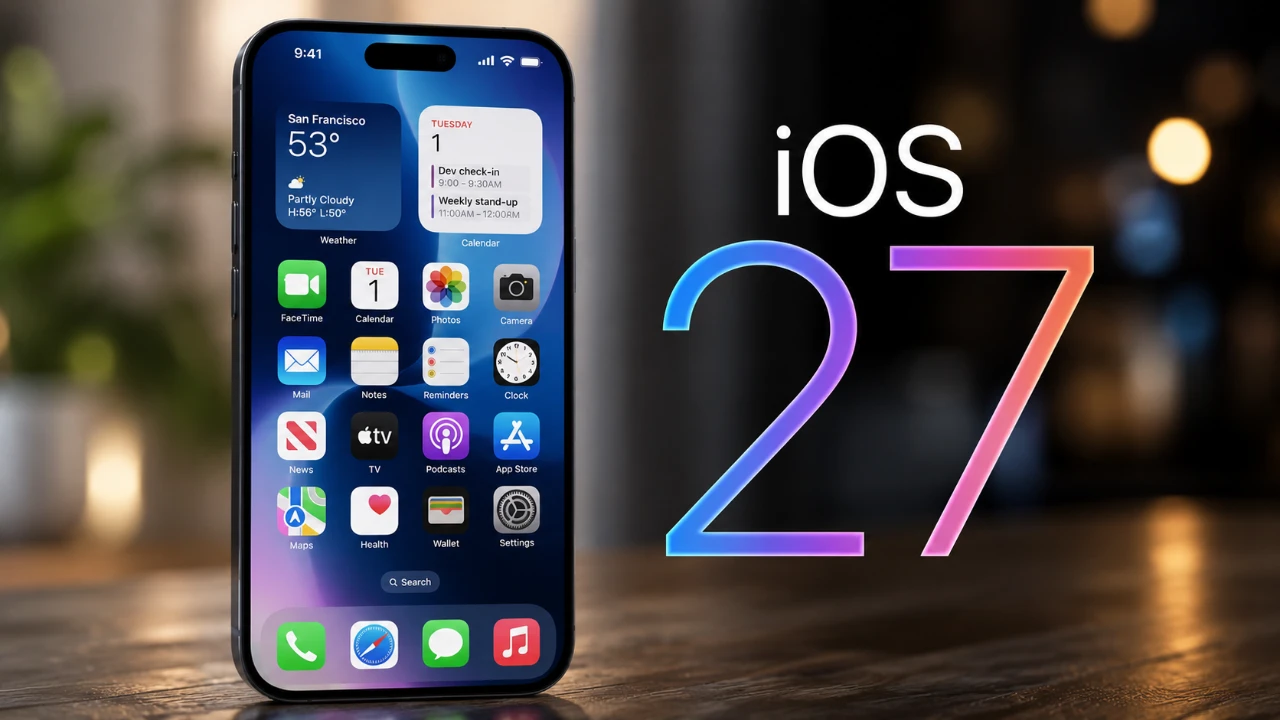
The release of the iOS 27 public beta marks a significant step forward in enhancing the iPhone experience. Packed with a variety of updates, this version focuses on usability, personalization, and accessibility. From AI-powered tools to refined design elements, iOS 27 offers a glimpse into the future of mobile technology. Whether you’re eager to explore its features or considering installing the beta, this guide provides all the essential details.

Compatibility and Installation
iOS 27 is compatible with iPhone 11 and newer models, making sure a wide range of users can access its features. To install the public beta, follow these steps:
- Visit Apple’s official website and enroll your device in the Beta Software Program.
- Once registered, open the Settings app on your iPhone.
- Navigate to General > Software Update and download the beta version.
Before proceeding, it is crucial to back up your device. Beta software can sometimes be unstable, and a backup ensures your data remains secure in case of any issues.
Key Features and Updates
The iOS 27 public beta introduces a host of new features and improvements designed to enhance the overall user experience. These updates span across the home screen, AI tools, accessibility options, and app functionality.
Home Screen and Lock Screen Enhancements
The home screen and lock screen receive several updates aimed at improving both aesthetics and functionality:
- Redesigned Icons: The new “liquid glass” icons offer adjustable transparency, allowing users to customize their home screen with a unique, modern look.
- Extra-Large Widgets: Larger widgets provide quick access to critical information, making the home screen more practical and user-friendly.
- Lock Screen Improvements: Enhanced contrast for shortcuts like the flashlight and camera ensures easier access. Additionally, new animations for unlocking and accessing the Control Center add a polished touch.
- Timer Integration: The lock screen now displays the date alongside active countdowns, offering added convenience for time management.
AI-Powered Personalization and Tools
Artificial intelligence plays a central role in iOS 27, delivering smarter and more intuitive features:
- Wallpaper Tools: AI-powered framing and extension ensure wallpapers are perfectly optimized for your device’s screen, enhancing visual appeal.
- Photos App Enhancements: Advanced editing tools allow users to crop, extend, or erase objects effortlessly. Improved filters help organize user-captured photos, while iCloud syncing keeps your photo library consistent across devices.
Accessibility and Control Center Improvements
Accessibility remains a priority in iOS 27, with updates designed to make the iPhone more inclusive and user-friendly:
- Improved Navigation: Features such as icon highlighting and border adjustments make it easier for users with visual impairments to navigate their devices.
- Streamlined Control Center: The combination of LTE and Wi-Fi indicators creates a cleaner interface. Additionally, real-time adjustments for liquid glass effects provide greater customization options.
- Accessibility Shortcut: A new shortcut simplifies access to essential tools and settings, improving usability for all users.
Advanced Siri AI and Voice Customization
Siri receives substantial upgrades in iOS 27, making it more versatile and responsive:
- Context-Aware Responses: Siri now adapts its responses based on your current screen activity, offering more relevant assistance.
- Dedicated Siri App: A standalone app allows users to manage conversations and tasks more efficiently.
- Voice Customization: Users can adjust Siri’s voice and interaction style to better suit their preferences.
- Expanded Capabilities: Siri can now perform tasks such as translating captions, managing files, and conducting device searches with improved accuracy.
Safari and Apple Wallet Updates
The Safari browser and Apple Wallet app also receive notable enhancements:
- Safari: Subject-based tab organization simplifies managing multiple browsing sessions. Notifications for price drops and content updates keep users informed without requiring manual checks.
- Apple Wallet: Users can create and customize digital passes, split bills using Apple Cash, and enjoy smoother animations for Apple Pay transactions.
Shortcuts, Automations, and App-Specific Improvements
iOS 27 introduces updates to shortcuts, automations, and several native apps:
- Shortcuts: Siri now provides guidance during shortcut creation, making the process more intuitive. Automations can also be toggled on or off as needed.
- App Updates: Apple Music gains a persistent search bar, while the Shortcuts and Weather apps now support landscape mode. Redesigned interfaces for the Reminders and Feedback apps improve usability.
- Device Management: Users can manage updates for Apple devices like Apple TVs and HomePods directly from their iPhone, streamlining device maintenance.
Enhanced Notifications and Miscellaneous Features
Additional updates in iOS 27 enhance notifications and introduce several quality-of-life improvements:
- Notifications: New animations for incoming calls and alerts create a more engaging experience.
- Connectivity Assistant: This feature ensures smoother transitions between Wi-Fi and cellular networks, reducing connectivity disruptions.
- Independent Volume Controls: Users can now adjust alarm, music, and notification volumes separately, offering greater control over audio settings.
Explore iOS 27 Today
The iOS 27 public beta delivers a comprehensive suite of updates that prioritize personalization, accessibility, and AI-driven functionality. From redesigned icons and smarter Siri interactions to enhanced app features and improved accessibility tools, this update is designed to make your iPhone more intuitive and efficient. If you’re ready to experience these features firsthand, consider enrolling in Apple’s Beta Software Program and take the next step in exploring the future of iOS.
Advance your skills in iOS 27 Public Beta by reading more of our detailed content.
- The Difference Between the iOS 27 Public and Developer Betas
- Should You Install iOS 27 Beta 3 or Wait for the Public Beta?
- How to Safely Move from iOS 27 Developer Beta to Public Beta
- Is iOS 27 Beta 4 the Update Public Testers Have Been Waiting For?
- iOS 27 Public Beta Checklist: Things to Do Before You Download
Source & Image Credit: HotshotTek
Disclosure: Some of our articles include affiliate links. If you buy something through one of these links, Geeky Gadgets may earn an affiliate commission. Learn about our Disclosure Policy.
