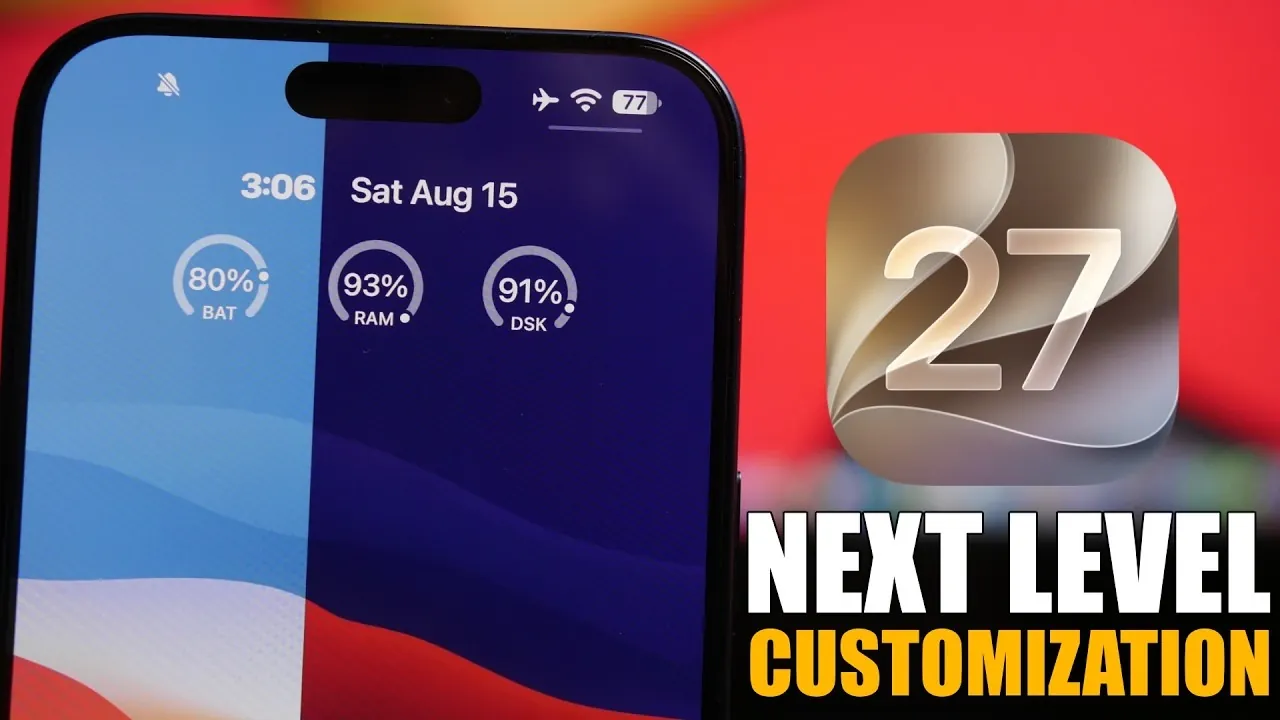
Apple’s iOS 27 introduces a range of features that redefine how you can personalize your iPhone lock screen. With a focus on both aesthetics and functionality, this update enables users to create a lock screen experience that reflects their unique preferences. From advanced clock customization to AI-powered tools, iOS 27 offers a more dynamic and user-centric approach to personalization. Below, we explore five standout features that make this update a significant enhancement for iPhone users. The video below from iReviews gives us more details.

1. Clock Customization: Tailor Your Time Display
iOS 27 revolutionizes the way you interact with your lock screen by offering advanced clock customization options. You can now choose between large or small clock formats, catering to your preference for readability or minimalism. Additionally, the update allows you to modify the font style and color of the clock, allowing seamless integration with your chosen wallpaper for a cohesive design.
Widgets have also been repositioned higher on the screen, creating a cleaner and more organized layout. This adjustment ensures that essential information is easily accessible while maintaining a visually appealing lock screen. Whether you prioritize functionality or aesthetics, this feature offers a balance that enhances your overall experience.
2. Dynamic Wallpapers: A Lock Screen That Evolves
Dynamic wallpapers in iOS 27 bring a new level of interactivity and personalization to your lock screen. These wallpapers adapt throughout the day, reflecting changes in time or environment to provide a fresh visual experience every time you unlock your phone.
For added customization, you can match the wallpaper colors to your iPhone’s body color, creating a unified and polished look. Additionally, the update allows you to adjust the intensity of wallpaper colors, giving you the flexibility to create either a subtle or vibrant aesthetic. This feature ensures that your lock screen remains dynamic, visually engaging and uniquely tailored to your style.
3. AI-Powered Wallpaper Extension: Seamless Integration
One of the most innovative features in iOS 27 is the AI-powered wallpaper extension tool. This tool intelligently extends your chosen wallpaper to eliminate black borders, making sure a seamless fit across the lock screen. Whether you’re using a photograph, an illustration, or a digital design, the AI adjusts the image to fill the screen perfectly, enhancing its overall appearance.
This feature is particularly beneficial for images that don’t naturally align with your screen dimensions. By eliminating the need for manual adjustments, the AI-powered extension provides a polished and professional look. It’s a simple yet powerful way to elevate your lock screen’s visual appeal and make the most of your chosen imagery.
4. Image Playground: Design Custom Wallpapers
For users who enjoy creative control, the Image Playground tool in iOS 27 offers an exciting opportunity to design custom wallpapers. By simply describing the image you want, this feature generates unique wallpapers tailored to your preferences. Whether you envision animated designs, artistic sketches, or intricate illustrations, the tool provides multiple styles to choose from.
Using advanced image generation technology, Image Playground enables you to create a lock screen that’s truly one of a kind. This feature is ideal for those who want their device to reflect their personal creativity and individuality, making it a standout addition to iOS 27’s customization toolkit.
5. Streamlined Media Player Controls: Declutter Your Lock Screen
iOS 27 introduces improvements to media player controls, offering a cleaner and more streamlined lock screen experience. You now have the option to hide media controls without interrupting playback, allowing your wallpaper to take center stage.
This update is particularly beneficial for users who prioritize the visual appeal of their lock screens. While the controls remain accessible when needed, their removal declutters the interface, making sure a more polished and distraction-free design. This thoughtful enhancement strikes a balance between functionality and aesthetics, giving users greater control over their lock screen layout.
Personalization Meets Functionality
With iOS 27, Apple has redefined lock screen customization by blending personalization with practicality. From advanced clock styling to dynamic wallpapers and AI-driven enhancements, these features provide unparalleled control over your iPhone’s appearance. Whether you’re drawn to seamless image integration, creative design tools, or a cleaner interface, iOS 27 ensures that your lock screen is as unique as you are. By prioritizing user-centric design, Apple continues to push the boundaries of customization, making your device a true reflection of your individuality.
Learn more about iOS 27 with other articles and guides we have written below.
- Apple Delaying iOS 27 Beta 5? Here’s When to Expect the Next Update
- New iOS 27 Beta 5 Release Arrives with a Big Shift Coming
- iOS 27 Beta 5 Is Late: What’s Holding Up Apple’s Next Release?
- The iOS 27 Beta 5 Release Imminent with More New Features
- Apple’s iOS 27 Beta 3 Is Just Days Away: Here’s When It Drops
- Apple iOS 27 Beta 5 Preview: a Look at the Next Release
Source & Image Credit: iReviews
Disclosure: Some of our articles include affiliate links. If you buy something through one of these links, Geeky Gadgets may earn an affiliate commission. Learn about our Disclosure Policy.
