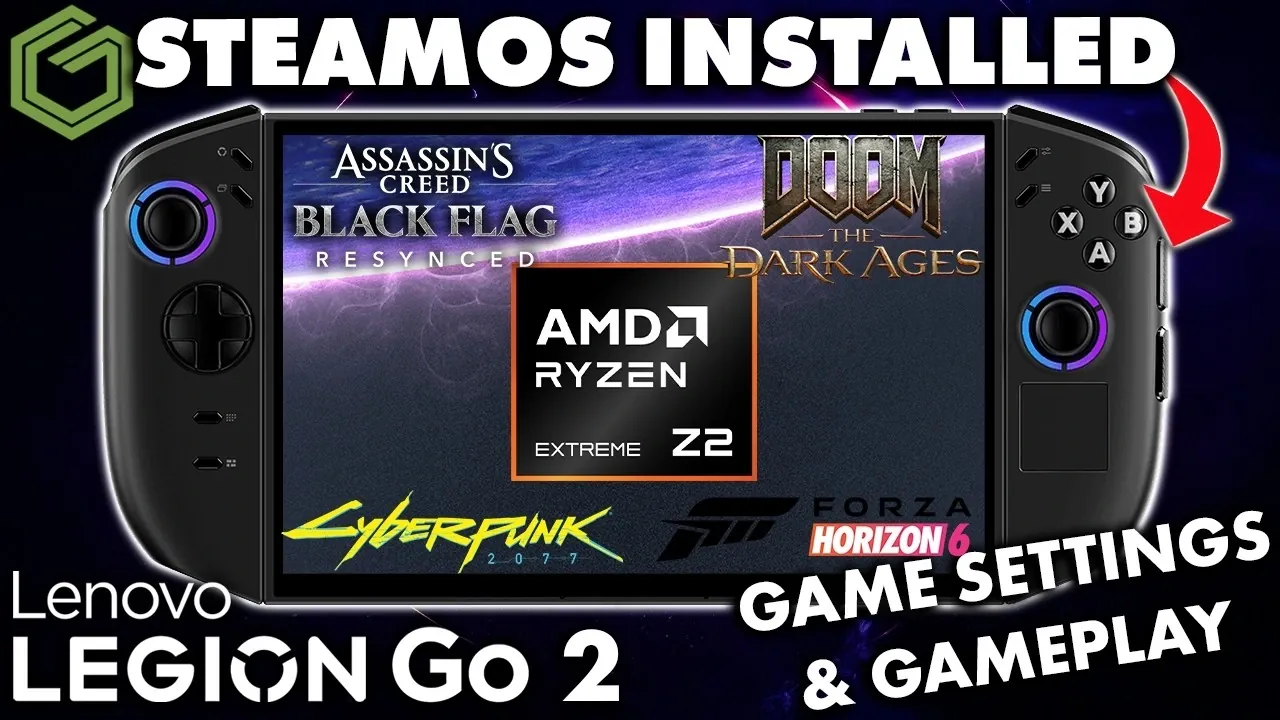
GameTechPlanet examines the Legion Go’s performance running SteamOS, highlighting how this handheld device manages a range of games. The breakdown includes detailed observations on frame rates, battery life and thermal output across titles like Cyberpunk 2077 and Sonic. One notable aspect discussed is the variable TDP setting, which lets users adjust power consumption to achieve a balance between performance and efficiency. This analysis provides a clear view of the device’s capabilities under different gaming scenarios.
Discover how resolution settings influence both visual quality and battery consumption, with specific examples such as Assassin’s Creed: Black Flag at 1080p and the energy savings achieved in simpler games like Terminator 2D: No Fate. Gain insight into SteamOS features like Proton, which improve game compatibility and support a diverse library of titles. This breakdown also covers practical strategies for optimizing the Legion Go, whether for demanding AAA games or extended play sessions.
How SteamOS Enhances Gaming on the Legion Go
TL;DR Key Takeaways :
- The Legion Go, powered by SteamOS, offers a versatile gaming experience with support for both graphically demanding AAA titles like Cyberpunk 2077 and lightweight games such as Sonic.
- Its variable TDP feature allows users to balance performance and battery life, catering to both hardcore gamers and casual players.
- Customizable resolution settings enable users to optimize visuals and performance based on game requirements, enhancing flexibility for different gaming scenarios.
- SteamOS provides a streamlined interface and compatibility with a wide range of games, including Windows-based titles via Proton, expanding the device’s game library.
- Baseline performance metrics reveal the Legion Go’s adaptability, with efficient cooling, adjustable power consumption and smooth gameplay across diverse gaming preferences.
SteamOS serves as a robust and optimized platform for gaming, making it a natural fit for the Legion Go. The testing process incorporated a mix of modern, resource-intensive games alongside lightweight, casual titles to evaluate the device’s versatility. All tests were conducted using default settings to establish baseline performance metrics, making sure an unbiased and accurate analysis of the hardware’s potential.
The operating system’s streamlined interface and compatibility with a wide range of games contribute to a seamless gaming experience. SteamOS also supports features like Proton, which enables many Windows-based games to run on Linux, further expanding the Legion Go’s game library. This compatibility ensures that users can enjoy both popular AAA titles and indie gems without significant limitations.
Variable TDP: Balancing Power and Efficiency
A standout feature of the Legion Go is its support for variable TDP, which allows you to adjust the device’s power consumption to suit your gaming needs. This flexibility enables you to prioritize either performance or battery life, depending on the demands of the game.
- For graphically intensive games like Cyberpunk 2077, increasing the TDP significantly improved frame rates and gameplay smoothness. However, this came at the cost of reduced battery life, making it ideal for shorter gaming sessions or when plugged into a power source.
- For less demanding games like Sonic, lowering the TDP extended battery life without compromising performance, making it a practical choice for casual gaming on the go.
This adaptability ensures that the Legion Go caters to both hardcore gamers seeking high performance and casual players prioritizing extended playtime. The ability to fine-tune power consumption provides a tailored gaming experience, enhancing the device’s appeal across different user preferences.

Deep dive into the latest in Legion Go by exploring our other resources and articles.
- Why Gamers Are Skipping the Steam Deck OLED for This $450 Handheld
- Lenovo Legion Go 2 Review: Impractical Design Meets Premium Power
- $159 AOC Air Mega AR Glasses Focus on Casual 1080P Gaming
- Legion Go 2 Z2 Extreme vs Z2 : APU Real FPS Benchmarks You Can Trust
- Emulation on the Legion Go 2 : Relive Retro Classics Like Never Before
- Legion Go 2 vs Legion Go 1: Assassin’s Creed Black Flag Resynced
- Valve Replaces Steam Deck Units Beyond Warranty to Build Trust
- Legion Go 2 Z2 Extreme GPU Driver Update Released
- Lenovo Legion Go 2 vs ROG Xbox Ally X vs MSI Claw 8 AI : Handheld Showdown!
- Lenovo Legion Go 2 Review : Detachable Controllers, Power, Portability & More
Resolution Settings: Fine-Tuning Visuals and Performance
Resolution settings play a pivotal role in determining the balance between visual fidelity and performance. The Legion Go allows you to adjust the resolution to match the specific requirements of each game, offering flexibility for a wide range of gaming scenarios.
- When running Assassin’s Creed: Black Flag at 1080p, the device delivered stunning visuals that brought the game’s open-world environments to life. However, maintaining this level of detail required a higher TDP to ensure consistent performance.
- For retro-inspired titles like Terminator 2D: No Fate, reducing the resolution had minimal impact on visual quality but significantly improved battery efficiency, making it an excellent option for extended gaming sessions.
These findings highlight the importance of customizing resolution settings to achieve an optimal balance between performance and battery life. Whether you prioritize immersive visuals or extended playtime, the Legion Go’s adjustable resolution settings provide the flexibility needed to meet your gaming preferences.
Game Testing: Performance Across a Diverse Library
To provide a comprehensive evaluation, the Legion Go was tested with a diverse selection of games, ranging from graphically demanding AAA titles to lightweight, retro-inspired games. The results demonstrate the device’s ability to cater to a wide range of gaming preferences.
- Assassin’s Creed: Black Flag: This open-world adventure showcased the Legion Go’s capability to handle visually rich environments. While higher resolutions demanded increased power, the game ran smoothly with adjusted TDP settings.
- Cyberpunk 2077: As one of the most resource-intensive games tested, it required a combination of increased TDP and lower resolution settings to achieve smooth gameplay. The device’s performance in this title highlights its potential for handling modern AAA games.
- Sonic: This fast-paced, lightweight game ran effortlessly, even at lower TDP settings and higher resolutions, demonstrating the device’s efficiency with less demanding titles.
- Terminator 2D: No Fate: A retro-inspired game that emphasized the Legion Go’s ability to deliver efficient performance with minimal power consumption, making it ideal for casual gaming sessions.
This diverse lineup underscores the Legion Go’s versatility, proving it can accommodate both casual gamers and those seeking high-performance gaming experiences.
Baseline Metrics: Key Performance Insights
The testing focused on establishing baseline performance metrics to provide a clear understanding of the Legion Go’s out-of-the-box capabilities. These metrics offer valuable insights into the device’s strengths and limitations, helping users make informed decisions about its suitability for their gaming needs.
- Frame Rates: Performance varied depending on the game and settings. Adjusting TDP and resolution allowed for smoother gameplay in demanding titles while maintaining efficiency in simpler games.
- Battery Life: Heavily influenced by TDP settings, with demanding games consuming more power and lightweight titles offering extended playtime.
- Thermal Performance: Higher TDP settings generated noticeable heat, particularly during resource-intensive gameplay. However, the device’s cooling system managed to maintain stable performance without significant throttling.
For example, while Cyberpunk 2077 required higher power and generated more heat, Sonic ran efficiently with minimal impact on battery life, showcasing the device’s ability to adapt to different gaming scenarios.
A Flexible Handheld Gaming Solution
The Legion Go, powered by SteamOS, delivers a versatile gaming experience that appeals to a broad spectrum of gamers. Its support for variable TDP and customizable resolution settings allows you to tailor performance to your specific needs, whether you prioritize visual fidelity or battery efficiency. By testing a diverse range of games, this analysis highlights the device’s strengths and limitations, offering valuable insights for those considering a handheld gaming solution. With its ability to adapt to different gaming scenarios, the Legion Go stands out as a flexible and capable option for both casual and hardcore gamers alike.
Media Credit: GameTechPlanet
Disclosure: Some of our articles include affiliate links. If you buy something through one of these links, Geeky Gadgets may earn an affiliate commission. Learn about our Disclosure Policy.
