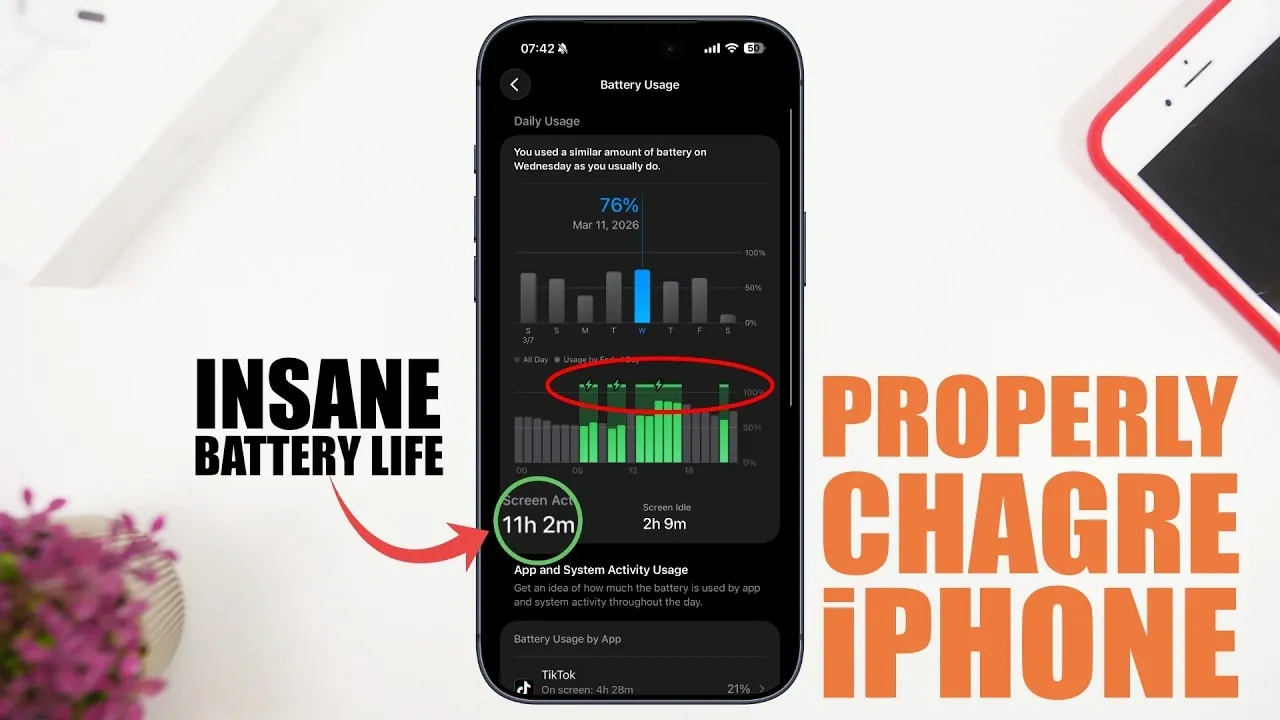
Preserving your iPhone’s battery health is essential for maintaining its performance and longevity. The way you charge your device plays a critical role in determining its lifespan and efficiency. By adopting proper charging habits and using your iPhone’s built-in features, you can ensure optimal battery health while avoiding common mistakes that can lead to premature wear. The video below from iReviews gives us more details.

Key Charging Practices to Avoid
Certain charging habits can negatively impact your iPhone’s battery over time. To protect your device and maintain its efficiency, it’s important to avoid the following:
- Excessive Wireless Charging: While wireless charging offers convenience, it generates more heat compared to traditional wired charging. Heat is a major factor in battery degradation. If you prefer wireless charging, ensure you use high-quality, certified chargers to minimize heat buildup and protect your battery.
- Using Counterfeit Accessories: Non-certified chargers and cables pose significant risks, including overheating, short circuits and potential damage to your device. Always choose Apple-certified or reputable third-party accessories to ensure safe and efficient charging.
- Draining or Overcharging the Battery: Lithium-ion batteries perform best when maintained between 20% and 80% charge. Avoid letting your battery drain completely or charging it to 100% regularly, as these practices can accelerate wear and reduce overall battery capacity.
Adopt Safe Charging Habits
To maximize your iPhone’s battery health, it’s crucial to develop safe and effective charging habits. These practices can help you avoid unnecessary strain on your device’s battery:
- Overnight Charging: Charging your iPhone overnight is generally safe if you enable the “Optimized Battery Charging” feature. This feature pauses charging at 80% and resumes just before you wake up, reducing prolonged exposure to high charge levels and minimizing battery stress.
- Fast Charging with Caution: Fast charging is a convenient option, but it generates more heat, which can harm the battery over time. To mitigate this, avoid fast charging in hot environments or while using cases that trap heat. Whenever possible, charge your device in a cool, well-ventilated area.
- Using Your iPhone While Charging: Light activities, such as checking emails or browsing the web, are generally safe during charging. However, avoid resource-intensive tasks like gaming or video editing, as they can increase heat production and place additional strain on the battery.
Optimize iPhone Settings for Better Battery Health
Your iPhone includes several features designed to enhance battery performance and extend its lifespan. By using these settings, you can ensure your device operates efficiently while preserving battery health:
- Optimized Battery Charging: This feature learns your daily charging patterns and limits charging to 80% until it anticipates you’ll need a full charge. Allowing this setting is one of the most effective ways to reduce long-term battery wear.
- Custom Charging Limits: If your device supports it, setting a charging limit of 90% can further reduce battery stress. Additionally, allowing “Clean Energy Charging” prioritizes eco-friendly energy sources, though it may slightly slow down the charging process.
- Low Power Mode: Activating Low Power Mode reduces background activity and lowers power consumption, making it particularly useful during heavy usage or when you’re away from a charger for extended periods.
- Adaptive Power Management: This feature automatically adjusts your device’s performance based on your usage patterns, conserving energy without compromising functionality.
Monitor Battery Health Regularly
Regularly checking your iPhone’s battery health is essential for identifying potential issues early and making sure optimal performance. Here are some steps to help you stay informed about your battery’s condition:
- Check Maximum Capacity: Navigate to the “Battery Health” section in the Settings app to view your battery’s maximum capacity. If the capacity drops below 80%, it may be time to consider replacing the battery to maintain reliable performance.
- Enable Adaptive Power Notifications: These notifications provide insights into how your device manages power, helping you make informed decisions about charging and usage habits.
By adopting these strategies and monitoring your battery’s condition, you can ensure your iPhone remains reliable and efficient for years to come.
Here are more detailed guides and articles that you may find helpful on iPhone battery.
- How to Fix iOS 26.2 Battery Drain on Your iPhone
- Best Tips to Fix iOS 26 Battery Drain Issues
- How to Calibrate Your iPhone Battery for Battery Health
- How to Calibrate Your iPhone Battery in iOS 26
- How to Check iPhone Battery Health Accurately in iOS 26
- How to Fix iOS 26.2 Battery Drain Issues on Your iPhone
Source & Image Credit: iReviews
Disclosure: Some of our articles include affiliate links. If you buy something through one of these links, Geeky Gadgets may earn an affiliate commission. Learn about our Disclosure Policy.
