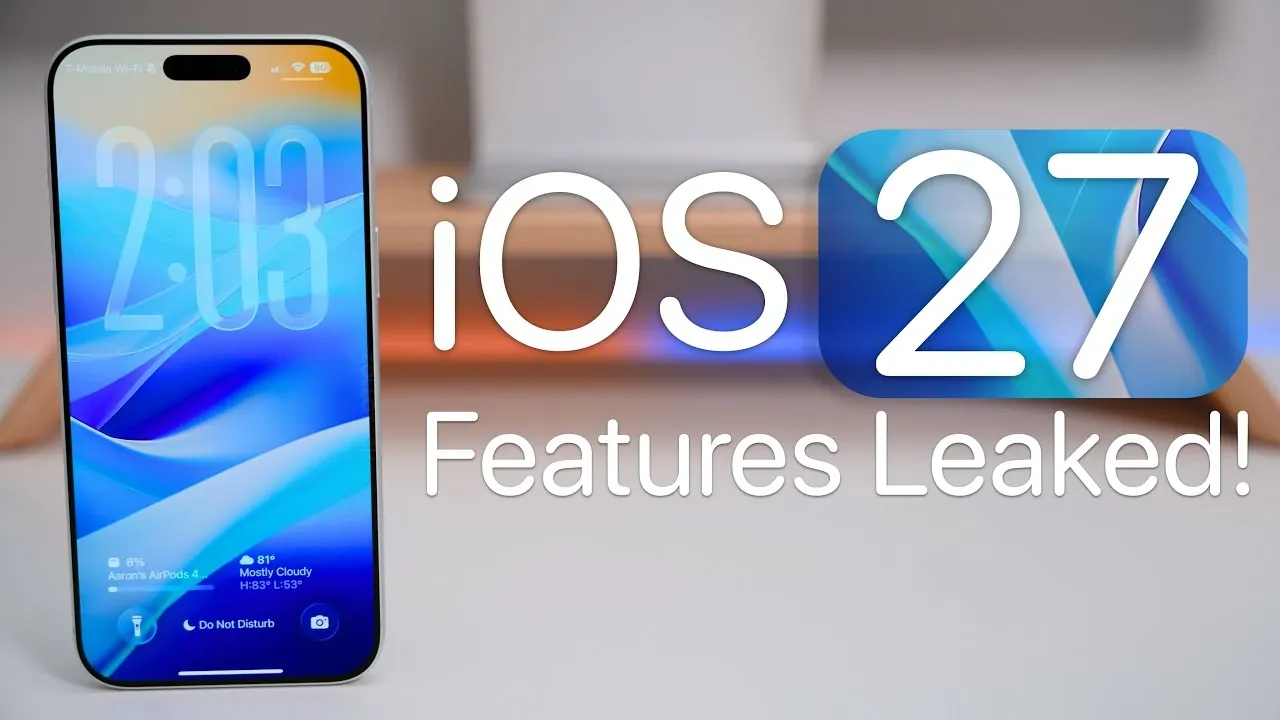
Apple’s iOS 27, set to debut at WWDC 2026, represents a significant step forward for iPhone users. With a focus on stability, performance, and AI-driven enhancements, this update aims to refine the user experience while introducing practical new features. Whether you’re curious about device compatibility or excited about smarter tools, iOS 27 promises to deliver a more seamless and efficient mobile experience. The video below from Zollotech gives us more details on the new features coming in iOS 27.

Device Compatibility: Will Your iPhone Support iOS 27?
Apple is updating its compatibility list for iOS 27 and some older devices will no longer be supported. The following models will apparently not receive the update:
- iPhone SE (2nd generation)
- iPhone 11, 11 Pro and 11 Pro Max
If you own one of these devices, you’ll still receive security updates, but you won’t have access to the new features introduced in iOS 27. However, iPhone 12 and newer models will continue to be supported, making sure users of these devices can enjoy the latest improvements.
Performance and Stability: A Smoother Experience
iOS 27 places a strong emphasis on stability and performance, prioritizing a polished user experience over an extensive list of flashy features. This approach is reminiscent of Apple’s macOS Snow Leopard strategy, which focused on refining the core operating system. For users, this means a more reliable and responsive iPhone that enhances everyday tasks without unnecessary complexity. Whether you’re navigating apps, multitasking, or simply unlocking your phone, iOS 27 is designed to feel smoother and more intuitive.
Personalization and Customization Redefined
Apple is introducing new ways to personalize your iPhone with iOS 27. These updates give you greater control over the look and feel of your device:
- Undo and redo options for home screen and control center edits, making customization more flexible.
- A system-wide opacity slider for liquid glass effects, allowing you to fine-tune visual aesthetics to your liking.
These features empower users to create a more personalized and visually appealing interface, enhancing the overall experience.
Smarter Typing with Enhanced Keyboard Features
Typing on your iPhone is about to become faster and more accurate with iOS 27’s improved keyboard functionality. Key updates include:
- Advanced autocorrect and contextual suggestions, offering a typing experience that rivals professional tools like Grammarly.
- A dedicated number row on the keyboard reduces the need to switch layouts and improves efficiency.
These enhancements are designed to streamline communication, making everyday tasks like texting, emailing, and note-taking more intuitive.
Siri’s Evolution: Smarter and More Integrated
Siri is receiving a significant upgrade in iOS 27, powered by Google Gemini AI integration. New capabilities include:
- Context-aware responses and proactive suggestions for more natural and intelligent interactions.
- A relocation to the Dynamic Island on supported devices provides seamless access to Siri without interrupting your workflow.
- Expanded third-party AI tool integration through Siri extensions, making the assistant more versatile than ever.
These updates aim to make Siri a more proactive and helpful companion, capable of anticipating your needs and simplifying your daily routines.
Visual Intelligence: Simplifying Everyday Tasks
iOS 27 introduces practical visual intelligence features that enhance your iPhone’s utility. With these tools, you’ll be able to:
- Scan nutrition labels directly into the Health app for better dietary tracking.
- Automatically save scanned phone numbers and addresses to relevant apps like Contacts and Maps.
- Create digital passes for the Wallet app with minimal effort.
These features are designed to make your iPhone a more efficient and indispensable tool in your daily life.
Advanced Photo Editing for Everyone
The Photos app is becoming more powerful and user-friendly with iOS 27. New editing tools include:
- Extend, which allows you to expand photo borders for better framing.
- Reframe, a tool for adjusting perspectives and angles.
- AI-powered auto-correction allows effortless photo enhancements with a single tap.
These updates make photo editing accessible to all users, whether you’re a casual photographer or a creative professional.
Natural Language Shortcuts: Simplifying Automation
Creating shortcuts is becoming easier with the introduction of natural language processing in iOS 27. You’ll be able to describe actions in plain language and the system will generate the corresponding shortcuts automatically. This feature may also extend to apps like Calendar, offering AI-driven suggestions to help you stay organized and productive.
Health App Redesign: A Focus on Wellness
The Health app is receiving a comprehensive redesign to make health tracking more actionable. Key updates include:
- A new health assistant that provides better context for your data, helping you understand trends and set goals.
- Improved integration with third-party fitness and wellness apps for a more holistic view of your health.
These changes aim to empower users to take control of their wellness with greater ease and confidence.
Expanded Satellite Connectivity for Remote Areas
For users in remote or underserved areas, iOS 27 enhances satellite-based features to improve connectivity. Apple Maps and messaging services will now function more effectively without traditional network coverage, making sure you stay connected wherever you are. This update is particularly valuable for travelers and outdoor enthusiasts who rely on their devices in challenging environments.
Safari Gets Smarter
Safari is becoming more intuitive with automatic tab group naming based on content. This feature helps you organize your browsing sessions more efficiently, saving time and effort when managing multiple tabs. Whether you’re researching, shopping, or planning a trip, Safari’s smarter automation will make your online experience more streamlined.
Accessibility Features for Inclusivity
Apple continues to prioritize inclusivity with new accessibility enhancements in iOS 27. While specific details are expected to be announced in May 2026, these updates aim to make the operating system more usable for individuals with diverse needs. From improved voice control to enhanced visual aids, iOS 27 is designed to ensure a better experience for all users.
What iOS 27 Brings to the Table
iOS 27 is a thoughtfully crafted update that balances usability, reliability, and innovation. With AI integration, enhanced customization options and user-centric improvements, this release underscores Apple’s commitment to refining the mobile experience. Whether you’re looking forward to smarter Siri interactions, advanced photo editing tools, or improved health tracking, iOS 27 is designed to make your iPhone more intuitive, efficient and enjoyable to use.
Take a look at other insightful guides from our broad collection that might capture your interest in iOS 27 AI features.
- Siri 2.0: Apple’s Massive iOS 27 Overhaul Explained
- iOS 27 Siri vs. ChatGPT: Has Apple Finally Won the AI War?
- iOS 27 Leaks: Siri Chatbot, AI Keyboard and Release Date
- iOS 27 Features: Speed, AI and Battery Life Improvements
Source & Image Credit: zollotech
Disclosure: Some of our articles include affiliate links. If you buy something through one of these links, Geeky Gadgets may earn an affiliate commission. Learn about our Disclosure Policy.
