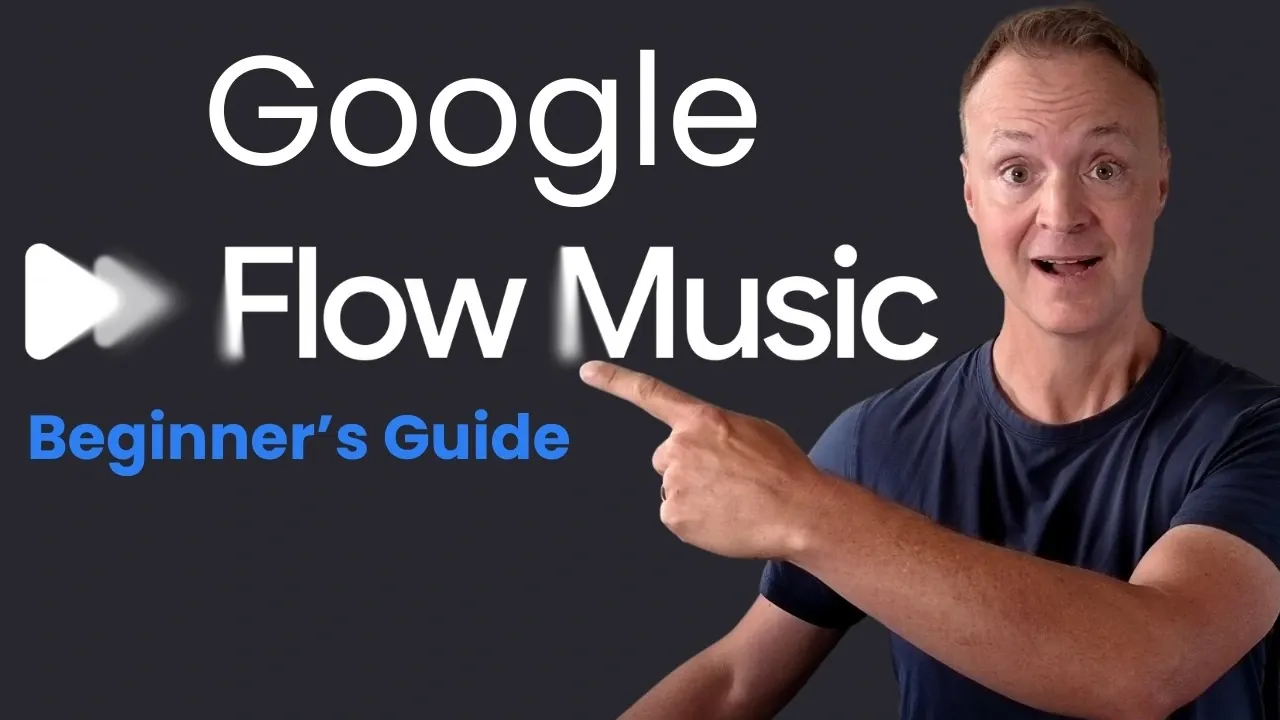
Google Flow Music is an AI-based platform that enables users to create and customize music through simple text prompts. Teacher’s Tech explains how to access the platform via flowmusic.app and navigate its user-friendly interface. A notable feature is the ability to generate complete songs by entering specific descriptions, such as “relaxing acoustic melody with nature sounds,” making it suitable for users with varying levels of musical experience.
Discover how to use voice commands for real-time adjustments, apply quick edits to modify rhythm and instrumentation and save your projects for future use. Gain insight into the credit system, which offers 500 daily credits for free users, allowing you to explore the platform’s features effectively. This guide provides clear steps to help you get started and refine your creations with Google Flow Music.
Getting Started with Google Flow Music
TL;DR Key Takeaways :
- Google Flow Music is a free, AI-powered platform that allows users of all skill levels to create, edit and experiment with music using simple text prompts or voice commands.
- Key features include song generation with AI-created cover art, voice mode for real-time adjustments, quick edits for refining songs and automatic saving of creations for easy access.
- Customization tools such as saved flows, default preferences and input options (audio, files, or images) enable personalized music creation tailored to individual styles.
- The platform includes interactive spaces for exploring unconventional music production methods, fostering creativity and innovation for advanced users.
- A credit-based system provides 500 free daily credits for song generation and other features, with paid plans available for users needing additional resources or advanced functionality.
To begin your journey with Google Flow Music, visit the platform’s website at flowmusic.app. Sign in using your Google account, there’s no need for a credit card to access the free features. Once logged in, you’ll encounter a user-friendly dashboard designed to simplify the music creation process. To create your first song, type a text prompt such as “upbeat electronic track with a tropical vibe,” and the platform will generate a fully composed song tailored to your description. This seamless process makes it easy for users to bring their musical ideas to life, regardless of their technical expertise.
Key Features of Google Flow Music
Google Flow Music offers a comprehensive suite of tools to enhance your music creation experience. Its core features include:
- Song Generation: Generate two unique versions of a song based on your text prompt, complete with AI-generated cover art to complement your creation.
- Voice Mode: Interact with the AI using voice commands, allowing you to make real-time adjustments such as changing the tempo, adding instruments, or modifying the overall style.
- Quick Edits: Refine key elements of your song, including vocals, instrumentation and rhythm, using simple commands for fast and efficient modifications.
- Saved Songs: All your creations are automatically saved and organized by session, making sure easy access to your work whenever you need it.
These features make Google Flow Music an ideal tool for both casual users and professionals looking to streamline their creative process.
Deep dive into the latest in Google Flow by exploring our other resources and articles.
- 20 Google Flow Veo3 Examples, First Tests and Impressions
- How To Use Googles Flow Complete 2025 Beginners Guide
- Meet the 5 New AI Tools Hiding Inside Google Labs
- How to Use Google Veo3 API for Scalable AI Development
- 6 Best Free Google’s AI Tools for Content, Marketing, Apps & More
- Meet Google Vids: The Free AI Video Maker Inside Workspace
- How to Use Google Flow and VEO 3 for Studio-Quality AI Video
- Ai Video Production Google Flow Veo3.Webp
- Best AI Tools from Google: Top Picks for Work, Media & Code
- Text To Video Creation Google Flow Veo3.Webp
Customization Tools for Personalized Music Creation
Google Flow Music provides a variety of customization options to help you tailor your music creation process to your unique preferences. These tools include:
- Flows: Save frequently used prompts as flows, allowing quick and consistent access to your favorite styles and settings during future sessions.
- Instructions: Set default preferences, such as song length, tempo, or genre, to streamline your workflow and ensure your creations align with your vision.
- Input Options: Expand your creative possibilities by recording audio, uploading files, or even using images to inspire music or generate custom cover art.
These features empower users to create music that reflects their personal style while simplifying the production process.
Interactive Spaces for Creative Exploration
For those who want to push the boundaries of traditional music creation, Google Flow Music includes interactive audio tools. These spaces allow users to experiment with features such as ambient soundscapes or even build custom music applications. This functionality is particularly valuable for creators interested in exploring unconventional approaches to music production. By offering these tools, Google Flow Music fosters an environment of innovation and creativity, making it a versatile platform for a wide range of artistic endeavors.
Understanding the Credit System
Google Flow Music operates on a credit-based system, making sure accessibility for both free and paid users. Here’s how the system works:
- Free Credits: Each user receives 500 daily credits, which can be used to generate songs and access other features. Additional credits can be earned through regular logins.
- Song Costs: The cost of generating a song typically ranges from 10 to 30 credits, depending on the complexity of the request.
- Paid Plans: Subscription options are available for users who require more credits or access to advanced features. Some Google AI subscriptions also include access to Flow Music, offering added value for premium users.
This credit system ensures that the platform remains accessible to all users while providing flexibility for those with more extensive creative needs.
Optimizing Your Workflow
To maximize your productivity and creativity with Google Flow Music, consider adopting the following workflow:
- Begin with simple text prompts to generate initial song versions and explore different styles.
- Use voice mode for real-time adjustments, allowing you to fine-tune your creations as you work.
- Save your preferred styles and settings as flows to streamline future projects and maintain consistency.
- Experiment with interactive spaces to explore new creative possibilities and expand your artistic horizons.
By following these steps, you can make the most of Google Flow Music’s features and create high-quality music efficiently.
Unlock Your Creative Potential with Google Flow Music
Google Flow Music is a powerful and user-friendly platform that simplifies the music creation process through AI-driven tools and intuitive customization options. Whether you’re generating songs, refining outputs, or exploring interactive features, this free tool caters to a diverse range of creative needs. From casual experimentation to professional music production, Google Flow Music offers a seamless and engaging experience for all users. By combining accessibility with advanced functionality, it enables creators to unlock their full potential and bring their musical ideas to life.
Media Credit: Teacher’s Tech
Disclosure: Some of our articles include affiliate links. If you buy something through one of these links, Geeky Gadgets may earn an affiliate commission. Learn about our Disclosure Policy.
