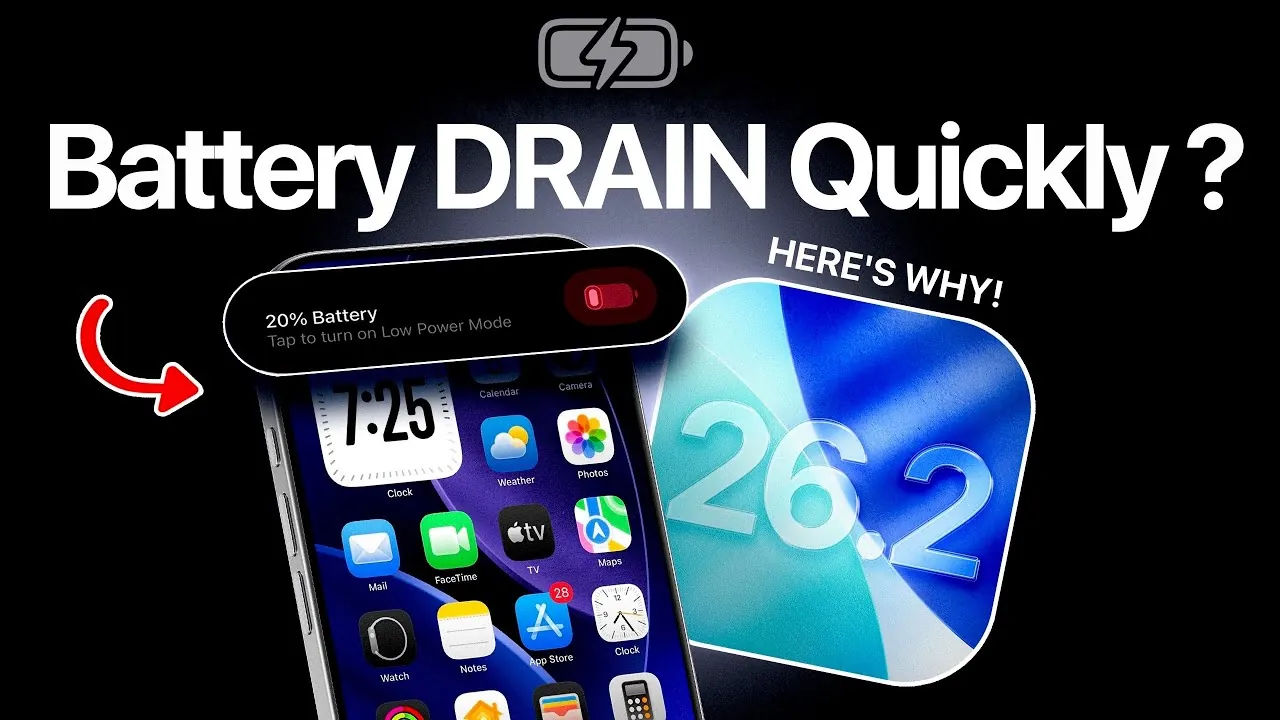
The release of iOS 26.2 has introduced a range of new features and system improvements, but many iPhone users have reported noticeable battery drain issues following the update. This is a common occurrence with major software updates and is often linked to factors such as background indexing, outdated apps, and system settings that may not be optimized for the new version. By identifying these issues and making targeted adjustments, you can effectively minimize battery drain and restore your iPhone’s performance. The video below from iDeviceHelp gives us more details on how to fix battery drain in iOS 26.2.
Background Indexing: A Temporary Power Hog
After updating to iOS 26.2, your iPhone initiates a process called background indexing. This involves reorganizing and optimizing your device’s data, including iCloud files, messages, and photos, to enhance overall system performance. While this process is essential for the update to function smoothly, it is resource-intensive and can significantly drain your battery for several days.
To address this, it’s important to allow the indexing process to complete naturally. Avoid performing unnecessary resets or force restarts, as these actions can restart the indexing process and prolong the issue. During this period, monitor your battery usage and reduce non-essential activities. The good news is that this is a temporary issue, and once indexing is complete, your device’s battery performance should improve.
Outdated Apps: A Hidden Battery Drain
Another common cause of battery drain after updating to iOS 26.2 is the presence of outdated apps. Applications that haven’t been updated to ensure compatibility with the latest iOS version may not function efficiently, leading to increased background activity and higher energy consumption.
To resolve this, manually update your apps through the App Store. Regularly checking for updates ensures that your apps are optimized for the new operating system, reducing unnecessary strain on your battery. Additionally, consider uninstalling apps you no longer use, as they may still consume resources in the background.
Privacy and Location Settings: Fine-Tuning for Efficiency
Your iPhone’s privacy and location settings can have a significant impact on battery life. Features such as analytics sharing and location tracking often run in the background, consuming power even when you’re not actively using your device. Adjusting these settings can help reduce unnecessary battery drain while maintaining essential functionality.
Here’s how to optimize these settings:
- Navigate to “Privacy & Security” in your Settings app and disable analytics and improvement settings that send usage data to Apple and third-party developers.
- Review “Location Services” and turn off non-essential system services, such as significant location tracking and location-based suggestions.
- Set location access for individual apps to “While Using the App” or “Never,” depending on your preferences and needs.
These adjustments can significantly reduce background activity, helping to conserve battery life without compromising your device’s core functionality.
Face ID: Troubleshooting Recognition Issues
Some users have reported issues with Face ID functionality after updating to iOS 26.2. If you’re experiencing problems, setting up an alternate appearance can improve recognition without requiring a full reset of Face ID. This feature is particularly useful if your appearance has changed significantly since you first configured Face ID.
If the issue persists, consider resetting Face ID as a last resort. Keep in mind that this will erase all stored facial data and require you to reconfigure the feature from scratch. By taking a less disruptive approach initially, you can maintain the convenience and security of biometric authentication while addressing any recognition issues.
Beta Testing and watchOS Compatibility
If you participated in the iOS 26.2 beta program, it’s crucial to ensure that you’ve switched to the official release version. Beta updates often include unfinished features and experimental code that can negatively impact battery life. Switching to the stable release version can resolve many of these issues.
Additionally, if you own an Apple Watch, make sure it is updated to the latest watchOS 26.2 version. Mismatched software versions between your iPhone and Apple Watch can lead to increased background activity as the devices attempt to sync, further draining your battery.
General Tips for Battery Optimization
To further enhance your iPhone’s battery performance after updating to iOS 26.2, consider implementing the following best practices:
- Allow several days for background indexing to complete before evaluating your device’s battery performance.
- Update all third-party apps to their latest versions via the App Store to ensure compatibility with iOS 26.2.
- Disable unnecessary privacy and location settings to reduce background data usage.
- Review system services and turn off features that aren’t essential to your daily use, such as location-based alerts and system analytics.
- Enable Low Power Mode during periods of heavy usage or when your battery is running low to extend battery life.
By following these steps, you can address the most common causes of battery drain and optimize your device for better performance. While the initial adjustment period after a major update can be frustrating, these proactive measures will help you regain control over your iPhone’s battery life.
Dive deeper into iOS 26.2 battery drain with other articles and guides we have written below.
- iOS 26.2 Beta 1 Battery Life: What You Need to Know
- iOS 26.2 Release Date, Features, and Battery Life
- How iOS 26.2 Beta 2 Improves Your iPhone Experience
- Preparing for iOS 26.2: Tips to Ensure a Smooth iPhone Update
- OS 26.2 Beta 2 Review: Performance, Battery, and Design Updates
Source & Image Credit: iDeviceHelp
Disclosure: Some of our articles include affiliate links. If you buy something through one of these links, Geeky Gadgets may earn an affiliate commission. Learn about our Disclosure Policy.
