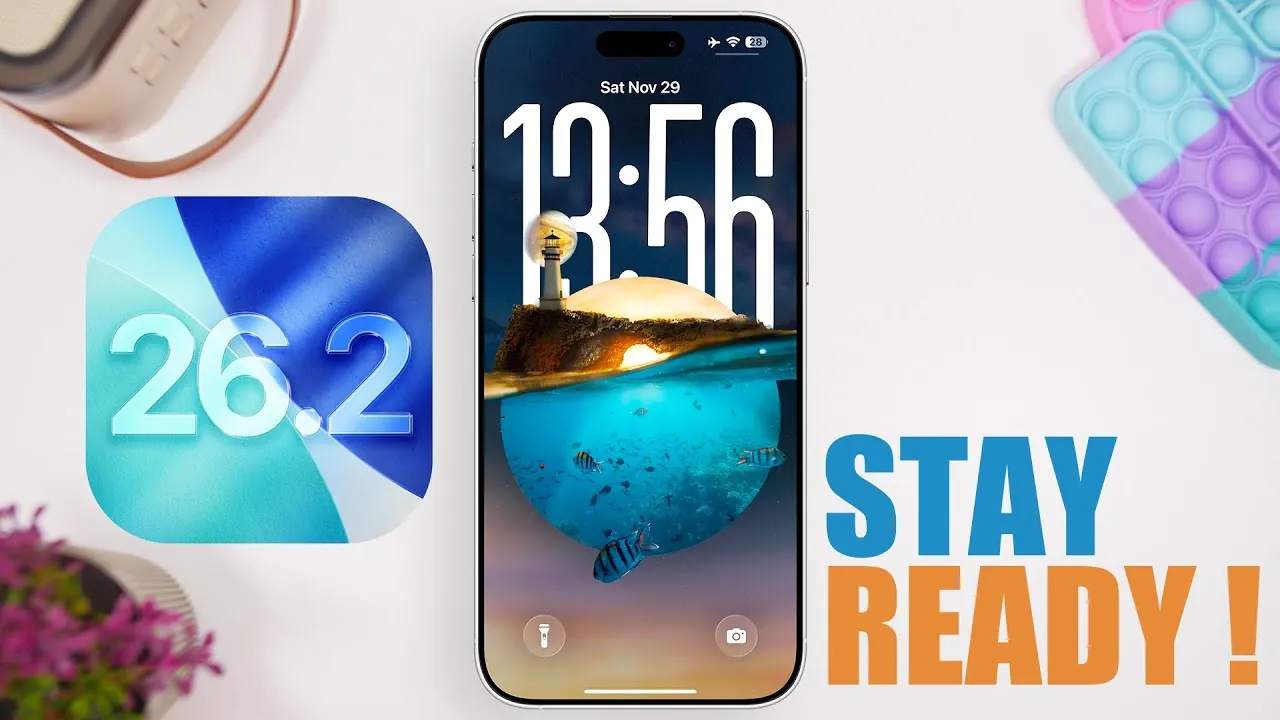
Apple is preparing to release iOS 26.2, an update that brings a host of new features, performance enhancements, and battery optimizations. Currently in its third beta phase, the update is expected to be publicly available on December 8th, following the Release Candidate (RC) version anticipated in early December. Whether you’re a beta tester or waiting for the official rollout, this update is designed to refine your iOS experience with a blend of functional upgrades and aesthetic improvements. The video below from iReviews gives us more details on what to expect from the update.

Notable Features and Enhancements
iOS 26.2 introduces a range of features aimed at improving usability, personalization, and overall functionality. Here are the key highlights:
- Liquid Glass Clock: A modern, customizable lock screen clock that combines sleek design with practical functionality, allowing users to personalize their device’s appearance.
- Smoother Animations: System-wide animation improvements deliver a more polished and seamless interface, enhancing the overall user experience.
- Reminders with Alarms: The Reminders app now includes integrated alarm functionality, making it easier to stay organized and manage your schedule effectively.
- Enhanced Game App: New sorting and filtering options streamline the management of your game library, offering a more intuitive way to access your favorite titles.
- Revamped Measure App: A refreshed design featuring liquid glass aesthetics aligns with the broader visual theme of iOS 26.2, providing a more cohesive look and feel.
- Improved Podcast App: Upgraded playback controls and a more intuitive interface enhance the listening experience, making it easier to navigate and enjoy your favorite podcasts.
These updates are designed to make your device more intuitive and visually appealing while adding practical tools to support your daily activities.
Performance and Battery Life: Prioritizing Efficiency
In addition to introducing new features, iOS 26.2 places a strong emphasis on performance optimization and battery life improvements. Even during its beta testing phase, the update has demonstrated faster responsiveness and smoother operation across a variety of devices. These enhancements ensure that your iPhone or iPad runs efficiently, even when handling demanding tasks or multitasking.
Battery life has also been a focal point of this update. With power-saving optimizations, iOS 26.2 allows you to extend your device’s usage time, reducing the need for frequent recharging. This is particularly beneficial for users who rely heavily on their devices throughout the day, whether for work, entertainment, or communication.
Release Timeline and What to Expect
The Release Candidate (RC) version of iOS 26.2 is expected to be available around December 1st or 2nd, offering beta testers early access to the final set of features and fixes. This version serves as the last step before the public release, allowing Apple to address any remaining issues and ensure a stable experience.
For those not enrolled in the beta program, the public release on December 8th is the recommended option. By waiting for this date, you can enjoy a polished and reliable version of the update without encountering potential bugs or glitches that may appear in earlier builds.
Looking Ahead: The iOS 26.3 Beta Cycle
Once iOS 26.2 is officially released, Apple is expected to shift its focus to the iOS 26.3 beta cycle. However, with the holiday season approaching, subsequent beta releases may experience a brief delay, likely resuming in January 2026. This pause provides Apple with an opportunity to gather user feedback from the iOS 26.2 rollout and use it to refine the next update, making sure it meets user expectations and maintains the high standards associated with Apple’s ecosystem.
Preparing for iOS 26.2
As the release date approaches, it’s a good idea to prepare your device for the update. Here are a few steps to ensure a smooth transition:
- Backup Your Data: Use iCloud or iTunes to create a full backup of your device, safeguarding your information in case of any unexpected issues during the update process.
- Free Up Storage Space: Check your device’s storage and remove unnecessary files or apps to ensure there’s enough space for the update to install without interruptions.
- Update Your Apps: Make sure all your apps are updated to their latest versions to ensure compatibility with iOS 26.2.
- Charge Your Device: Ensure your device is fully charged or connected to a power source before starting the update to avoid interruptions.
Taking these steps will help you enjoy a seamless upgrade experience and make the most of the new features and improvements offered by iOS 26.2.
What iOS 26.2 Brings to the Table
iOS 26.2 is shaping up to be a significant update, offering a combination of innovative features and practical enhancements. From the customizable liquid glass clock to improved app functionality and extended battery performance, this release caters to a wide range of user needs. With the public release just days away, now is the perfect time to prepare your device and explore the possibilities that this update has to offer.
Dive deeper into iOS 26.2 update with other articles and guides we have written below.
- iOS 26.2 Update: Top 10 Features You’ll Love
- iOS 26.2 Beta 2: Everything New in the Update
- How iOS 26.2 Beta 2 Improves Your iPhone Experience
- What’s Coming in iOS 26.2? Full Breakdown of Features and Fixes
- How Apple’s 26.2 Update Improves iOS, iPadOS, and macOS
Source & Image Credit: iReviews
Disclosure: Some of our articles include affiliate links. If you buy something through one of these links, Geeky Gadgets may earn an affiliate commission. Learn about our Disclosure Policy.
