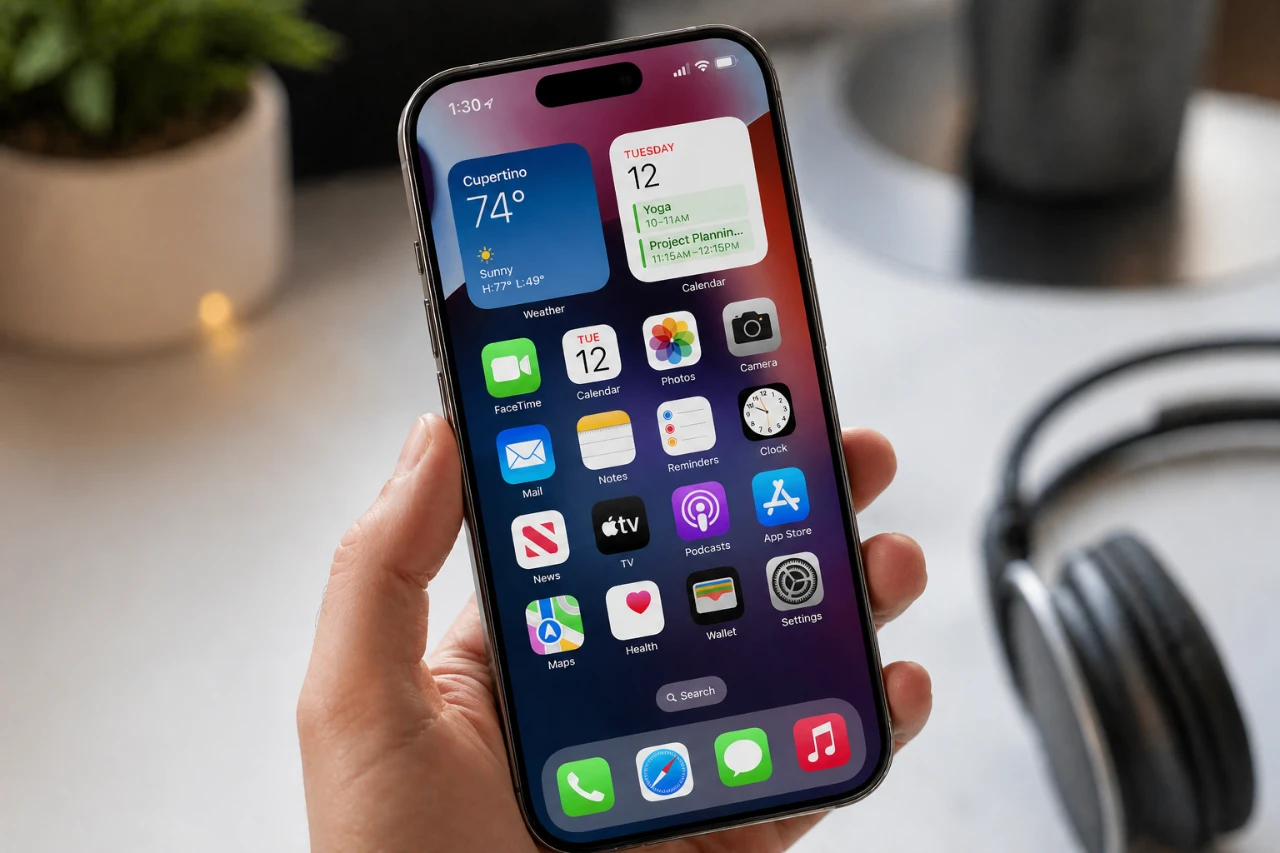
Your iPhone is far more than a communication device; it’s a powerful tool designed to enhance your daily life, improve productivity, and simplify tasks. While some features are widely known, others remain hidden gems that can significantly elevate your user experience. Here are ten standout features your iPhone offers, each designed to help you work smarter, stay organized, and make the most of your device. The video below from Proper Honest Tech gives us more details.

1. Convert Currencies Instantly
Your iPhone makes currency conversion effortless, eliminating the need for third-party apps. Whether you’re shopping online, reading an email, or using Spotlight search, simply long-press on a currency value. Your device will instantly display the equivalent in your local currency using real-time exchange rates. This feature is especially useful for international travelers or online shoppers navigating global prices.
2. Recover Closed Tabs in Safari
Accidentally closing a browser tab no longer has to disrupt your workflow. Safari allows you to recover recently closed tabs with ease. Open the “All Tabs” view and long-press the “+” button to access a list of recently closed tabs. With a single tap, you can restore any tab, making it an invaluable tool for multitasking, research, or resuming interrupted browsing sessions.
3. Customize the Action Button
The action button on your iPhone is a versatile feature that can be tailored to your preferences. Beyond basic functions, you can assign shortcuts to frequently used tools such as the calculator, flashlight, QR code scanner, or even AI-powered apps. This customization allows you to access your most-used features instantly, making your device more intuitive and personalized to your daily needs.
4. Organize Your iMessage Apps
If your iMessage app drawer feels cluttered, you can take control by reorganizing it. By managing and reordering app options, you can prioritize the tools you use most, such as stickers, payment apps, or GIF libraries. This simple adjustment declutters your interface, making sure a smoother and more efficient messaging experience.
5. Adjust Podcast Playback Speed
The Podcasts app offers flexible playback options that cater to your listening preferences. You can speed up episodes to quickly absorb content or slow them down for detailed discussions. With enhanced dialogue clarity, this feature ensures you can follow along comfortably, whether you’re listening to a fast-paced lecture or a storytelling podcast.
6. Set Urgent Reminders
The Reminders app helps you stay on top of critical tasks by allowing you to mark items as “urgent.” This triggers timely alarms to ensure you never miss an important deadline, meeting, or appointment. It’s a practical tool for managing time-sensitive responsibilities and maintaining productivity.
7. Focus with Grayscale Mode
Grayscale mode is a subtle yet effective feature designed to reduce distractions. By removing color from your screen, it makes your phone less visually stimulating, helping you focus on tasks or limit screen time. You can enable this feature through the Accessibility settings, making it a valuable tool for improving concentration or promoting digital well-being.
8. Boost Productivity with Background Sounds
Your iPhone includes built-in background sounds, such as rain, ocean waves, or white noise, accessible via the Control Center. These ambient sounds are designed to help you concentrate, block out distractions, or create a calming environment. For additional options, you can explore curated productivity playlists available on Apple Music, further enhancing your focus and relaxation.
9. Convert Units in the Calculator App
The Calculator app goes beyond basic arithmetic by offering unit conversion capabilities. Whether you need to convert currencies, angles, or data measurements, this feature provides quick and accurate results. It’s particularly useful for travelers, students, or professionals working with diverse metrics, saving time and effort in everyday calculations.
10. Transcribe Audio Notes
The Notes app allows you to record audio and transcribe it into text, making it an excellent tool for capturing detailed information during meetings, lectures, or brainstorming sessions. The transcription is saved alongside the recording, allowing you to review and organize your notes efficiently. This feature is ideal for professionals, students, or anyone who values accurate and accessible documentation.
Maximize Your iPhone’s Capabilities
These ten features highlight the incredible versatility of your iPhone, showcasing its ability to simplify tasks, enhance productivity and adapt to your unique needs. From currency conversion and tab recovery to audio transcription and background sounds, your device is packed with tools designed to save time and improve your daily life. Explore these features today and unlock the full potential of your iPhone.
Source: Proper Honest Tech
Disclosure: Some of our articles include affiliate links. If you buy something through one of these links, Geeky Gadgets may earn an affiliate commission. Learn about our Disclosure Policy.
