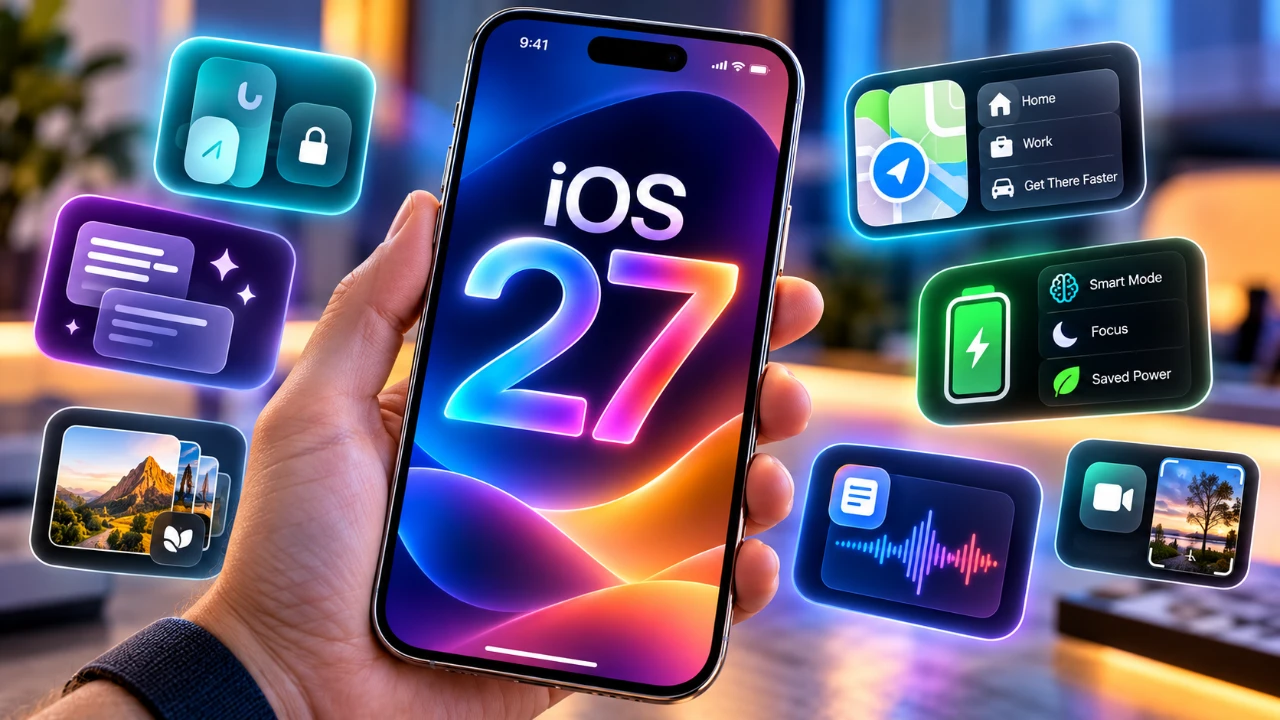
Apple’s iOS 27 introduces a host of updates designed to refine the iPhone experience, blending subtle enhancements with impactful changes. While major features often dominate the spotlight, several lesser-known updates deserve attention for their focus on usability, personalization and control. These features aim to make your device more intuitive, adaptable, and efficient. Below is a detailed video from Hotshottek of the most noteworthy hidden features in iOS 27 that you might have overlooked.

CarPlay Gets Smarter
CarPlay in iOS 27 takes a significant step forward with new capabilities that enhance in-car convenience. You can now access YouTube and browse the web through third-party apps integrated into CarPlay. These features are specifically designed for use during stops or while parked, making sure entertainment options are available without compromising safety. This update not only broadens the functionality of CarPlay but also makes in-car technology more versatile for modern users.
Enhanced Privacy Controls
Privacy continues to be a cornerstone of Apple’s ecosystem and iOS 27 introduces tools that give you even greater control over your personal data. In the Find My app, you can now hide your location from specific individuals without notifying them, offering a discreet way to manage location sharing. Additionally, you can customize location-sharing durations, with options to automatically stop sharing after a set timeframe. These features empower you to manage your privacy with precision and flexibility, making sure your data remains under your control.
Messaging Upgrades
The Messages app in iOS 27 receives several practical updates aimed at improving communication efficiency. You now have the option to disable the audio recording button, preventing accidental recordings during conversations. For voice messages, playback speed controls have been added, allowing you to listen at your preferred pace. These enhancements make the messaging experience more tailored to your needs, making sure smoother and more efficient communication.
AI-Powered Wallpaper Tools
Personalization takes a leap forward with the introduction of AI-powered wallpaper customization tools in iOS 27. This feature allows you to adjust and extend images to achieve the perfect fit for your home and lock screens. Whether you’re framing a photo or filling in gaps, the tool ensures your wallpapers look exactly how you want them. This small yet impactful addition caters to users who value a highly personalized aesthetic for their devices.
Advanced Gaming Controller Integration
Gamers will find iOS 27 particularly appealing with its enhanced gaming controller integration. You can now remap buttons and assign app shortcuts to Xbox and PlayStation controllers, making gaming and navigation more intuitive. This feature is especially beneficial for users who rely on their iPhones as a primary gaming device, offering greater flexibility and control over their gaming experience.
Improved Shortcuts and Automations
Automation in iOS 27 becomes more user-friendly and adaptable. You can now toggle automations on or off without deleting them, allowing you to temporarily disable routines without losing your configurations. This update simplifies the management of automated workflows, making it easier to adapt them to changing needs or preferences. Whether you’re streamlining daily tasks or experimenting with new routines, this feature enhances the overall usability of the Shortcuts app.
Weather App Refinements
The Weather app in iOS 27 offers a more streamlined and customizable experience. Switching between weather conditions such as wind, precipitation, or temperature is now more intuitive and you can set preferred details to display by default. These refinements ensure that the app provides relevant information at a glance, improving its overall usability and making it a more reliable tool for planning your day.
Control Center Updates
The Control Center in iOS 27 has been reorganized to improve efficiency and accessibility. A minimized focus mode layout reduces visual clutter, while a new timer widget provides quicker access to time management tools. These updates make navigating frequently used settings faster and more intuitive, making sure that essential controls are always within easy reach.
Time Zone and Date Management
For frequent travelers and remote workers, iOS 27 introduces enhanced controls for time zone and date management. The settings for time zone adjustments and automatic time updates are now separated, allowing you to modify one without affecting the other. This feature adds precision to time management, making it easier to coordinate across multiple time zones without unnecessary complications.
Wi-Fi and Update Insights
Wi-Fi settings in iOS 27 now provide detailed connection information, including network specifications and performance metrics. This allows you to better understand the quality and reliability of your connection. Additionally, the software update history section has been expanded to include installation dates and build numbers, giving you a clearer overview of your device’s update timeline. These enhancements ensure greater transparency and control over your device’s connectivity and software updates.
Home Screen Customization
Editing your home screen becomes more precise in iOS 27, thanks to increased resistance when swiping between pages in edit mode. This change reduces the likelihood of accidental adjustments, making sure that any changes you make are intentional. This thoughtful improvement enhances the overall customization experience, making it easier to create a home screen layout that suits your preferences.
Media and Voice Memo Features
iOS 27 introduces subtle yet impactful updates to media and voice memo functionality. You can now hide the media player from the lock screen when it’s not in use, creating a cleaner and more streamlined appearance. Additionally, voice memo recordings are marked with a persistent orange indicator, even when your screen is locked, making sure you’re always aware of active recordings. These updates improve both the functionality and aesthetics of your device.
Unlocking the Full Potential of iOS 27
iOS 27 delivers a comprehensive range of features that enhance usability, personalization and efficiency across the board. From smarter CarPlay integration and advanced privacy controls to AI-driven wallpaper tools and gaming enhancements, these updates cater to a wide variety of user needs. By exploring these lesser-known features, you can unlock the full potential of your iPhone, making sure a more tailored and seamless experience that aligns with your lifestyle.
Expand your understanding of iOS 27 with additional resources from our extensive library of articles.
- Apple Delaying iOS 27 Beta 5? Here’s When to Expect the Next Update
- New iOS 27 Beta 5 Release Arrives with a Big Shift Coming
- iOS 27 Beta 5 Is Late: What’s Holding Up Apple’s Next Release?
- The iOS 27 Beta 5 Release Imminent with More New Features
- Apple iOS 27 Beta 5 Preview: a Look at the Next Release
- iOS 27 is Finally Coming: Apple to Confirm Release Date Today
Source: HotshotTek
Disclosure: Some of our articles include affiliate links. If you buy something through one of these links, Geeky Gadgets may earn an affiliate commission. Learn about our Disclosure Policy.
