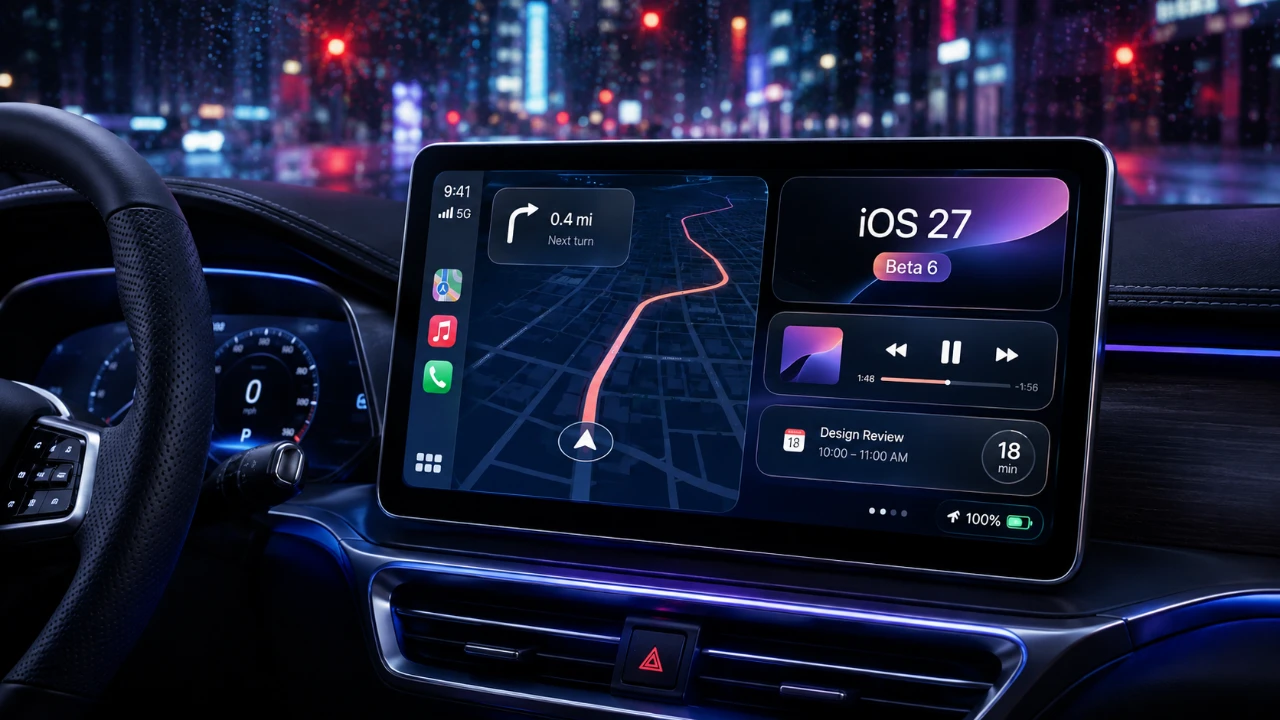
Apple has rolled out iOS 27 Beta 6, introducing a range of updates to its CarPlay system. This release focuses on enhancing usability, refining the visual design, and addressing performance issues to deliver a smoother in-car experience. Key highlights include smarter Apple Music filtering options, visual and functional improvements to Siri, and expanded screenshot capabilities. However, some anticipated features, such as video playback, remain absent, leaving room for further enhancements in future updates. The video below from HotshotTek gives us more details on what Apple has included in the latest beta release for Apple CarPlay.

Apple Music Filtering: A Smarter Way to Navigate
For Apple Music users, iOS 27 Beta 6 introduces new filtering options that make finding your favorite tracks easier and faster. You can now sort playlists, albums, artists, and songs by categories such as “Favorites” or “All Playlists.” This feature is particularly useful during commutes, as it reduces distractions by streamlining navigation through your music library.
While this update significantly improves the Apple Music experience, it is currently limited to Apple’s own service. Popular third-party apps like Spotify and YouTube Music do not yet support similar filtering options, which may be a drawback for users who rely on multiple music platforms.
Siri Gets a Polished Look and Enhanced Functionality
Siri’s interface has received a visual refresh in iOS 27 Beta 6, introducing a smoother animation with a “bouncy floating effect.” This update gives Siri a more modern and polished appearance, making interactions feel more dynamic. Additionally, refinements to app icons and glass effects contribute to a sleeker overall design for the CarPlay interface.
Despite these improvements, some inconsistencies remain. For example, the older Siri logo still appears in certain apps like Phone and Maps, which disrupts the otherwise cohesive design. These minor issues suggest that further refinements are needed to ensure a fully unified experience.
Enhanced Screenshot Capabilities for CarPlay
Taking screenshots of your CarPlay display has become more versatile with this update. iOS 27 Beta 6 allows you to capture multiple screenshots simultaneously, including the CarPlay interface and your current map location. This feature is particularly useful for documenting routes, sharing directions, or troubleshooting navigation issues.
The update also introduces new settings that let you enable CarPlay screen capture and customize screenshot previews. These options provide greater control over how screenshots are taken and displayed, making the feature more practical for everyday use.
Connectivity and Performance Improvements
Wireless CarPlay connectivity has seen notable improvements in this beta, particularly for users of Audi and BMW vehicles. Reports indicate a more stable connection, with fewer instances of dropped links or interruptions during use. These enhancements aim to provide a more reliable experience, especially for those who rely on wireless CarPlay for navigation and entertainment.
However, as with any beta release, these improvements are still under evaluation. User experiences may vary depending on vehicle models, configurations and other factors, so further testing will be necessary to confirm the long-term reliability of these updates.
Lingering Limitations: The Absence of Video Playback
One significant limitation of iOS 27 Beta 6 is the continued lack of video playback support on CarPlay displays. Even with AirPlay, streaming video content to your CarPlay screen remains unavailable. This omission has been a longstanding frustration for users seeking a more versatile in-car entertainment system.
Apple has not provided any updates or timelines regarding the inclusion of video playback, suggesting that its priorities remain focused on safety and navigation rather than multimedia capabilities. While this approach aligns with Apple’s emphasis on minimizing distractions while driving, it leaves a gap for users who desire a more comprehensive infotainment experience.
What This Update Brings to Your Driving Experience
The iOS 27 Beta 6 update highlights Apple’s commitment to refining CarPlay, offering a blend of practical enhancements and visual improvements. From smarter Apple Music filtering to Siri’s polished animations and expanded screenshot functionality, these updates aim to make your in-car experience more intuitive and enjoyable.
However, the absence of video playback and minor inconsistencies in design suggest that there is still room for growth. As Apple continues to gather user feedback, future updates may address these gaps, making sure CarPlay remains a leading choice for in-car infotainment systems. For now, iOS 27 Beta 6 represents a step forward in usability and design, offering meaningful improvements for drivers who rely on CarPlay daily.
Check out more relevant guides from our extensive collection on Apple CarPlay that you might find useful.
- Every New Apple CarPlay Feature Coming in iOS 27
- Apple Just Tweaked CarPlay Again in iOS 27 Public Beta 2
- How to Use Waze’s Latest 2026 Features on Apple CarPlay & Android Auto
- Apple CarPlay Evolution: iOS 18 vs. iOS 26
- Major Apple CarPlay Upgrades in iOS 27 Public Beta You’ll Actually Use Every Day
- Apple CarPlay in iOS 27: Every New Feature Explained
Source: HotshotTek
Disclosure: Some of our articles include affiliate links. If you buy something through one of these links, Geeky Gadgets may earn an affiliate commission. Learn about our Disclosure Policy.
