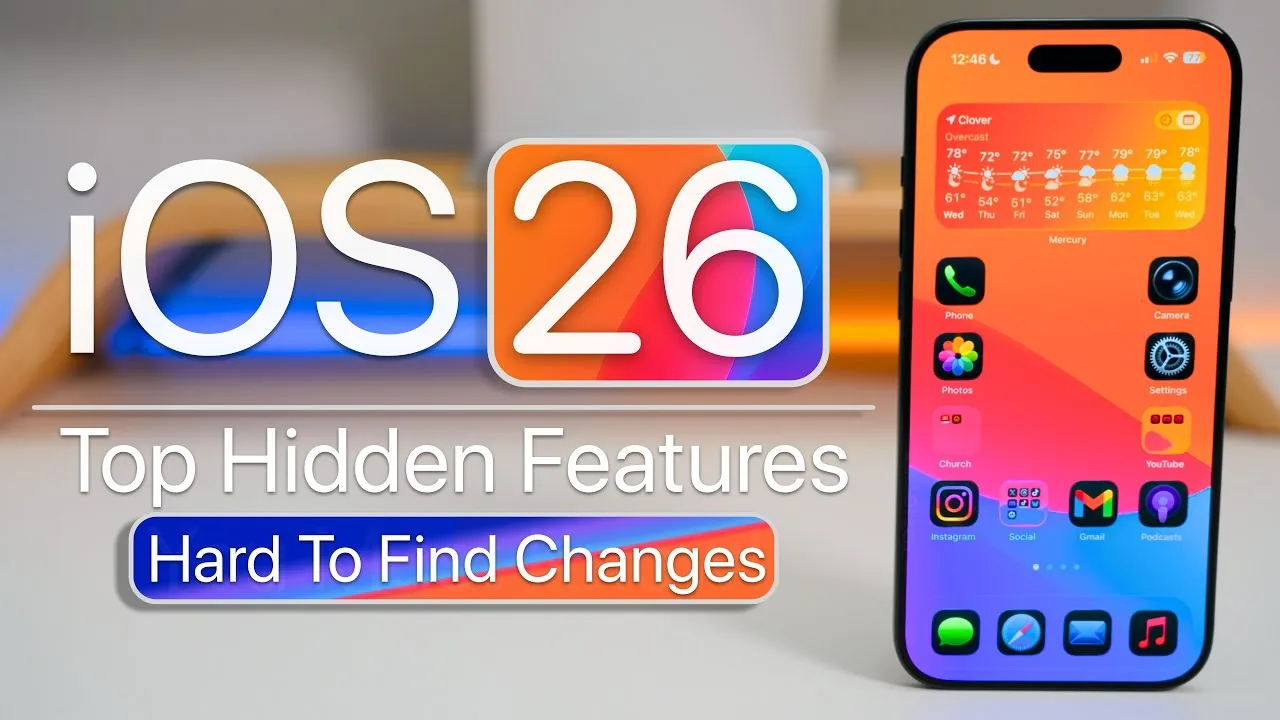
iOS 26 brings a variety of subtle yet impactful updates aimed at improving navigation, customization, security, and overall usability. While some of these features may not be immediately noticeable, they are designed to provide practical tools that enhance your daily interactions. Whether you’re managing calls, editing media, or personalizing your device, these enhancements are crafted to make your experience more seamless, efficient, and enjoyable. The video below from Zollotech gives us more details.

Streamlined Navigation for Effortless Use
Navigating your device has become more intuitive with iOS 26. The gesture-based navigation system now allows you to swipe back from anywhere on the screen, eliminating the need to reach for specific buttons. This small yet meaningful improvement simplifies multitasking and makes one-handed use significantly more convenient. Whether you’re switching between apps or browsing content, this feature ensures a smoother and more fluid experience.
Ambient Sounds for Focus and Relaxation
iOS 26 introduces built-in ambient sounds, such as rain, ocean waves, or a crackling fire, designed to help you focus, relax, or sleep. These sounds can play in the background while you work, meditate, or unwind, creating a calming environment tailored to your needs. Additionally, you can set a timer to stop playback automatically, making sure the feature integrates seamlessly into your daily routine without requiring constant adjustments.
Smarter Call Management
Managing calls has become faster and more intuitive with iOS 26. You can now set reminders for missed calls, making sure you never forget to follow up with important contacts. Additionally, clearing your call history is more efficient than ever. A simple two-finger drag gesture allows you to delete multiple call logs in seconds, saving time and effort. These updates make call management more streamlined and user-friendly.
Messages App: Enhanced Communication Tools
The Messages app has received several upgrades to improve communication and organization:
- Select specific text within a message for copying or translating, making it easier to share or understand information.
- Access a new drafts folder to revisit and complete unsent messages at your convenience, making sure no message is left unfinished.
- Photos taken within Messages are now automatically saved to your photo library. You can also use these images as custom backgrounds with filters and cropping options for added personalization.
These features enhance the way you communicate, making the Messages app more versatile and efficient.
Privacy and Security Upgrades
iOS 26 prioritizes your privacy and security with several key updates. Wired accessory permissions now ensure that only trusted devices can connect to your iPhone, protecting your data from unauthorized access. This added layer of security safeguards your personal information, giving you greater peace of mind when using your device. These enhancements reflect Apple’s ongoing commitment to user privacy.
Advanced Media Search and Editing
Finding and editing media has never been easier with the advanced tools in iOS 26:
- Use visual search to locate specific objects or text within your photos and videos, saving time when searching for particular content.
- Adjust video frame rates directly during editing, giving you greater control over the final output and making sure your media meets your exact preferences.
These updates make managing your media library more efficient and customizable, catering to both casual users and content creators.
Improved Safari Tab Management
Browsing the web is now more organized with Safari’s enhanced tab management features. A double-tap on the menu provides quick access to your open tabs, allowing you to navigate between them effortlessly. You can also duplicate tabs or arrange them by title or website, making it easier to manage multiple tabs at once. These updates are particularly useful for users who frequently multitask or conduct research online.
Files App: Customization for Better Organization
The Files app in iOS 26 offers new ways to organize and personalize your content:
- Customize folder icons and tags using colors, emojis, or glyphs for quick identification and improved visual organization.
- Set default apps for opening specific file types, tailoring the app to your workflow and preferences.
These features make it easier to manage your files and streamline your productivity, whether for personal or professional use.
On-Device Location Tracking
The Maps app now supports on-device location tracking, allowing you to manage and review visited places without relying on external servers. This feature enhances privacy by keeping your location data stored locally on your device. For added control, you can disable tracking entirely, making sure your location information remains private and secure.
Encrypted Card Storage for Added Security
The Wallet app now supports encrypted storage of physical card details in iCloud Keychain. This feature ensures your card information is securely stored and protected from unauthorized access while remaining easily accessible when needed. By combining convenience with robust security, this update enhances the functionality of the Wallet app.
Home Screen Personalization
Personalizing your home screen is more dynamic with iOS 26. You can now match your home screen tint to Apple cases, creating a cohesive and stylish look that reflects your personal aesthetic. This feature allows for greater customization, allowing you to make your device truly your own.
Unlock the Full Potential of iOS 26
iOS 26 is packed with hidden features that enhance usability, security, and personalization. From gesture-based navigation and ambient sounds to advanced media tools and encrypted card storage, these updates are designed to make your device more intuitive and user-friendly. By exploring these features, you can tailor your iPhone experience to suit your unique needs and preferences, unlocking the full potential of iOS 26.
Dive deeper into iOS 26 features with other articles and guides we have written below.
- Top 10 iOS 26 Features That Enhance Your iPhone
- iOS 26: Liquid Glass & The TOP Features You Need to See!
- 10 Hidden Features in iOS 26 You Need to Know About
- Discover the Top Hidden Features in iOS 26 You Need to Try
- What’s New in iOS 26 Beta 9? Key Updates and Features
Source & Image Credit: zollotech
Disclosure: Some of our articles include affiliate links. If you buy something through one of these links, Geeky Gadgets may earn an affiliate commission. Learn about our Disclosure Policy.
