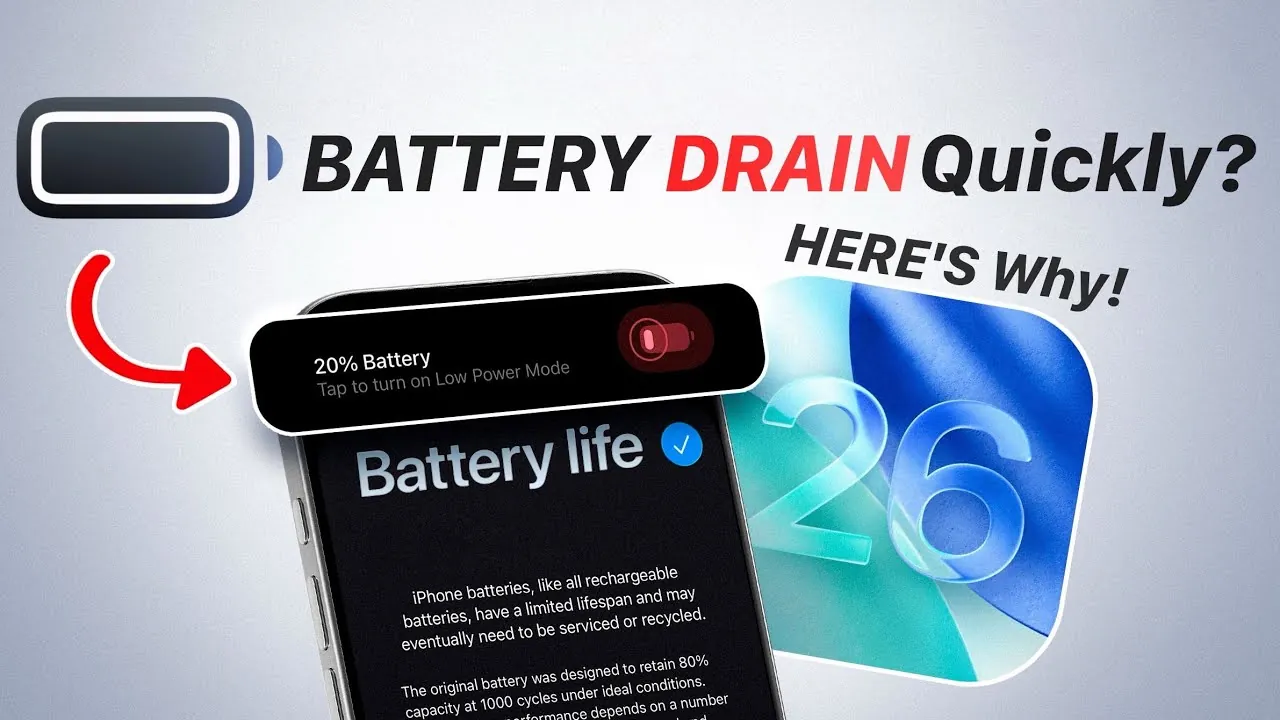
The release of iOS 26 has sparked widespread concern among users due to reports of rapid battery drain and overheating. While these issues can be frustrating, they are a common occurrence following major software updates. According to Apple, this behavior is temporary and stems from essential background processes that optimize your device for the new software. These processes, such as data indexing, app updates, and system asset downloads, are resource-intensive but typically stabilize within a few days, restoring normal battery performance. The video below from iDeviceHelp gives us more details on how to fix iOS 26 battery drain.

Understanding the Causes of Battery Drain and Overheating
When you upgrade to iOS 26, your device initiates several critical tasks to ensure compatibility and smooth operation. These tasks are designed to enhance functionality but can temporarily strain your device’s resources. Key processes include:
- Data Indexing: Your device reorganizes and indexes stored data to improve search functionality and overall system performance.
- App Updates: Applications are updated to align with iOS 26, making sure compatibility and allowing new features introduced by the update.
- Asset Downloads: The system downloads essential resources required to support new functionalities and optimize performance.
These activities demand significant processing power, which can lead to increased battery consumption and overheating. However, this adjustment period is temporary and typically resolves within two to three days as the processes complete.
Apple’s Strategy for Post-Update Optimization
Apple acknowledges that new features and system enhancements introduced in updates like iOS 26 can temporarily affect device performance. To address this, the company designs its updates to optimize your device over time. While the initial adjustment period may cause inconvenience, Apple’s ongoing refinements through subsequent updates aim to enhance overall performance and resolve any lingering issues. These updates are part of Apple’s broader strategy to ensure long-term compatibility and functionality across its devices.
How to Improve Battery Life After Updating
If your device continues to experience battery drain or overheating beyond the initial adjustment period, there are several practical steps you can take to mitigate these issues. Adjusting specific settings can help optimize performance and extend battery life:
- Network Settings: Switch to LTE-only mode if you are in an area with weak 5G coverage. This reduces the energy consumed by frequent network switching.
- Background App Refresh: Disable this feature to prevent apps from consuming power unnecessarily while running in the background.
- Adaptive Power Mode: Enable this setting to limit background activity and conserve energy during periods of heavy usage.
- Keyboard Haptics: Turn off keyboard haptics, as this feature uses additional power to provide tactile feedback during typing.
By implementing these adjustments, you can significantly reduce battery drain and improve your device’s overall efficiency.
Challenges for Older Devices
Users with older iPhone models may experience more pronounced effects from the iOS 26 update. These devices often have less efficient hardware, which can struggle to handle the increased demands of new software. While Apple includes battery optimization features to help mitigate these challenges, older devices may require additional adjustments to maintain acceptable performance levels. For instance, reducing screen brightness, disabling unnecessary animations, and limiting background processes can help older devices cope with the update’s demands.
What to Expect Moving Forward
The battery drain and overheating issues associated with the iOS 26 update are temporary and should subside as background processes complete. By following Apple’s recommendations and implementing the tips outlined above, you can minimize the impact on your device and restore optimal performance. Additionally, as Apple continues to release updates for iOS 26, you can expect further improvements in battery efficiency and overall system performance. These refinements will ensure a smoother and more reliable user experience over time, allowing you to fully enjoy the benefits of the latest iOS features.
Check out more relevant guides from our extensive collection on iOS 26 Battery Drain that you might find useful.
- How to Fix iOS 26 Beta Battery Drain
- Apple Confirms Battery Drain in iOS 18.6 Beta 1 and iOS 26 Beta 1.5
- iOS 26 Beta Challenges: Battery Life, Bugs, and Stability Issues
- Save iPhone Battery with Adaptive Power (iOS 26 Public Beta)
- How to Fix iOS 18.6 Battery Drain on Your iPhone
Source & Image Credit: iDeviceHelp
Disclosure: Some of our articles include affiliate links. If you buy something through one of these links, Geeky Gadgets may earn an affiliate commission. Learn about our Disclosure Policy.
