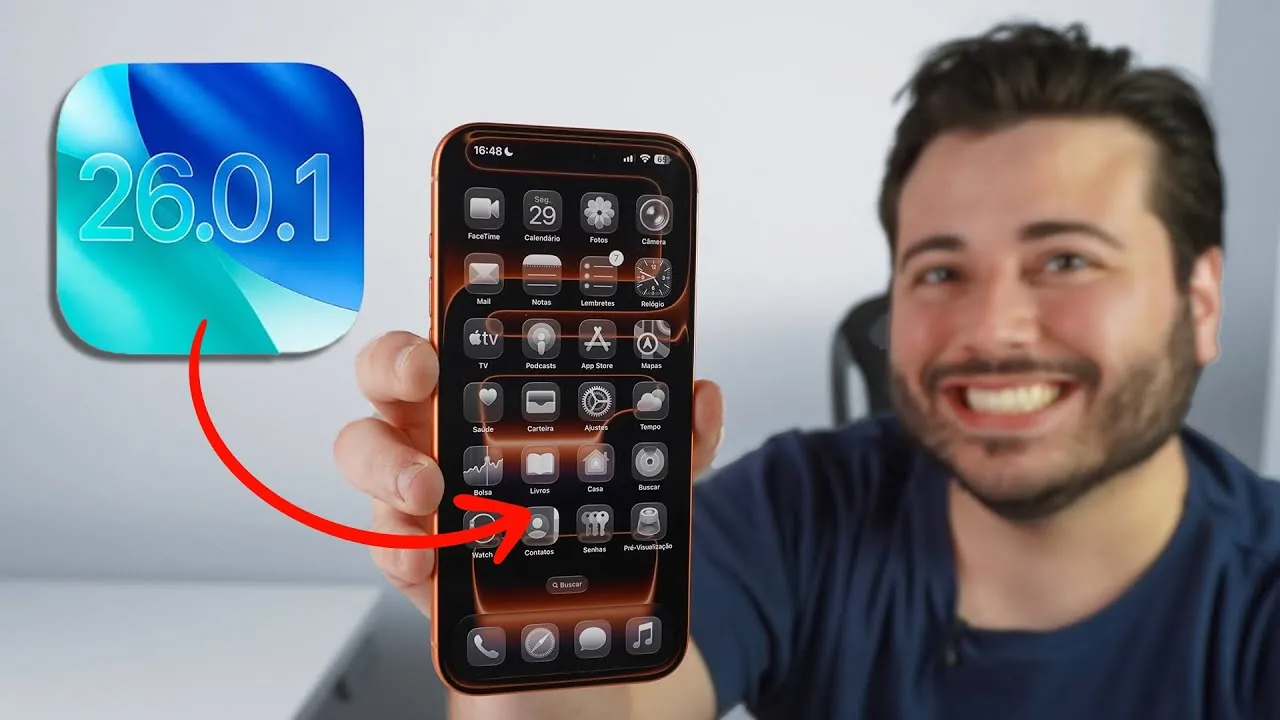
Apple has officially released the iOS 26.0.1 update, aiming to address several critical issues that surfaced with the initial rollout of iOS 26. This update introduces improvements in areas such as wireless connectivity, camera performance, and accessibility features. However, it does not fully resolve all the challenges users have encountered. If you’re considering whether to install this update, understanding its fixes, ongoing issues, and what lies ahead can help you make an informed decision. The video below from Daniel About Tech gives us a look at the latest iOS software update.

What’s Fixed in iOS 26.0.1?
The iOS 26.0.1 update focuses on resolving some of the most pressing problems reported by users of the iPhone 17 series and other devices running iOS 26. Key fixes include:
- Wireless Connectivity: Persistent issues with Wi-Fi and Bluetooth disconnections have been resolved. This is particularly beneficial for users of the iPhone 17 series and iPhone Air, who previously experienced frequent interruptions.
- Cellular Network Stability: Problems such as dropped calls and inconsistent mobile data performance have been addressed, improving reliability across all iPhones running iOS 26.
- Camera Performance: Photo artifacts that appeared under specific lighting conditions, especially on the iPhone 17 series, have been corrected. This ensures clearer and more consistent image quality.
- User Interface Glitches: Customizing the home screen is now smoother, with fixes to app display glitches that previously disrupted personalization efforts.
- Accessibility Features: The VoiceOver bug, which disabled this critical tool for visually impaired users, has been resolved, restoring its full functionality.
These updates make iOS 26.0.1 a more stable and reliable version for users already running iOS 26. However, it is not without its limitations, as some issues remain unresolved.
What Problems Persist?
Despite the improvements, iOS 26.0.1 does not completely stabilize the user experience. Several issues continue to affect performance and usability, including:
- Face ID Instability: Some users still report delays or failures when using Face ID for biometric authentication. This can be particularly frustrating for those who rely on it for secure and convenient access.
- Battery Drain: Excessive battery consumption remains a concern, especially during intensive tasks or prolonged use. This issue is compounded by thermal management problems, with devices heating up even under moderate workloads.
- Third-Party App Compatibility: Certain third-party apps continue to experience crashes or reduced functionality. This is a significant inconvenience for users who depend on these apps for daily activities.
These ongoing challenges suggest that iOS 26.0.1 serves as a temporary patch rather than a comprehensive solution. If these issues significantly impact your daily use, waiting for the next update may be a better option.
Should You Update?
For users already running iOS 26, upgrading to iOS 26.0.1 is a logical step. The improvements in wireless connectivity, camera functionality, and accessibility make it a more stable version than its predecessor. However, if you are still using an older version, such as iOS 18, it may be wise to hold off until iOS 26.1 or later. Apple is expected to release iOS 26.1 next month, which could include more substantial fixes and enhancements.
If you are experiencing issues with third-party app compatibility, regularly updating your apps through the App Store can help. Developers often release updates to align their apps with the latest iOS version, improving performance and stability.
What’s on the Horizon?
The upcoming iOS 26.1 update is anticipated to address many of the unresolved issues in iOS 26.0.1. While Apple has not disclosed specific details, users are hopeful for improvements in key areas such as Face ID reliability, battery performance, and thermal management. For those seeking a more polished and seamless experience, waiting for this update could be the best course of action.
The iOS 26.1 update is also expected to bring additional refinements to third-party app compatibility, further enhancing the overall user experience. Keeping an eye on Apple’s announcements and user feedback can provide valuable insights into the update’s potential benefits.
Uncover more insights about iOS 26.0.1 update in previous articles we have written.
- iOS 26.0.1 Update: Apple’s Fix for Battery Drain and More
- Apple’s iOS 26.0.1 Coming Soon: Key Fixes Explained
- iOS 26.1 Review: Design Enhancements and What They Mean
- iOS 26.0.1 is Out: What It Fixes and Should You Update?
- How to Fix iPhone Battery Drain and Overheating in iOS 26
Source & Image Credit: Daniel About Tech
Disclosure: Some of our articles include affiliate links. If you buy something through one of these links, Geeky Gadgets may earn an affiliate commission. Learn about our Disclosure Policy.
