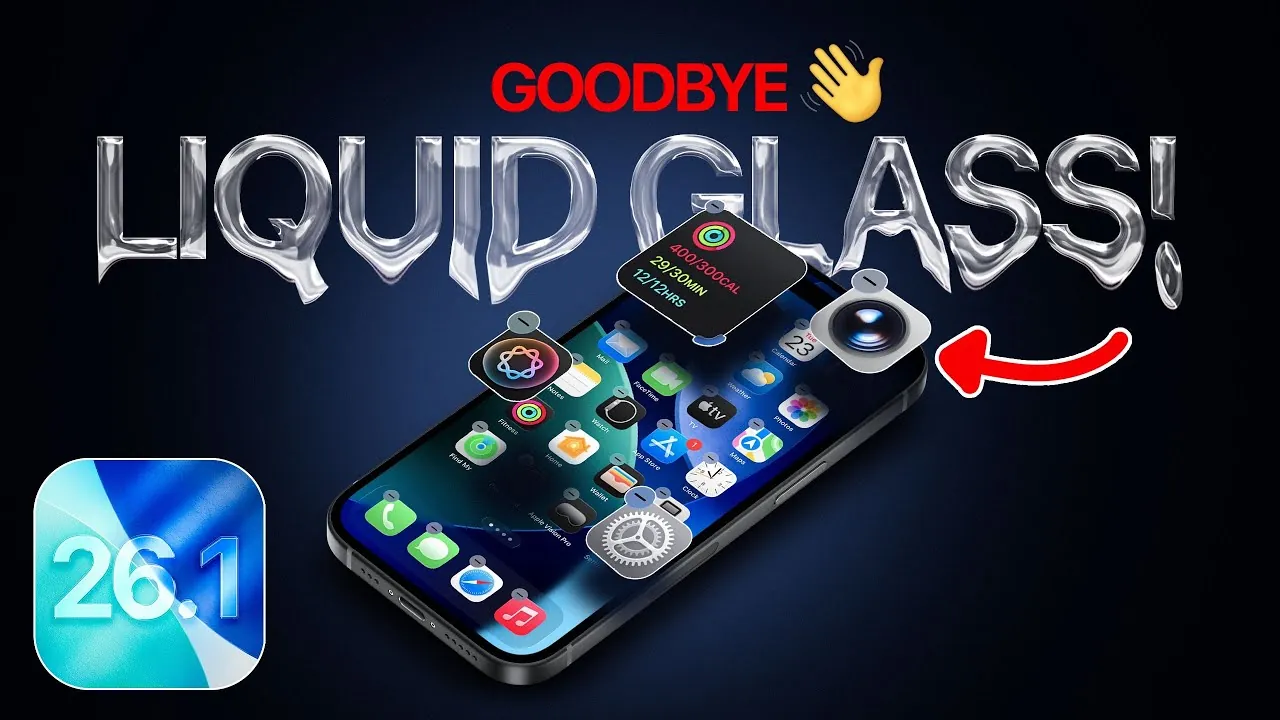
The iOS 26.1 update brings a range of design refinements, feature enhancements, and performance adjustments designed to improve your overall experience. From subtle visual changes to more intuitive media controls and a preview of future capabilities, this update reflects Apple’s ongoing commitment to balancing innovation with usability. While some users may notice slight performance dips in benchmarks, the update delivers a stable and polished experience for most. Below is a detailed look at the key changes and what they mean for you in a new video from iDeviceHelp.

Redesigned Aesthetics: Frosted Glass Takes Center Stage
One of the most prominent updates in iOS 26.1 is the shift from the “Liquid Glass” design to a frosted glass aesthetic. This change is visible across menus, screenshots, and app editing interfaces. The Liquid Glass design, known for its dynamic and fluid appearance, has been replaced with a frosted glass effect that emphasizes clarity and subtlety.
This new design approach creates a more cohesive and polished visual experience, aligning with Apple’s evolving design philosophy. While the change may feel less dramatic, it enhances the interface’s overall sophistication, making it easier to navigate and visually appealing without overwhelming the user.
Apple Music: Enhanced Navigation and Visuals
Apple Music receives notable updates in iOS 26.1, focusing on improved usability and aesthetics. New swipe gestures allow for smoother navigation between tracks, making it easier to control your music without relying on traditional buttons. These gestures feel natural and intuitive, streamlining the way you interact with your playlists.
Additionally, album artwork animations on the lock screen have been refined. Whether you’re playing, pausing, or skipping tracks, the animations are now smoother and more engaging. These updates not only enhance the visual appeal of Apple Music but also make your interactions feel more dynamic and responsive.
Photos App: Streamlined Media Controls
The Photos app has been updated with redesigned media controls that incorporate the frosted glass aesthetic introduced in iOS 26.1. This visual upgrade complements the broader design changes, creating a more unified look across the operating system.
Functionally, the new controls offer a clearer and more organized interface, making it easier to browse, edit, and share your photos. Whether you’re adjusting filters or simply scrolling through your gallery, these updates aim to make every interaction more seamless and enjoyable. The combination of visual and functional improvements ensures that the Photos app remains a central part of your iOS experience.
Wallet App: Digital IDs Are Coming Soon
iOS 26.1 sets the stage for the future integration of digital passport IDs into the Wallet app, a feature expected to roll out later in 2025. While this functionality is not yet available, its announcement signals Apple’s intention to expand the Wallet app’s capabilities beyond payments.
The addition of digital IDs represents a significant step toward incorporating secure digital identification into everyday life. Once implemented, this feature could simplify tasks like airport check-ins or identity verification, positioning the Wallet app as an even more essential tool for users.
Performance and Battery Life: A Focus on Stability
Performance benchmarks for iOS 26.1 reveal a slight decrease in both single-core and multi-core scores compared to iOS 26. While these dips are unlikely to impact everyday tasks, they may be noticeable to power users who rely on maximum performance for demanding applications.
On the other hand, battery life remains consistent, making sure that users won’t experience unexpected drops in longevity. This suggests that Apple has prioritized stability and design improvements over raw performance gains in this update. For most users, this trade-off will result in a smoother and more reliable experience overall.
What the Update Brings to Your Device
The iOS 26.1 update delivers a carefully curated mix of design enhancements, feature updates, and performance adjustments. The transition from Liquid Glass to frosted glass reflects Apple’s focus on creating a more refined and cohesive design language. Updates to Apple Music and the Photos app improve media interactions, making them more intuitive and visually appealing. Meanwhile, the announcement of digital IDs in the Wallet app hints at exciting future functionality that could simplify everyday tasks.
Although performance benchmarks show slight dips, the consistent battery life ensures a stable and reliable user experience. For most users, iOS 26.1 represents a thoughtful evolution of Apple’s software, balancing innovation with practicality. Whether you’re drawn to the design changes, the improved media controls, or the promise of future features, this update offers something for everyone.
Here is a selection of other guides from our extensive library of content you may find of interest on iOS 26.1 update.
- How to Get Ready for iOS 26.1: Tips and Tricks
- iOS 26.1 Beta: Key Updates and Improvements Explained
- iOS 26.1 Beta 1 Released: Full Breakdown of New Features
- iOS 26.0.1 Update: Apple’s Fix for Battery Drain and More
- How to Prepare Your iPhone for iOS 26 RC Update
Source & Image Credit: iDeviceHelp
Disclosure: Some of our articles include affiliate links. If you buy something through one of these links, Geeky Gadgets may earn an affiliate commission. Learn about our Disclosure Policy.
