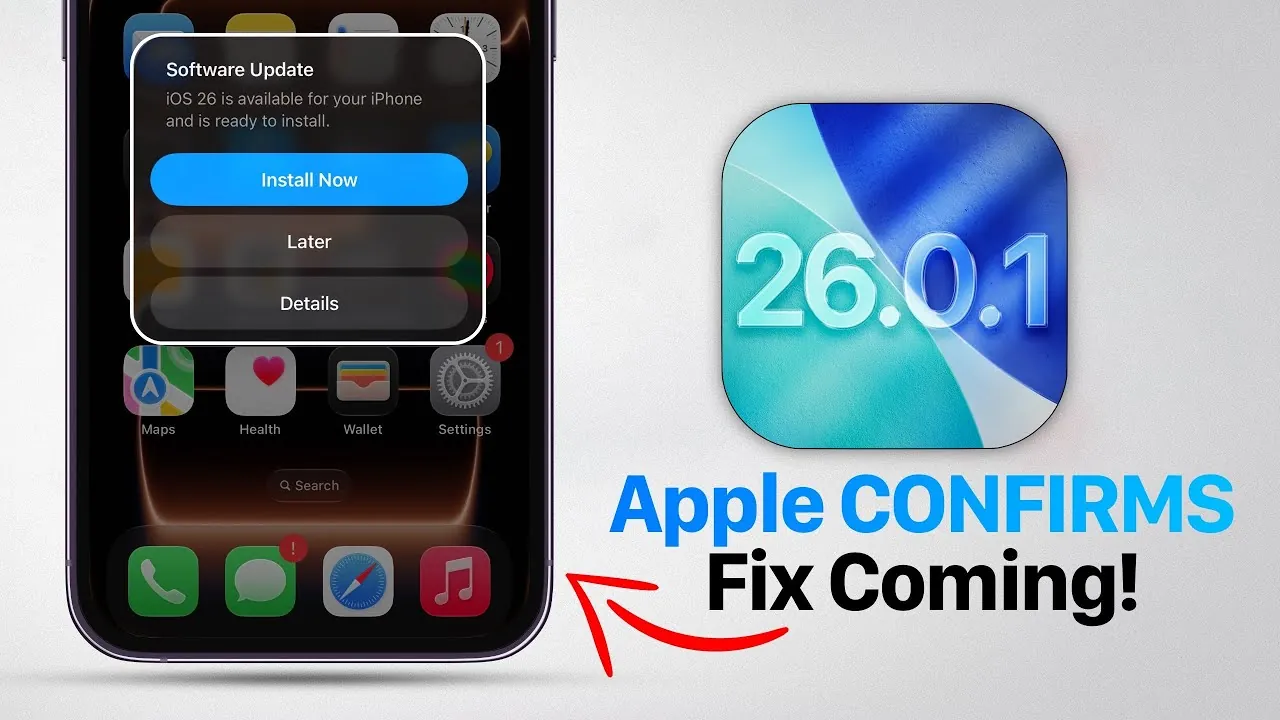
Apple is expected to announce the release of iOS 26.0.1 soon, an update designed to address several critical issues reported since the launch of iOS 26. This update is expected to roll out within the week and aims to resolve problems such as device overheating, excessive battery drain, unresponsive touchscreens, and camera distortions. If you’ve been affected by any of these issues, this update could provide the solutions you’ve been waiting for. The video below from iDeviceHelp gives us more details on what to expect.

iOS 26: A Promising Launch with Early Challenges
The release of iOS 26 introduced a range of innovative features, particularly tailored for the iPhone 17 series, including the iPhone Air. However, the initial excitement surrounding these advancements has been tempered by technical challenges that have impacted user experience. Key issues reported by users include:
- Overheating: Devices becoming excessively warm during routine tasks, raising concerns about long-term thermal management.
- Battery Drain: Rapid battery depletion, even on newer devices, is frustrating users who expected improved battery life.
- Touchscreen Responsiveness: Instances of screen freezing or delayed interactions disrupt smooth usability.
- Camera Distortions: Focus issues and image distortions, particularly on the iPhone 17, are affecting photo and video quality.
While iOS 26 introduced exciting features, these technical setbacks have created challenges for users, prompting Apple to act quickly to address the concerns.
What to Expect from iOS 26.0.1
The iOS 26.0.1 update is Apple’s response to the feedback received since the launch of iOS 26. Here’s what the update promises to deliver:
- Improved Thermal Management: Adjustments to the system will help prevent overheating, making sure devices remain cool even during intensive use.
- Enhanced Battery Optimization: The update focuses on reducing unnecessary battery consumption, extending usage time across all compatible devices.
- Touchscreen Refinements: Improvements to screen responsiveness will provide smoother and more reliable interactions.
- Camera Fixes: Issues with focus and image distortion will be resolved, restoring the high-quality photo and video performance users expect.
These updates are designed to address the most pressing complaints, making sure a more stable and enjoyable experience for users.
watchOS 26.0.1: A Regional Rollout
Alongside the iOS update, Apple has also released watchOS 26.0.1, currently available exclusively in Mexico. This update introduces satellite messaging capabilities for the Apple Watch Ultra 3, allowing enhanced communication in remote areas. Although the rollout is region-specific for now, it reflects Apple’s broader commitment to expanding functionality across its product ecosystem. Users in other regions can anticipate similar updates in the future as Apple continues to refine its offerings.
Steps to Prepare for the Update
To ensure a smooth transition to iOS 26.0.1, follow these steps:
- Navigate to Settings > General > Software Update on your device to check for the availability of the update.
- Once the update is released, download and install it promptly to address any issues you may be experiencing.
- If you own an Apple Watch Ultra 3 in Mexico, update to watchOS 26.0.1 to access the new satellite messaging feature.
Keeping your devices updated is essential for maintaining optimal performance and accessing the latest features.
Apple’s Commitment to Reliability
The iOS 26.0.1 update underscores Apple’s dedication to delivering a seamless user experience. By addressing critical issues such as overheating, battery inefficiency, touchscreen delays, and camera malfunctions, Apple is working to restore confidence in its latest devices, including the iPhone 17 lineup. This proactive approach highlights Apple’s focus on innovation and reliability, making sure that users can enjoy the full potential of their devices.
As the update becomes available, users can look forward to a more stable and refined experience. Apple’s swift response to user feedback demonstrates its commitment to maintaining the high standards that have become synonymous with its brand. Stay tuned for further updates as Apple continues to optimize its ecosystem and enhance the functionality of its products.
Master iOS 26 with the help of our in-depth articles and helpful guides.
- iOS 26 Tips: 24 Settings You Should Adjust Immediately
- 20 Must-Know Apple Intelligence Shortcuts in iOS 26
- Apple CarPlay in iOS 26: Everything You Need to Know
- Why iOS 26 Causes Battery Drain and How to Fix It
- iOS 26: Key Features and Final Testing Details
Source & Image Credit: iDeviceHelp
Disclosure: Some of our articles include affiliate links. If you buy something through one of these links, Geeky Gadgets may earn an affiliate commission. Learn about our Disclosure Policy.
