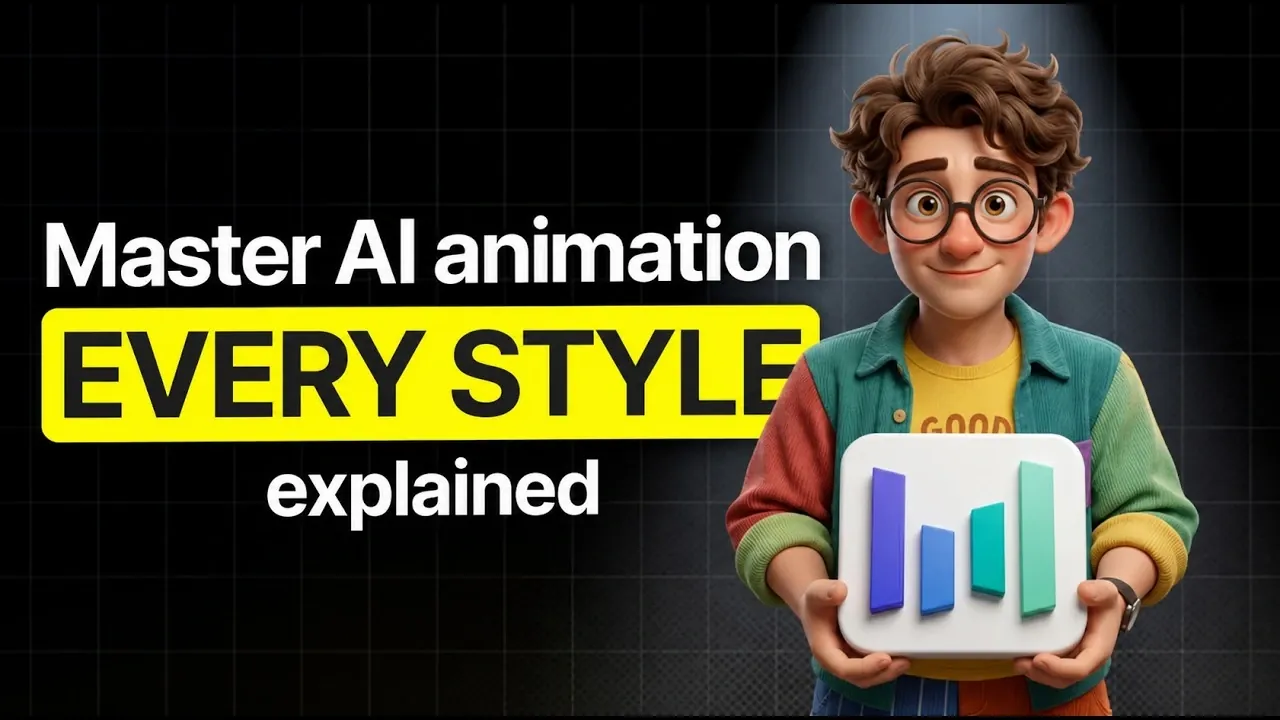
AI animation combines artistic techniques with advanced algorithms to create a variety of visual styles. Dan Kieft examines how AI enables everything from painterly, Arcane-inspired textures to the classic appeal of 2D Disney-style animations. A crucial aspect of this process is preparation, such as using character sheets to maintain consistency when adapting designs across styles. This step becomes particularly important when working with platforms like GPT Image 2, which specializes in generating versatile character designs aligned with specific artistic directions.
Discover how to approach AI animation workflows with clarity and precision. Explore methods like the “Start and End Frame Workflow” for achieving fluid transitions and the “Storyboarding Workflow” for structuring cohesive narratives. Learn how to enhance your results through detailed prompting techniques, including combining style, movement and camera angles to achieve specific visual goals. These insights provide practical guidance for tackling both simple and complex animation projects.
The Importance of Planning
TL;DR Key Takeaways :
- AI animation is transforming creativity by combining artistic expression with advanced technology, requiring a solid understanding of tools, techniques and workflows for high-quality results.
- Planning is crucial for success, including defining story, characters and visual style, with tools like GPT Image 2 aiding in consistent character design across various animation styles.
- Choosing the right tools, such as Higgsfield for cinematic transitions or SeaArt for hybrid animations, is essential to meet specific project needs and optimize workflows.
- Effective workflows, such as storyboarding or start-and-end frame techniques and mastering prompting methods like “Style + Action + Camera” are key to achieving professional-grade animations.
- AI animation supports diverse styles (e.g., 3D Pixar, 2D Disney, claymation) but presents challenges like intricate movements and high-resolution demands, which can be managed through strategic planning and cost-effective testing.
A well-structured plan is the foundation of any successful animation project. Before diving into frame generation or tool selection, it is crucial to define your story, characters and visual style. A clear vision ensures consistency and coherence throughout the animation process.
Begin by developing a character sheet to establish a uniform design for your characters. This step is particularly important when using AI tools, as it minimizes inconsistencies in appearance and style. Tools like GPT Image 2 can assist in creating adaptable character designs that align with various animation styles, such as 2D Disney-inspired visuals or whimsical claymation. A strong plan not only streamlines your workflow but also enhances the overall quality of your animation.
Selecting the Right Tools
Choosing the appropriate tools is a critical step in the animation process. Different platforms cater to specific aspects of AI animation, each offering unique capabilities. Here are some popular options:
- Higgsfield: Best suited for creating cinematic transitions and dynamic camera movements.
- SeaArt: Ideal for hybrid animations that combine real-world footage with animated elements.
- GPT Image 2: Excellent for precise character design and adapting styles to fit your project’s aesthetic.
- Nano Banana: A versatile tool for generating animations in a variety of styles.
The choice of platform depends on your project’s specific requirements. For instance, if your goal is to create seamless transitions, Higgsfield is a strong option. Conversely, SeaArt excels at blending live-action footage with animated components, making it ideal for hybrid projects.
Deep dive into the latest in AI animations by exploring our other resources and articles.
- 10 Mind-Blowing Free AI Animation Tools You Need in 2024
- Stability AI unveils TripoSR AI image to 3D model generator
- Best AI Animation Tools in 2025 : Prompt Battle Comparison
- How to Keep Your AI Characters Consistent Across Videos and Images
- Best 5 AI Video Generators Compared : See Which Delivers True Realism
- How to animate images using Pika AI text-to-video creator
- Don’t Miss Out! 10 FREE AI Animation Tools You NEED to Try
- Create Stunning Animated Cartoons & Videos with Invideo AI in Minutes
Streamlining Workflows
Efficient workflows are essential for managing the complexity of AI animation projects. Depending on your goals and the intricacy of your animation, consider the following approaches:
- Start and End Frame Workflow: Define key frames and use reference images to maintain a consistent style. This method is particularly effective for achieving smooth transitions and dynamic camera angles.
- Elements to Video Workflow: Combine multiple reference images to create cohesive animations. This approach works well for projects that merge animated and real-world visuals.
- Storyboarding Workflow: Create six-panel storyboards to outline your animation. These visual guides help ensure narrative coherence and seamless scene transitions.
Each workflow offers distinct advantages. Selecting the right one depends on your project’s complexity and desired outcomes. For example, storyboarding is invaluable for maintaining a clear narrative structure, while the start and end frame workflow is ideal for projects requiring precise visual continuity.
Mastering Prompting Techniques
Effective prompting is a cornerstone of AI animation. The “Style + Action + Camera” method provides a structured framework for guiding AI tools. For example, a prompt like “2D Disney style, character running, wide-angle shot” delivers clear and visually appealing results.
For more intricate scenes, detailed prompts can specify complex actions, lighting conditions and camera movements. Experimenting with different prompts allows you to refine your animation’s quality and achieve your desired aesthetic. Mastering this skill ensures that your creative vision is accurately translated into the final animation.
Exploring Animation Styles
AI animation supports a diverse range of styles, offering endless creative possibilities. Some popular options include:
- 3D Pixar-inspired animations: Known for their polished and cinematic appeal.
- Arcane’s painterly aesthetic: A unique blend of hand-painted textures and modern animation techniques.
- Whimsical claymation: Perfect for playful and imaginative projects.
- Classic comic book visuals: Ideal for bold, graphic storytelling.
- 2D Disney-style animations: Renowned for their timeless charm and fluid motion.
Adapting your character designs to fit these styles ensures visual harmony across your project. Experimenting with different aesthetics can help you discover the perfect look, whether you’re aiming for a sleek 3D sequence or a nostalgic 2D animation.
Addressing Challenges
While AI animation offers significant advantages, it also presents certain challenges. Elements such as text animations, intricate movements and hand gestures can be difficult to execute with precision. Additionally, generating high-resolution animations can be resource-intensive, particularly for longer projects.
To overcome these obstacles, consider testing your animations at lower resolutions. This approach allows you to refine your work without incurring high costs. Once you are satisfied with the results, you can scale up to higher resolutions for the final output. By addressing these challenges strategically, you can maintain both quality and efficiency.
Practical Tips for Success
To optimize your animation process and achieve professional results, keep the following tips in mind:
- Start with storyboards to establish a clear narrative and streamline your workflow.
- Use reference images to maintain consistency in character design and visual style.
- Experiment with prompts to refine scene continuity and achieve your desired outcomes.
These strategies not only enhance the quality of your animations but also help you manage time and resources effectively.
Managing Costs Wisely
Cost management is a vital aspect of AI animation production. Testing animations at lower resolutions is a cost-effective way to experiment and refine your work. However, exercise caution when upscaling low-resolution animations, as this can result in quality loss.
By balancing experimentation with careful resource allocation, you can achieve professional-grade results without exceeding your budget. Strategic planning and efficient workflows are key to managing costs while maintaining high standards of quality.
Unlocking Creative Potential
AI animation offers unparalleled opportunities for creativity and innovation. By focusing on planning, selecting the right tools and mastering workflows, you can bring your vision to life with precision and efficiency. Whether you are working on a short clip or a full-length feature, this guide provides the insights you need to navigate the technical and creative aspects of AI animation successfully.
Media Credit: Dan Kieft
Disclosure: Some of our articles include affiliate links. If you buy something through one of these links, Geeky Gadgets may earn an affiliate commission. Learn about our Disclosure Policy.
