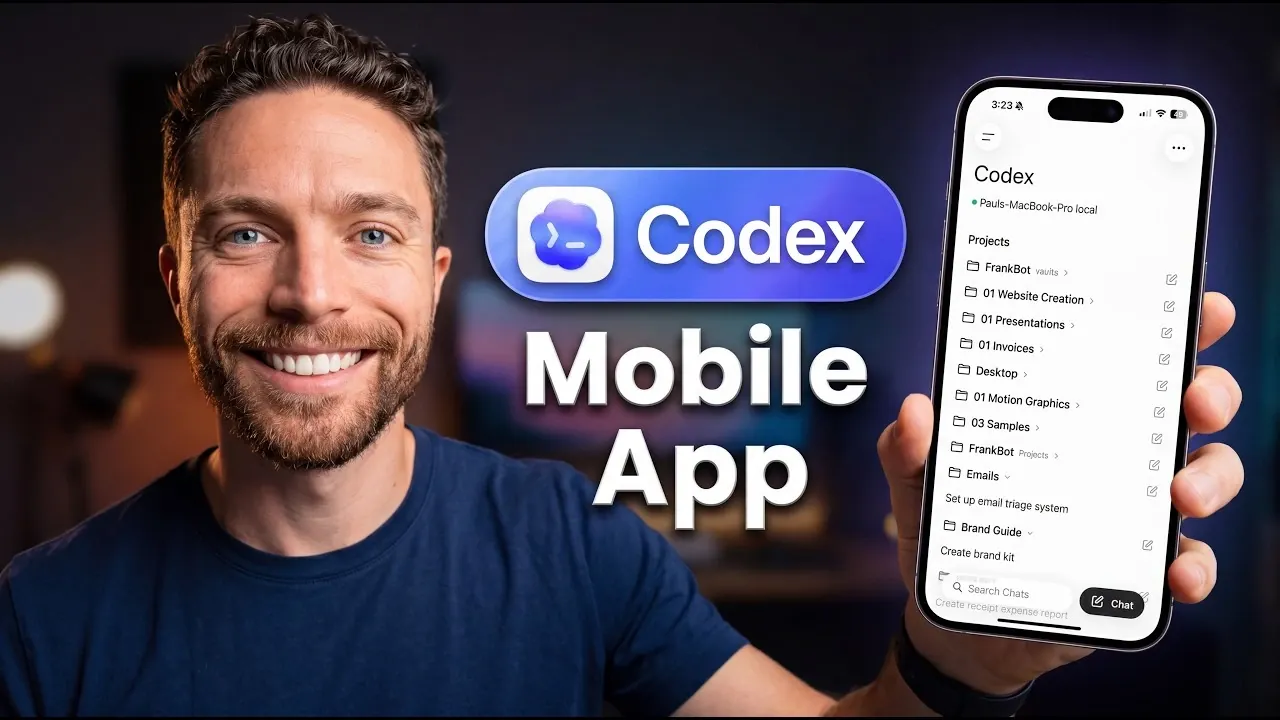
OpenAI has launched mobile support for Codex through the ChatGPT app, now available on iOS and Android. This update enables users to manage Codex directly from their phones, with features like synchronized project updates and real-time notifications. Paul Lipsky outlines the setup process, including steps such as linking your desktop account and scanning a QR code to connect devices. Currently in its preview phase, the feature is compatible with macOS, with Windows support anticipated in the near future.
In this step-by-step guide, learn how to download and configure the ChatGPT app to integrate with your Codex account. Discover how to enable cross-platform synchronization, set up custom notifications and streamline repetitive tasks using mobile functionality. By following these steps, you’ll gain the skills to efficiently manage Codex from your mobile device.
Access ChatGPT Codex on the Go
TL;DR Key Takeaways :
- OpenAI has introduced Codex mobile support via the ChatGPT app, now available for iOS and Android, allowing seamless cross-platform project management and real-time notifications.
- Users can continue coding projects across devices, automate workflows and receive real-time updates, enhancing productivity on the go.
- Setting up Codex on mobile involves linking the ChatGPT app to your desktop account, with support for multiple devices like phones, tablets and smartwatches.
- Codex offers advanced features like third-party app control and Chrome extension integration, though some users have reported minor connectivity issues on specific devices.
- Future updates aim to expand Codex’s capabilities, improve device compatibility and make AI tools more accessible to a broader audience, including non-technical users.
The ChatGPT app now allows you to access Codex directly from your mobile device, whether you use an iPhone or an Android phone. This update enables you to manage projects, execute tasks and stay informed no matter where you are.
Here’s what Codex on mobile enables you to do:
- Seamless Project Continuation: Start or continue coding projects across devices without interruptions.
- Workflow Automation: Automate repetitive tasks to save time and enhance efficiency.
- Real-Time Updates: Receive notifications about task completions or changes as they happen.
This cross-platform functionality ensures that work initiated on your desktop can be effortlessly continued on your phone, helping you stay productive even when you’re away from your primary workstation.
How to Set Up Codex on Mobile
Getting started with Codex on your mobile device is straightforward and user-friendly. Follow these steps to set it up:
- Download the ChatGPT app from the App Store (iOS) or Google Play Store (Android).
- Log in to your OpenAI account and link the app to your desktop Codex account.
- Use the QR code scanner or manually input the unique code generated on your desktop to establish the connection.
The app supports multiple device connections, allowing you to link your phone, tablet and even smartwatch for a unified experience. However, some users have reported connectivity challenges with specific devices, such as Mac mini systems. OpenAI is actively addressing these issues to improve the overall experience.

Below are more guides on OpenAI Codex from our extensive range of articles.
- OpenAI Just Gave ChatGPT Codex the Ability to Control Your Computer
- OpenAI GPT-3.5 Codex Spark Reaches 1,000 Tokens per Second for Coding
- Why Developers Are Switching to ChatGPT 5.5 Codex for Full-Stack Apps
- OpenAI ChatGPT 5.4 Leak Spotted During Codex Demo
- Claude Just Gained an “Infinite” Context Window : Here is What It Means for Your Workflows
- New OpenAI Codex CLI : Unlock Faster Coding & Multimodal Reasoning
- ChatGPT 5.5 Instant Launches : Navigating Its Strengths and Weaknesses
- The Leaked ‘Claude Jupiter’ Model Just Revealed the Next Big Step for AI
- New Claude Feature Automates Your Tasks While You Sleep
- From Sketch to Code : OpenAI Demo the Magic of OpenAI Codex
Key Features and Notifications
Codex’s mobile integration introduces a suite of features designed to enhance productivity and keep you connected across devices.
- Real-Time Synchronization: Tasks performed on one device are instantly reflected on others. For example, you can generate code snippets on your desktop and review or edit them on your phone while commuting.
- Custom Notifications: Stay informed about task updates, completions, or changes with alerts sent directly to your mobile device or smartwatch.
- Cross-Platform Integration: Codex ensures a consistent and seamless experience, whether you’re working at your desk or on the go.
These features are designed to streamline workflows and ensure that you remain productive, even when you’re away from your primary workspace.
Device Compatibility and Rollout
Codex’s mobile functionality is currently available on:
- iOS and Android devices via the ChatGPT app.
- macOS systems, with Windows compatibility expected in the near future.
The rollout is region-specific, meaning availability may vary depending on your location. Importantly, this feature is accessible across all subscription plans, making sure that users worldwide can benefit from the new functionality. While some device-specific connectivity issues have been reported, OpenAI is committed to resolving these challenges through regular updates and user feedback.
Advanced Features and Current Limitations
Codex’s mobile integration introduces advanced capabilities that can significantly enhance your productivity. These include:
- Third-Party App Control: Manage third-party applications directly from your mobile device using Codex’s AI-driven capabilities.
- Chrome Extension Integration: Streamline browser-based tasks by integrating Codex with the Chrome browser for enhanced functionality.
Despite these advancements, certain limitations remain. For instance, some users have experienced connectivity issues with specific device setups. OpenAI encourages users to overview any problems to help refine and improve the platform.
What’s Next for Codex?
OpenAI has ambitious plans for Codex’s future, aiming to expand its capabilities and accessibility further. The company envisions building a community for AI enthusiasts, providing a platform where users can explore, share and develop AI systems like Codex. By focusing on usability and accessibility, OpenAI seeks to empower a broader audience, including non-technical users, to use Codex’s powerful tools effectively.
As Codex continues to evolve, users can expect more features, improved device compatibility and enhanced integration options, making it an even more versatile tool for managing workflows and exploring AI-driven solutions.
Media Credit: Paul J Lipsky
Disclosure: Some of our articles include affiliate links. If you buy something through one of these links, Geeky Gadgets may earn an affiliate commission. Learn about our Disclosure Policy.
