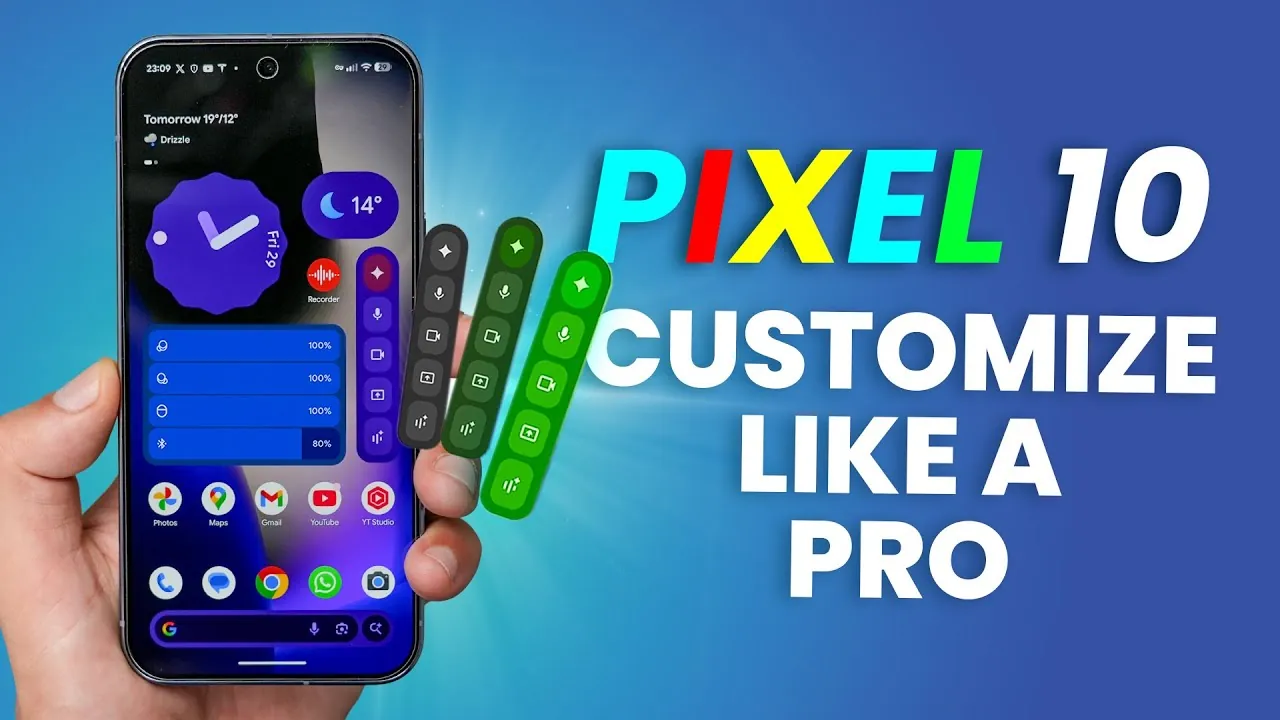
The Google Pixel 10 Pro is more than just a smartphone; it is a highly versatile device designed to adapt to your preferences and needs. Packed with features that range from dynamic wallpapers to advanced battery management, the Pixel 10 Pro enables you to personalize and optimize your experience. Whether you want to enhance its appearance or streamline its functionality, the video below from WhatGear explores the tools and settings that make the Pixel 10 Pro a standout choice for customization enthusiasts.

Dynamic Wallpaper Customization
The Pixel 10 Pro offers a range of innovative wallpaper options that allow you to transform your device’s appearance. With dynamic weather effects, your screen reflects real-time conditions, such as rain or sunshine, adding a layer of realism to your display. Additionally, the device includes AI-generated wallpapers, allowing you to create unique visuals by customizing patterns, colors, and even emojis. These features ensure your phone’s display is not only stylish but also uniquely tailored to your preferences.
Personalizing the Lock Screen
The lock screen on the Pixel 10 Pro is more than just a security feature—it is a customizable space that blends functionality with aesthetics. You can adjust the clock’s style, size, and color to suit your taste, creating a visually appealing interface. Add shortcuts for quick access to essential tools like the flashlight or wallet, making sure convenience at your fingertips. For added security, include your contact information on the lock screen to increase the chances of recovering your phone if it is misplaced.
Streamlining the Home Screen
Organizing your home screen can significantly improve your productivity and reduce distractions. The Pixel 10 Pro allows you to adjust the grid layout, allowing you to fit more or fewer icons depending on your preferences. Use themed app icons for a cohesive and polished appearance, and move less-used or potentially distracting apps, such as social media, to secondary pages. These adjustments help create a focused and efficient home screen environment.
System-Wide Color Themes
The Pixel 10 Pro introduces system-wide color themes that adapt seamlessly to your chosen wallpaper. This feature ensures a unified aesthetic across menus, notifications, and widgets, creating a visually consistent experience. For further customization, you can explore solid or two-tone color options, tailoring the device’s appearance to your personal style. This cohesive design approach enhances both usability and visual appeal.
Maximizing Battery Life
Battery life is a critical aspect of any smartphone, and the Pixel 10 Pro offers tools to help you stay powered throughout the day. Extreme Battery Saver mode limits background activity during critical moments, extending your phone’s usage time when you need it most. Enable the battery percentage display for real-time monitoring, and use the battery widget to track the charge levels of your phone and connected accessories. These features ensure you can manage your device’s power efficiently.
Always-On Display Customization
The always-on display feature keeps essential information visible without requiring you to unlock your phone. You can personalize this feature with options such as a simple clock, a wallpaper, or the dynamic clock, which adapts based on your interactions and environment. This combination of practicality and personalization ensures your phone remains both functional and visually appealing, even when idle.
Enhanced Screen Saver Options
Screen savers on the Pixel 10 Pro add a layer of personality to your device while it charges. Choose from options like photo slideshows, weather updates, or themed clocks to make idle moments more engaging. For nighttime use, enable low-light mode to reduce brightness and create a more comfortable viewing experience. These features allow you to customize your phone’s appearance even during downtime.
Customizing the Weather Widget
The Pixel Weather widget provides real-time updates on various environmental conditions, making sure you are always informed. Customize its layout to prioritize the information you need most, such as air quality, pollen count, or temperature updates. This widget is a practical tool for planning your day and staying prepared for outdoor activities.
Managing Notifications
Stay organized and responsive with the Pixel 10 Pro’s advanced notification management tools. Enable notification history to retrieve alerts you may have dismissed accidentally. Activate enhanced notifications for suggested actions and replies, streamlining your interactions with incoming messages. These features help you maintain control over your notifications without feeling overwhelmed.
Personalizing Sounds
The Pixel 10 Pro allows you to create a unique auditory experience by customizing your device’s sounds. Choose from the Pixel’s extensive library of notification tones, or upload your own audio files to reflect your personality. This feature lets you craft a soundscape that is both functional and personal, enhancing your overall experience with the device.
Optimizing Google Assistant
Google Assistant on the Pixel 10 Pro can be tailored to suit your preferences, making it a more intuitive and helpful tool. Teach it to pronounce your name correctly, or set a nickname for a more personalized interaction. These small adjustments enhance the assistant’s usability, making sure it feels like a natural extension of your device.
Advanced Phone App Features
The Pixel 10 Pro’s phone app includes innovative tools that simplify call management. Features like “Hold for Me” handle call queues on your behalf, while “Direct My Call” navigates automated systems, saving you time and reducing frustration. These tools make phone interactions smoother and more efficient, enhancing your overall experience.
Additional Customization Tips
Explore the Pixel 10 Pro’s wide range of widgets to enhance usability and provide quick access to essential information, such as battery levels for your device and accessories. Dive into hidden settings to uncover additional ways to personalize and streamline your experience. These small tweaks can significantly improve how you interact with your phone, making it a device that truly works for you.
Below are more guides on Google Pixel 10 Pro customization from our extensive range of articles.
- Google Pixel 10 Pro Series: Hands On Video Leaked
- New Basilisk V3 Pro 35K : Razer’s Most Advanced Gaming Mouse
- Personalize your Xbox Elite Series 2 controller
- How Android 16 Enhances Customization and Personalization
- Lemokey L1 HE Wireless Magnetic Switch Gaming Keyboard
Source & Image Credit: WhatGear
Disclosure: Some of our articles include affiliate links. If you buy something through one of these links, Geeky Gadgets may earn an affiliate commission. Learn about our Disclosure Policy.
