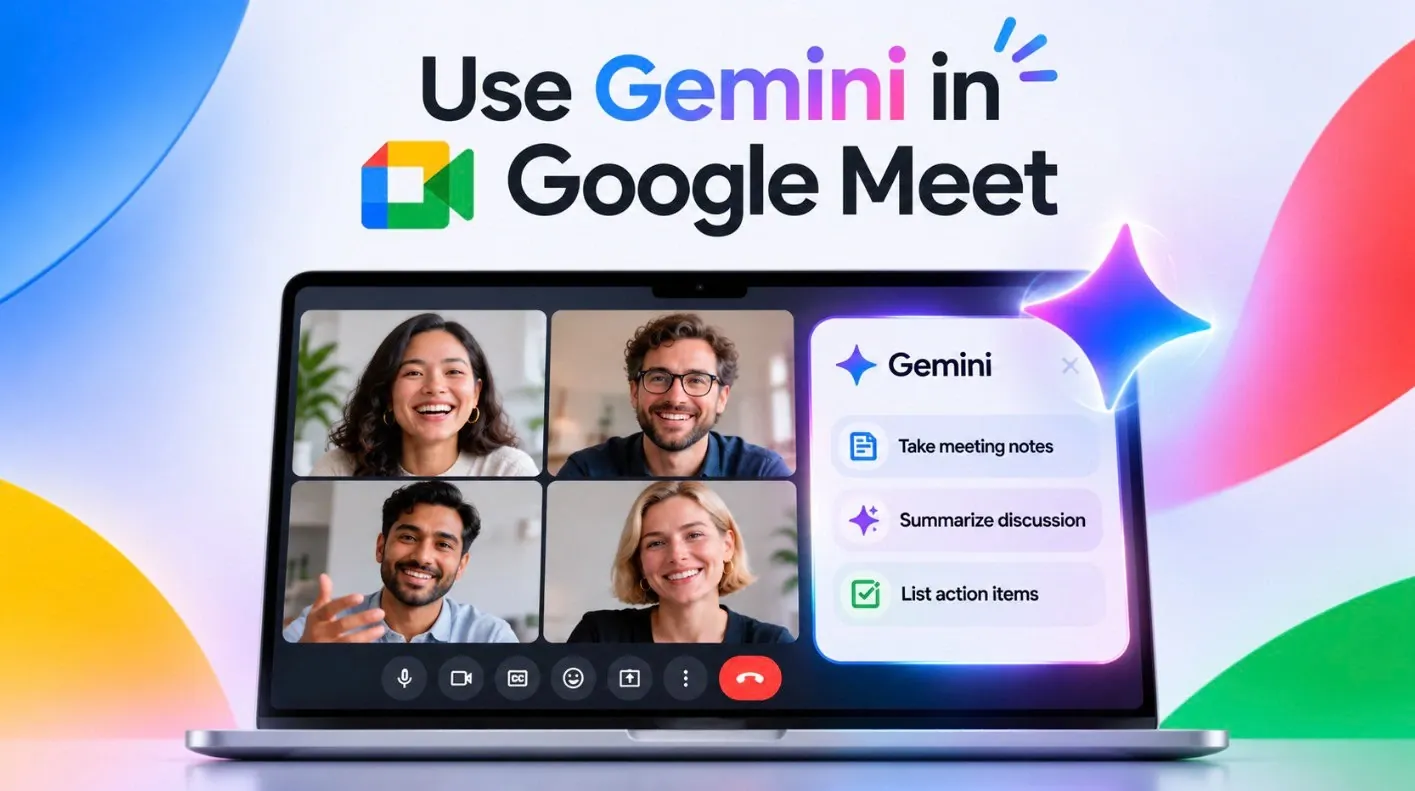
Google Meet’s integration with Gemini AI has introduced a range of features designed to simplify and enhance virtual collaboration. From live speech translation supporting 63 languages to AI-powered note-taking that captures detailed transcripts with timestamps and screenshots, these updates aim to make meetings more accessible and productive. Your AI Workflow explores how these capabilities, including automated task management and streamlined meeting summaries, can help users stay organized and focused during both virtual and in-person sessions.
In this walkthrough, you’ll gain insight into setting up Gemini AI for Google Meet and using features like customizable post-meeting automations and dynamic Quick Notes. Discover how to access meeting attachments directly from calendar events, use live translation to bridge language gaps and create actionable plans from AI-generated summaries. Whether you’re managing global teams or coordinating local projects, this guide will provide practical steps to optimize your meeting experience.
Redesigned Google Meet Home Page
TL;DR Key Takeaways :
- Google Meet now integrates Gemini AI, offering advanced features like live translation, AI-powered note-taking and task automation to enhance meeting efficiency and collaboration.
- The platform includes AI-driven note-taking with automatic transcription, timestamps and screenshots, allowing detailed records and actionable follow-ups.
- Real-time speech translation supports 63 languages, fostering inclusivity and effective communication for global teams (available on premium plans).
- Enhanced meeting management features include streamlined calendar integration, automated post-meeting tasks and the ability to attach relevant materials directly to events.
- Google Meet can now be installed as a standalone app, improving accessibility and usability, while Gemini AI tools streamline workflows and reduce administrative burdens.
The updated Google Meet home page offers a more streamlined and user-friendly interface. Meetings are now organized by day and week, with seamless synchronization with Google Calendar. This integration allows you to quickly join upcoming meetings or revisit past ones without unnecessary navigation. Additionally, meeting summaries, notes and attached files are readily accessible, eliminating the need to switch between multiple tools. This ensures that you remain focused on the meeting’s objectives rather than administrative tasks.
AI-Powered Note-Taking and Transcription
Gemini AI revolutionizes the way meeting notes are captured and managed. It automatically transcribes and summarizes discussions, whether the meeting is virtual or in-person. These notes include timestamps and screenshots of shared content, creating a detailed and accurate record of the conversation. Furthermore, transcripts can be converted into actionable plans or scripts, simplifying follow-ups and making sure no key points are missed. By automating the note-taking process, this feature saves time, enhances accuracy and allows participants to focus fully on the discussion.

Learn more about Google Meet with other articles and guides we have written below.
- Apple Maps vs. Google Maps vs. Waze: Which CarPlay App Wins?
- Google Pixel 11 Pro Fold Leak Reveals the Thinnest Pixel Fold Yet
- Google Pixel 11 Pro: Leaks, Specs, Tensor G6 and Everything We Know
- Google Pixel 11 Pro Fold: Leaks, Specs, Tensor G6 and Everything We Know
- Google Pixel 11 Pro Fold Launch Date and Price Reportedly Set
- Google Health Adds Two-Way Apple Health Sync for Fitbit Air
- Apple CarPlay Adds ChatGPT Voice Help, but Siri Stays in Charge
- Google Workspace Hacks from Experts to Unlock its Full Potential
- Meet Google’s New Screenless Gemini Smart Glasses
- How to Use Google Meet On Your iPhone : Say Goodbye to Video Call Stress
Automated Post-Meeting Tasks
Post-meeting task management is now more efficient with Gemini AI. The system integrates seamlessly with Google Tasks and Workspace Studio to automate follow-ups, such as sending emails, assigning next steps, or creating reminders. These automations can be customized to include recurring tasks, making sure that nothing is overlooked. This functionality is particularly beneficial for project management and team collaboration, as it keeps all participants aligned and focused on shared priorities.
Live Speech Translation
One of the most impactful features introduced by Gemini AI is real-time speech translation, which supports 63 languages. This tool promotes inclusivity by allowing participants from diverse linguistic backgrounds to communicate effortlessly. However, it is important to note that this feature requires user consent and is available exclusively on premium plans. For global teams, live translation bridges communication gaps, fostering more effective collaboration across borders and making sure that language barriers do not hinder progress.
Enhanced Meeting Attachments
Google Meet now simplifies meeting preparation and follow-up by allowing users to attach relevant materials, such as videos, slides and documents, directly to calendar events. This ensures that all necessary resources are available before the meeting begins, reducing last-minute scrambling. Additionally, the new Google Vids tool enables users to create video overviews from meeting notes. This feature provides a dynamic way to share key takeaways with stakeholders who were unable to attend, improving communication and accountability.
Quick Notes and Full Notes Features
Gemini AI offers two distinct note-taking options to cater to varying needs:
- Quick Notes: These provide concise summaries with actionable items, ideal for quick reviews or updates.
- Full Notes: These deliver comprehensive transcripts, complete with integrated screenshots, offering a detailed record of the meeting for in-depth analysis.
These options ensure flexibility, allowing users to choose between a high-level overview or a thorough account of the discussion, depending on their requirements.
Installation and Accessibility Improvements
Google Meet can now be installed as a standalone app, enhancing accessibility and convenience. This eliminates the need to rely on a web browser, allowing users to access meetings directly from their devices. Additionally, the platform’s new features are designed with inclusivity in mind, improving usability for individuals with diverse needs. These enhancements ensure a seamless and user-friendly experience for all participants, regardless of their technical proficiency or accessibility requirements.
Streamlining Workflows with Gemini AI
The integration of Gemini AI into Google Meet marks a significant advancement in meeting technology. By combining live translation, AI-driven notes, and task automation, the platform enables users to focus on meaningful discussions rather than administrative tasks. Whether you’re managing a multilingual team, coordinating complex projects, or simply looking to improve meeting efficiency, these updates provide the tools necessary to enhance collaboration and drive success.
Media Credit: Your AI Workflow
Disclosure: Some of our articles include affiliate links. If you buy something through one of these links, Geeky Gadgets may earn an affiliate commission. Learn about our Disclosure Policy.
