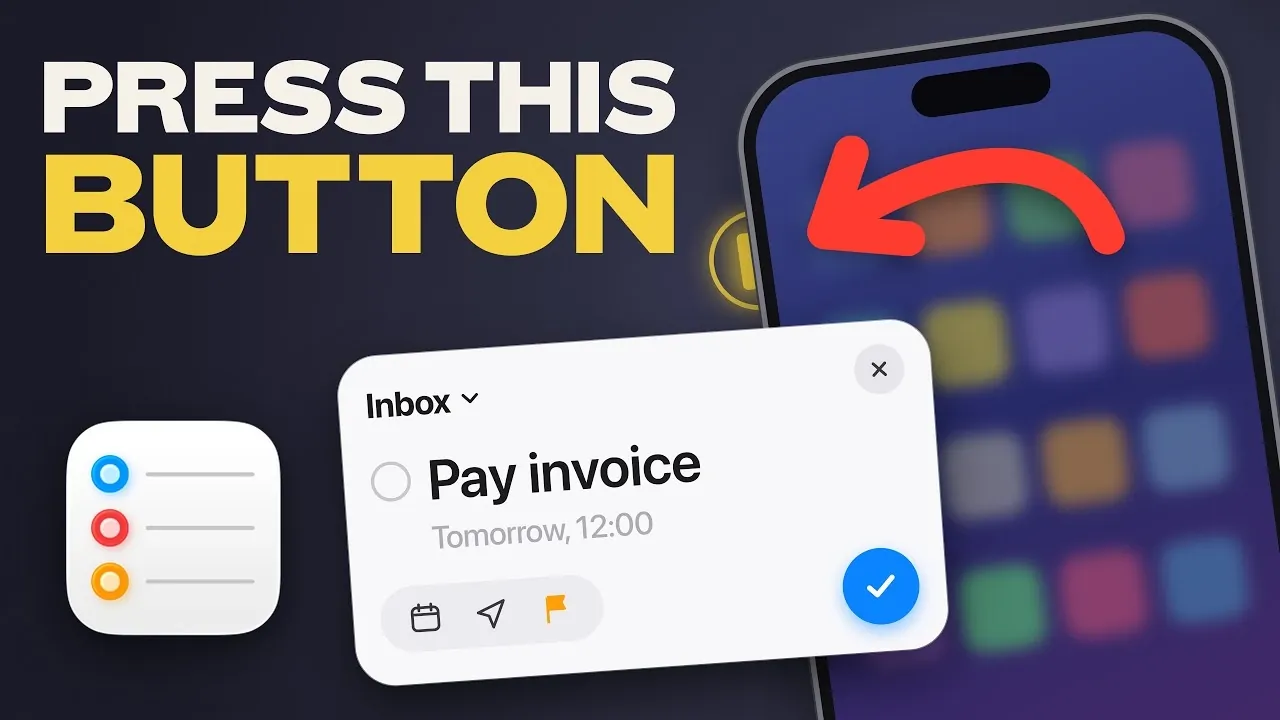
Apple Reminders is often seen as a simple task manager, but it offers a range of features that can significantly enhance how you manage your day-to-day responsibilities. In this overview, Peter Akkies highlights five lesser-known capabilities of the app that can help you stay organized and productive. For example, the grouping feature allows you to organize related lists into categories, such as separating work tasks from personal errands. This structure not only declutters your reminders but also makes it easier to focus on specific priorities without distractions.
Discover how to make the most of Apple Reminders with practical tips like syncing tasks with your calendar for a unified schedule and creating reusable templates for recurring activities. Learn how to set location-based reminders to trigger tasks at the right place and time, or use urgent reminders to ensure critical deadlines are never missed. These features are designed to simplify your planning process and help you stay on top of everything, no matter how busy your schedule gets.
Apple Reminders Productivity Features
TL;DR Key Takeaways :
- Quick Task Setup: Apple Reminders allows you to create tasks quickly using the app, Control Center, or Siri voice commands, making sure you capture important details on the go.
- Calendar Integration: Sync reminders with your Calendar app to view tasks alongside events, providing a comprehensive overview of your schedule and improving time management.
- List Organization with Groups: Group related lists into categories for better clarity and focus, making it easier to manage multiple tasks and areas of your life.
- Reusable Templates: Save time by creating templates for recurring tasks, such as packing or grocery shopping and customize them for future use to maintain efficiency.
- Urgent and Location-Based Reminders: Mark tasks as urgent to trigger timely alarms or set location-based alerts to act on tasks when arriving at or leaving specific places.
1. Set Up Reminders in Seconds
When time is limited and priorities are piling up, speed is essential. Apple Reminders allows you to create tasks quickly and efficiently. By using the action button or accessing the app through the Control Center, you can set up reminders in just a few taps. For even faster task management, enable Siri to add reminders using voice commands. Simply say, “Hey Siri, remind me to send the email at 2 PM,” and the task is instantly added to your list. This feature ensures you can capture important details on the go, reducing the risk of forgetting critical tasks during busy moments.
2. Sync Reminders with Your Calendar
One of the most practical features of Apple Reminders is its seamless integration with the Calendar app. By allowing “Scheduled Reminders,” you can view your tasks alongside your calendar events, creating a comprehensive overview of your day. This functionality is particularly useful for time-sensitive tasks, such as preparing for a presentation or completing a overview before a deadline. Having your reminders and appointments in one place helps you manage your time more effectively, avoid double-booking and stay on track with your commitments.

Here are more detailed guides and articles that you may find helpful on Apple Reminders.
- 10 Genius Ways to Use Apple Reminders to Stay Organized
- 10 Apple Reminders Hacks for a Stress-Free Life
- Apple Reminders App is the Secret Weapon for GTD Productivity Success
- Apple Reminders Tips & Tricks for Smarter Task Management
- Apple 2026 Productivty System : Notes, Reminders & Calendar Form One Simple Workflow
- 10 Apple Reminders Features You’re Not Using (But Should Be)
- How to Organize Your Entire Life with Apple Calendar, Notes and Reminders
- How to Use Apple Reminders to Organize & Manage Your Life Daily
- Apple Reminders : Maximum Productivity & Organize Tasks Like a Pro
- 5 Essential Apple Reminders Hacks to Simplify Your Life Instantly
3. Organize Lists with Groups
Managing multiple lists can quickly become overwhelming, but Apple Reminders offers a solution with its grouping feature. This allows you to organize related lists into categories for better clarity. For instance, you can group work-related tasks separately from personal errands or create a category for long-term goals. To set this up, use the “Edit Lists” option and drag related lists into a group. This structure not only keeps your tasks organized but also makes it easier to focus on specific areas of your life without distractions.
4. Save Time with Reusable Templates
Recurring tasks often involve repetitive planning, but Apple Reminders simplifies this with its reusable templates feature. You can save lists as templates and reuse them for similar activities, such as packing for trips, planning weekly grocery shopping, or managing recurring projects. Once saved, these templates can be customized for future use, saving you time and effort. By using templates, you can maintain efficiency while handling repetitive responsibilities, making sure consistency in your planning process.
5. Prioritize with Urgent Reminders
For tasks that require immediate attention, Apple Reminders allows you to mark them as urgent. This feature triggers timely alarms, making sure that critical tasks are not overlooked. For example, you can set an urgent reminder to submit an important document before a deadline or to pick up a prescription before the pharmacy closes. However, it’s important to use this feature selectively to avoid notification fatigue. By focusing on what truly matters, you can stay organized and reduce unnecessary stress.
Bonus: Location-Based Reminders
Apple Reminders also includes location-based alerts, which add a layer of context to your tasks. This feature allows you to set reminders that activate when you arrive at or leave a specific location. For instance, you can create a reminder to pick up groceries when you reach the store or to send a follow-up email when you leave the office. Location-based reminders are particularly helpful for tasks tied to specific places, making sure you act on them at the right time and location. This functionality can be a fantastic option for managing errands and work-related responsibilities efficiently.
Maximize Your Productivity with Apple Reminders
Apple Reminders is more than just a task manager, it’s a comprehensive productivity tool designed to help you stay organized and in control. By using features like quick setup, calendar integration, list grouping, reusable templates and urgent or location-based reminders, you can optimize your workflow and handle even the busiest days with confidence. These tools are designed to make your life easier, making sure that no task is overlooked and that your schedule remains manageable. Explore these features today to unlock the full potential of Apple Reminders and take charge of your daily responsibilities.
Media Credit: Peter Akkies
Disclosure: Some of our articles include affiliate links. If you buy something through one of these links, Geeky Gadgets may earn an affiliate commission. Learn about our Disclosure Policy.
