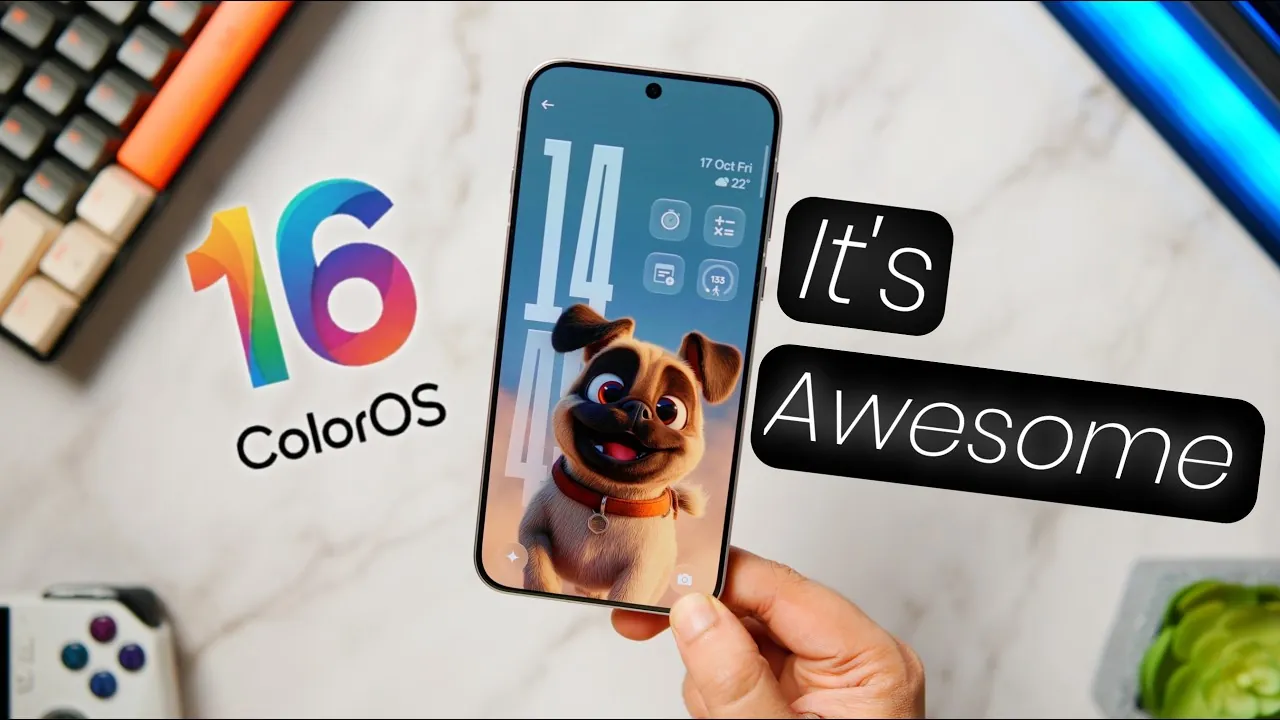
Color OS 16, built on the robust foundation of Android 16, represents a significant evolution for Oppo devices, with its features also extending to OnePlus users under the Oxygen OS 16 branding. This update focuses on delivering a more personalized, seamless, and intelligent user experience. By integrating advanced customization options, smoother animations, and AI-powered tools, Color OS 16 caters to users who value aesthetics, functionality, and personalization. It is designed to adapt to your preferences, making your device feel uniquely yours. The video below from Mr Android FHD gives us a detailed look at Color OS 16.
Lock Screen Customization: A New Standard in Personalization
The lock screen in Color OS 16 has undergone a comprehensive redesign, offering a more personalized and visually engaging experience. Key features include:
- Dynamic wallpapers that adapt to your preferences, creating a full-screen always-on display.
- A frosted glass effect that introduces a modern, layered look to clocks and widgets.
- New themes, animated designs, and live clocks for a tailored appearance.
- Depth effects for enhanced widget placement and customizable shortcuts for quicker access to apps and tools.
These updates ensure your lock screen is not only functional but also a reflection of your personal style, blending practicality with aesthetics.
Home Screen Enhancements: Smarter Design for Everyday Use
Color OS 16 introduces several thoughtful improvements to the home screen, making it more intuitive and visually cohesive. Key enhancements include:
- Scalable icons that adapt seamlessly to your chosen layout, making sure a consistent appearance.
- Redesigned icons with support for third-party apps, creating a unified visual experience.
- A dark icon mode that adjusts icon colors to complement dark themes, reducing visual strain.
- Improved app folder layouts for better organization and accessibility.
- Redesigned widget pages offering a cleaner, more functional interface.
These changes enhance usability while maintaining a polished and harmonious design, making sure your home screen is both practical and visually appealing.
App Drawer and Quick Settings: Streamlined Navigation and Control
Navigating your apps and accessing essential controls is now faster and more intuitive with updates to the app drawer and quick settings.
- The app drawer features a repositioned search bar for quicker access to your apps.
- Categorized app organization simplifies browsing, while alphabet-based filtering helps you locate apps with ease.
- Quick settings now include repositionable volume and brightness sliders for customized control.
- Customizable tiles with multi-color options add a visually appealing touch to the interface.
These enhancements reduce the time spent searching for apps or adjusting settings, allowing you to focus on what matters most.
Seamless Animations: A Fluid User Experience
Color OS 16 prioritizes smoothness and responsiveness across the user interface. From app transitions to system animations, every interaction feels fluid and natural. This improvement creates a consistent and enjoyable experience, whether you’re navigating menus, multitasking, or simply unlocking your device. The attention to detail in animation design ensures that every movement is both functional and visually satisfying.
AI-Powered Tools: Enhancing Everyday Interactions
AI integration in Color OS 16 introduces tools designed to simplify and enhance your daily interactions. Key features include:
- AI search that helps you quickly locate settings, apps, or files with minimal effort.
- AI Writer, a feature that generates captions based on images, streamlining content sharing.
- Gemini integration within the Mind Space feature, offering intelligent insights and personalized recommendations.
These tools demonstrate how AI can make your device more intuitive, efficient, and aligned with your needs, saving you time and effort in everyday tasks.
Refined Interface: A Polished and User-Friendly Design
The overall interface of Color OS 16 has been refined to improve both usability and aesthetics. Notable updates include:
- Bold sliders and clutter-free layouts in the settings menu for easier navigation.
- Dedicated pages for AI features, making sure quick access to these tools.
- Updated About Phone and Battery sections with clearer, more actionable information.
These updates contribute to a polished, user-friendly experience, making it easier to manage your device while enjoying a visually pleasing interface.
Color OS 16: A Comprehensive Upgrade
Color OS 16 sets a new benchmark for Android-based operating systems by focusing on advanced customization, seamless performance, and practical AI tools. Whether you’re personalizing your lock screen, organizing your apps, or using AI-powered features, this update ensures your device adapts to your preferences. With its thoughtful enhancements and refined design, Color OS 16 offers a compelling upgrade for Oppo and OnePlus users, delivering a user experience that is both functional and aesthetically pleasing.
Here are more guides from our previous articles and guides related to Android 16 that you may find helpful.
- Android 16: The ULTIMATE Deep Dive – Every Feature, Explained
- What’s Wrong with Android 16? A Detailed Look
- OneUI 8 vs iOS 26 vs Android 16 vs HyperOS
- Android 16 New Features You Can’t Afford to Miss
- Android 16: Why This Update is a GAME CHANGER
Source & Image Credit: Mr Android FHD
Disclosure: Some of our articles include affiliate links. If you buy something through one of these links, Geeky Gadgets may earn an affiliate commission. Learn about our Disclosure Policy.
