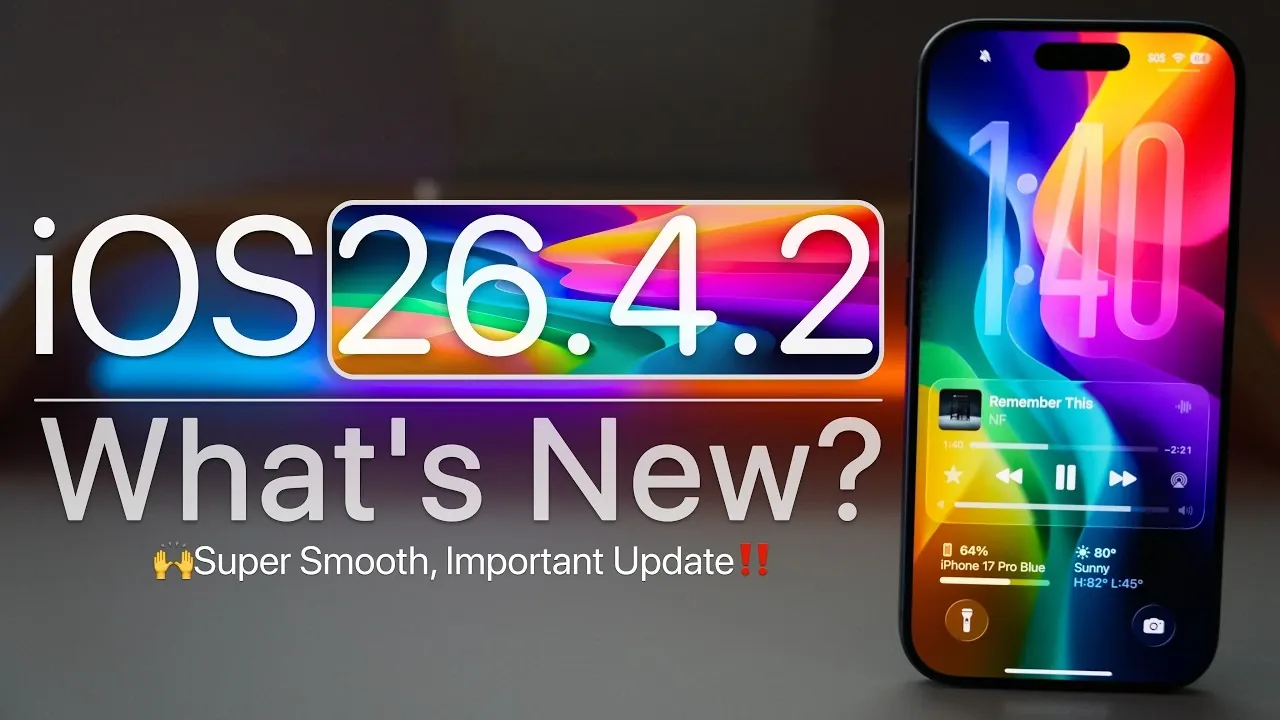
Apple has officially released iOS 26.4.2, a minor but essential update for all devices running iOS 26. This update primarily focuses on addressing critical security vulnerabilities, resolving bugs and enhancing overall system performance. If your device is currently running iOS 26.4.1, it is strongly recommended to install this update to ensure your device remains secure and operates efficiently. While this release may not introduce new features, its importance lies in maintaining the stability and safety of your device. The video below from Zollotech gives us more details on the update.

Who Can Access the Update?
The iOS 26.4.2 update is available globally for all devices compatible with iOS 26. However, users enrolled in the iOS 26.5 beta program will not see this update on their devices. To verify if the update is available for your device, follow these steps:
- Navigate to Settings > General > Software Update.
- If the update does not appear immediately, refresh the page or exit and re-enter the menu.
It is worth noting that the update’s availability might vary slightly depending on your region or device model. Ensure your device is connected to a stable Wi-Fi network to check for and download the update seamlessly.
Steps to Install iOS 26.4.2
Installing iOS 26.4.2 is a straightforward process. The update file is approximately 771.8 MB in size, though the exact size may vary depending on your device. The build number for this release is 23E261 and it does not include any modem firmware updates, meaning cellular connectivity remains unchanged. Before proceeding with the installation, take the following precautions:
- Ensure your device is connected to a reliable Wi-Fi network to avoid interruptions during the download process.
- Charge your device to at least 50% or keep it plugged into a power source to prevent shutdowns during installation.
Once these steps are completed, you can initiate the update by selecting “Download and Install” in the Software Update menu. The installation process typically takes a few minutes, depending on your device’s performance and available storage.
Key Fixes and Enhancements
iOS 26.4.2 brings several fixes and improvements aimed at refining the user experience. Some of the most notable updates include:
- Smoother multitasking: The update reduces stuttering and lag when switching between apps, making sure a more fluid experience.
- Dynamic wallpaper fix: An issue affecting the vibrancy of certain dynamic wallpapers has been resolved, restoring their intended appearance.
- Notification security: A bug that allowed deleted notifications to persist in the system has been addressed, enhancing privacy.
Despite these improvements, a few known issues remain unresolved. These include:
- Siri text suggestions: Inconsistencies in Siri’s predictive text functionality continue to affect some users.
- Browser crashes: Compact tab mode on iPads still experiences occasional crashes, particularly during heavy browsing sessions.
- Apple CarPlay issues: Integration problems persist with certain vehicle models, including Jeep and Mercedes-Benz, affecting connectivity and functionality.
While these issues may inconvenience some users, Apple is likely to address them in future updates.
Security Enhancements
The standout feature of iOS 26.4.2 is its robust security patch. Apple has resolved a critical logging issue within the notification services framework, which previously posed a risk of exposing sensitive user data. By improving data redaction processes, this update significantly enhances user privacy and ensures secure device operation. For users concerned about data protection, this fix underscores the importance of installing the update promptly.
Performance and Battery Life Improvements
iOS 26.4.2 introduces noticeable performance enhancements across compatible devices. Benchmarking tests indicate higher scores compared to iOS 26.4.1, reflecting smoother system performance and faster app loading times. Additionally, improved thermal management reduces the likelihood of devices overheating during resource-intensive tasks, such as gaming or video editing.
Early user feedback suggests a slight improvement in battery life with this update. While it may take a few days to observe consistent results, initial reports indicate that devices experience better power efficiency, particularly during standby mode. Users are encouraged to monitor their battery performance to determine the long-term impact of the update.
What Lies Ahead for iOS?
Apple’s development roadmap for iOS continues to evolve. The next anticipated release is iOS 26.5 beta 4 or its release candidate, which is expected to arrive in the coming weeks. Additionally, the tech community is eagerly awaiting the unveiling of iOS 27 at the Worldwide Developers Conference (WWDC) in June 2026. This major update is likely to introduce new features and further refinements to the iOS ecosystem, with a public release projected for September 2026.
Should You Update to iOS 26.4.2?
For users currently running iOS 26.4.1, updating to iOS 26.4.2 is highly recommended. This update addresses critical security vulnerabilities, enhances system performance and resolves several bugs that could impact daily usage. While some minor issues remain unresolved, the benefits of this update far outweigh its drawbacks. By installing iOS 26.4.2, you can ensure your device remains secure, efficient and ready for future updates.
Source & Image Credit: zollotech
Disclosure: Some of our articles include affiliate links. If you buy something through one of these links, Geeky Gadgets may earn an affiliate commission. Learn about our Disclosure Policy.
