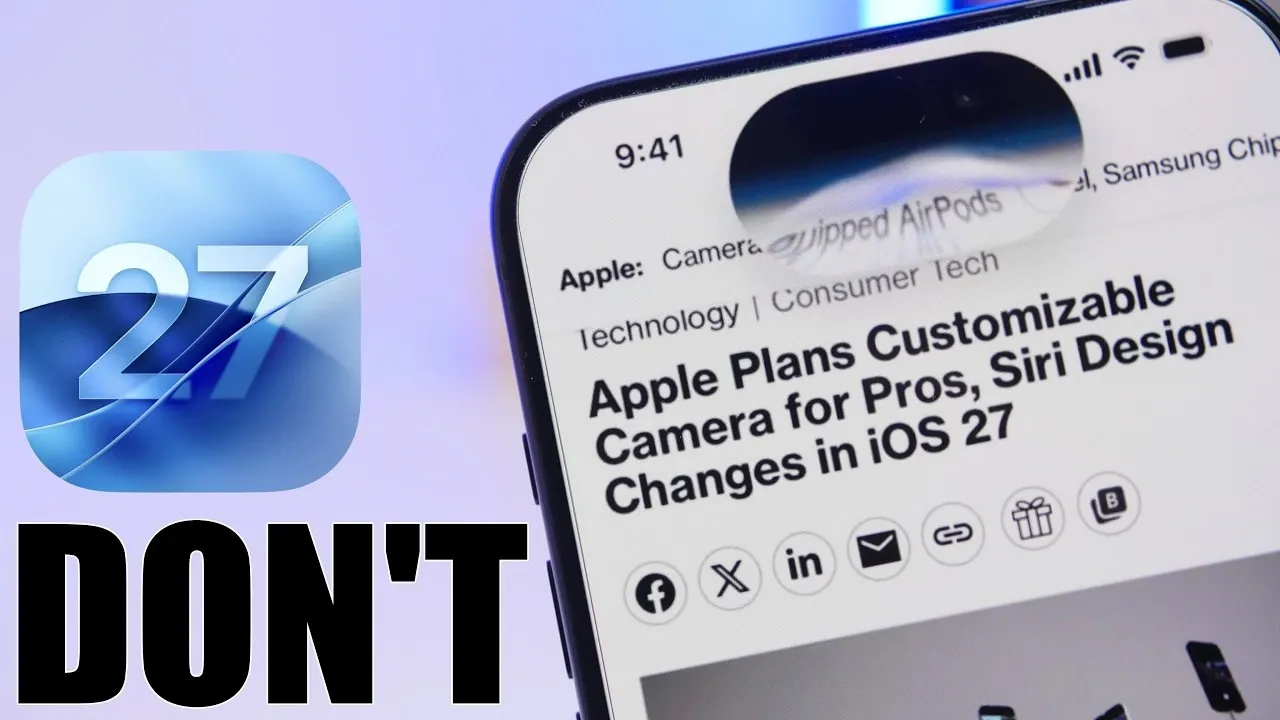
The release of iOS 27 beta 1 has generated significant anticipation among Apple users, promising a range of new features and performance enhancements. However, beta software is inherently experimental and can introduce risks such as data loss, app incompatibility, and system instability. To ensure a smooth transition and protect your device, it is essential to take specific preparatory steps. This guide provides a detailed roadmap to help you safeguard your data and optimize your experience with iOS 27 beta. The video below from iReviews gives us more details.

1. Backup Your Device
Creating a backup is the most critical step before installing beta software. Beta versions are prone to unexpected crashes and bugs, which could result in data loss. To protect your important files, photos, and app data, ensure you have a complete backup of your device. You can choose between two reliable methods:
- iCloud Backup: Perform a wireless backup by navigating to Settings > [Your Name] > iCloud > iCloud Backup and then selecting “Back Up Now.” This method stores your data securely in the cloud.
- Computer Backup: Connect your device to a computer and use Finder (macOS) or iTunes (Windows) to create a local backup. This option provides an additional layer of security by keeping a physical copy of your data.
Having a backup ensures that, in the event of an issue during the beta installation, you can restore your device to its previous state without losing valuable information.
2. Verify Device Compatibility
Before proceeding with the update, confirm that your device is compatible with iOS 27. Apple typically limits certain advanced features to newer models, such as the iPhone 15 Pro and later, while older devices like the iPhone 12 series may experience reduced functionality or performance challenges. To avoid potential disappointment, check Apple’s official list of supported devices. This step will help you determine whether the update is suitable for your device and whether it will deliver the expected benefits.
3. Free Up Storage Space
Installing iOS 27 beta requires a significant amount of free storage space. Apple generally recommends having at least 20 GB of available storage to ensure a smooth installation process. If your device is running low on space, consider the following strategies to free up storage:
- Uninstall unused apps and games that are no longer needed.
- Clear cache files from apps such as Safari or messaging platforms to reclaim space.
- Transfer large media files, including videos and photos, to cloud storage services or an external drive.
Making sure adequate storage is available not only facilitates the installation process but also helps maintain optimal device performance during and after the update.
4. Prepare for Potential Battery and Performance Issues
Beta software, particularly early versions like beta 1, is often less optimized than the final release. As a result, you may encounter issues such as reduced battery life, app crashes, or slower overall performance. If your device is essential for daily use, it is advisable to avoid installing the beta on your primary device. Instead, consider using a secondary device for testing purposes. Additionally, keep a charger readily available, as beta software may drain your battery more quickly than usual.
5. Manage Beta Settings
To minimize the risk of installing unstable or outdated beta versions, it is important to configure your device’s beta settings. Navigate to Settings > General > Software Update and disable automatic beta updates. Enable beta updates only after the official release of iOS 27 beta 1. This approach ensures that you are installing the latest and most stable version available, reducing the likelihood of encountering unnecessary issues.
6. Stay Informed About the Release Timeline
Apple typically releases beta versions shortly after major announcements. For iOS 27, the beta is expected to become available within 30 minutes of Apple’s June 8th event. To ensure a secure download, only update your device through Apple’s official website or the built-in software update feature in your device’s settings. Avoid downloading beta software from third-party sources, as they may compromise your device’s security or introduce malicious software.
Tips for a Better Beta Experience
To maximize your experience with iOS 27 beta while minimizing potential risks, consider the following recommendations:
- Install the beta on a secondary device to avoid disruptions to your primary device’s functionality.
- Wait for later beta versions, such as beta 3 or the public beta, which often address initial bugs and improve performance.
- Monitor feedback from other beta users through online forums or Apple’s developer community. This can provide valuable insights into common issues and potential solutions.
By following these tips, you can explore the new features of iOS 27 beta with greater confidence and fewer complications.
Final Thoughts
Updating to iOS 27 beta offers an exciting opportunity to explore Apple’s latest advancements. However, the experimental nature of beta software requires careful preparation to mitigate risks. By backing up your device, verifying compatibility, freeing up storage, and taking precautions against performance issues, you can enjoy the benefits of iOS 27 beta without compromising your device’s stability or data integrity. Proper planning and informed decision-making are essential for a successful and secure beta experience.
Become an expert in the iOS 27 beta update with the help of our in-depth articles and helpful guides.
- How to Get Your iPhone Ready for the iOS 27 Beta: A Step-by-Step Guide
- How to Get Your iPhone Ready for iOS 27 Beta
- Why Apple Just Dropped iOS 26.6 Beta 1 Right Before iOS 27
- Siri 2.0 Plans Include Siri App and Dynamic Island Controls
- Before You Download iOS 27: The Real Difference Between the Two Betas
Source & Image Credit: iReviews
Disclosure: Some of our articles include affiliate links. If you buy something through one of these links, Geeky Gadgets may earn an affiliate commission. Learn about our Disclosure Policy.
