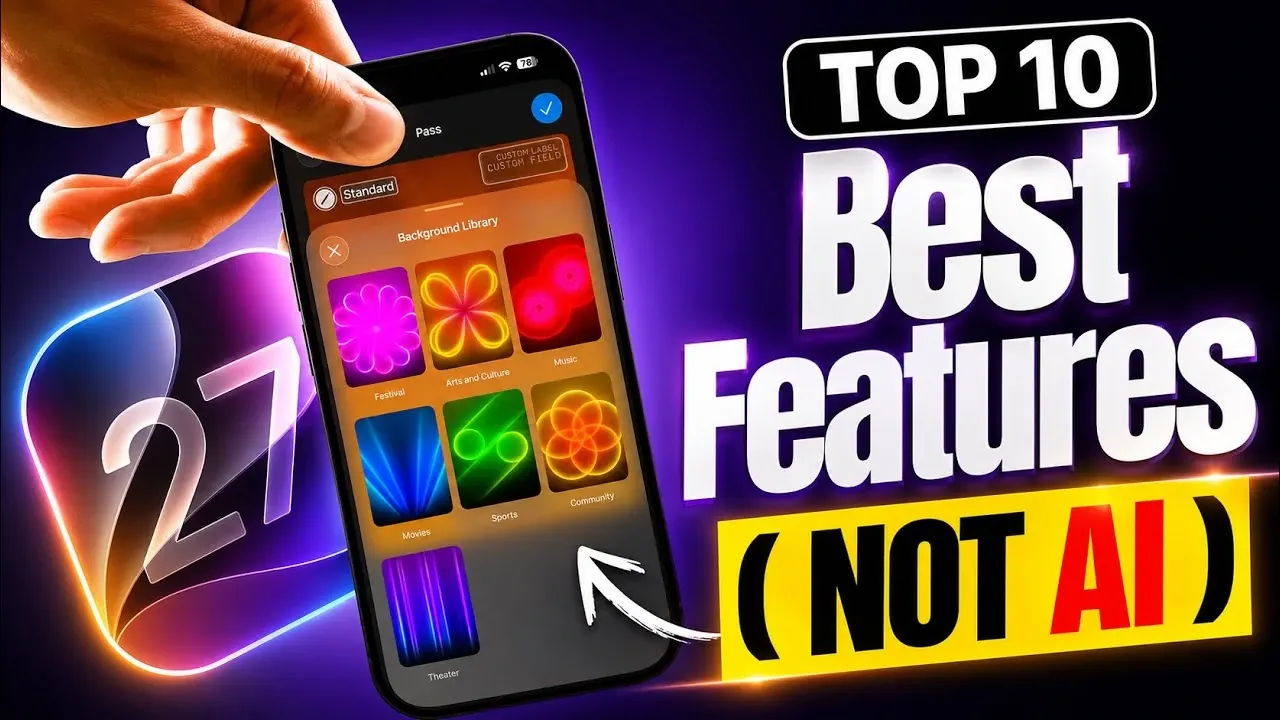
Apple’s iOS 27 introduces a range of updates aimed at enhancing your iPhone experience. These features prioritize customization, functionality, and privacy, giving you greater control over how your device operates and looks. In the video below, iDeviceHelp explores the ten most impactful non-AI features, showcasing how they can make your daily interactions with your iPhone more seamless, efficient, and personalized.

1. Enhanced Lock Screen Customization
iOS 27 takes lock screen personalization to the next level. You can now reposition the clock to the top of the screen, making sure that your wallpaper remains unobstructed. A new color picker allows you to fine-tune the background tones of your wallpaper, allowing you to match the screen’s aesthetic to your iPhone’s physical design. These updates create a cohesive and visually appealing experience tailored to your preferences, making your lock screen more than just a functional element, it becomes a reflection of your style.
2. Liquid Glass Transparency Control
The introduction of a system-wide transparency slider gives you the ability to adjust the opacity of liquid glass elements, such as notifications and system controls. This feature allows you to control how much background content is visible, striking the perfect balance between aesthetics and readability. Whether you prefer a sleek, minimalistic look or a more detailed interface, this feature adapts to your visual preferences, making sure a user experience that feels both modern and functional.
3. Granular Sound and Haptics Controls
iOS 27 offers fine-tuned audio customization by introducing separate volume controls for ringtones, alarms, timers and system sounds. This granular control ensures that each sound profile suits specific situations. For example, you can lower your alarm volume for a gentler wake-up experience while keeping ringtones loud enough to ensure you never miss an important call. This feature is particularly useful for users who rely on their iPhone for diverse tasks throughout the day.
4. Expanded Landscape Mode
Landscape mode now supports a wider range of apps, including Apple Music, Fitness, Health, Siri and Weather. This enhancement is especially beneficial for users with larger screens, as it improves usability and accessibility in horizontal orientation. Whether you’re working out, checking the weather, or browsing playlists, the expanded landscape mode ensures a smoother and more intuitive interaction with your favorite apps.
5. Full-Screen Widgets
Widgets in iOS 27 have been upgraded to support full-screen functionality, offering a more immersive way to access information. Apps like Calendar, Weather and Home now provide detailed views, while third-party developers can create their own full-screen widgets. This enhancement gives you a broader range of options to customize your home screen, making it easier to access important information at a glance without navigating through multiple menus.
6. Custom EQ for AirPods
For AirPods users, the new custom equalizer (EQ) feature is a fantastic option for audio quality. You can now adjust settings for mids, lows and highs directly within the AirPods menu. This allows you to tailor the sound profile to your preferences, whether you’re listening to music, podcasts, or audiobooks. The ability to fine-tune audio ensures a more personalized and immersive listening experience.
7. Messages Input Field Customization
The Messages app now offers greater flexibility with the ability to customize the input field. You can replace or remove the audio recording icon, swapping it for a dictation icon or removing it entirely for a cleaner interface. This small but impactful change allows you to streamline the app’s layout, making it more adaptable to your communication style and reducing unnecessary clutter.
8. Extract Photos from Video Frames
The Photos app introduces a new feature that lets you save specific video frames as standalone photos. This is particularly useful for capturing high-quality stills from your videos without relying on third-party tools. Whether it’s a memorable moment or a perfect shot, you can now preserve it with ease, making sure that your favorite memories are captured in the best possible quality.
9. Enhanced Privacy in Find My
Privacy remains a top priority in iOS 27, with new options in the Find My app allowing you to hide your location from others. This feature gives you greater control over who can see your whereabouts, making sure your privacy is protected when needed. Whether you’re attending a private event or simply want to maintain discretion, this update offers peace of mind and reinforces Apple’s commitment to user privacy.
10. Digital Pass Creation in Wallet
The Wallet app now allows you to convert physical passes, such as tickets and membership cards, into digital versions. This feature streamlines your ability to store and access important items directly from your iPhone, reducing the need for physical copies. By digitizing your passes, you can keep your wallet lighter and more organized, making it easier to manage your day-to-day activities.
Empowering Your iPhone Experience
iOS 27 focuses on giving you greater control, enhanced customization and improved privacy. From lock screen personalization to expanded app functionality and sound adjustments, these non-AI features are designed to make your iPhone experience more intuitive and tailored to your needs. Whether you’re managing digital passes, fine-tuning audio settings, or capturing video frames as photos, iOS 27 ensures your device works seamlessly to complement your lifestyle.
Browse through more resources below from our in-depth content covering more areas on Lock screen customization.
- The Hidden One UI 8.5 Features You Need to Turn on Today
- What Apple Didn’t Tell You About Siri’s Intelligence
- Hidden Features Inside the First iOS 27 Beta Release
- The Hidden iOS 27 Lock Screen Features You Aren’t Using Yet
- iOS 26.4 Secret: How to Add Your NAME to the iPhone Lock Screen
Source & Image Credit: iDeviceHelp
Disclosure: Some of our articles include affiliate links. If you buy something through one of these links, Geeky Gadgets may earn an affiliate commission. Learn about our Disclosure Policy.
