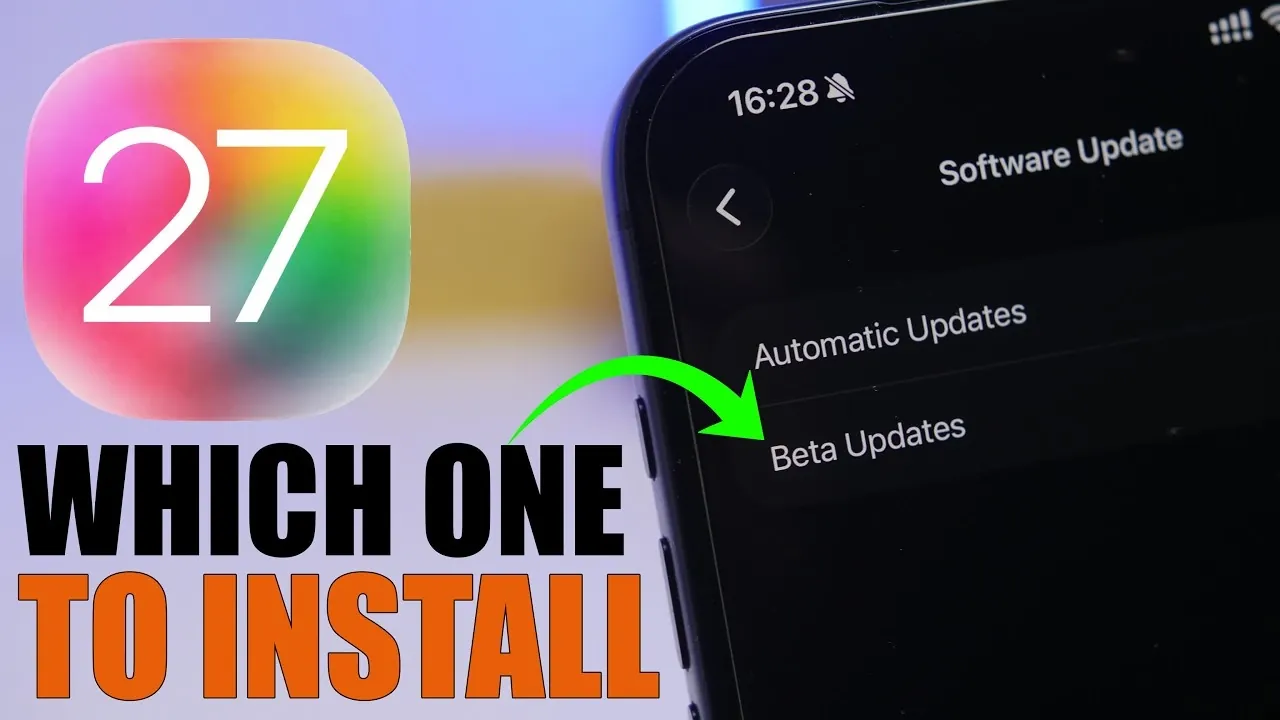
When Apple unveils its latest iOS updates, users often face a critical decision: should you install the developer beta or wait for the public beta? With iOS 27 set to make its debut, understanding the distinctions between these two beta versions is crucial. The video below from iReviews provides a detailed comparison of their release schedules, potential risks and key factors to help you determine the best option for your needs.

Release Timeline: When Will Each Beta Be Available?
The iOS 27 developer beta is scheduled for release on June 8, 2026, shortly after Apple’s Worldwide Developers Conference (WWDC). This version is exclusively available to developers, giving them early access to test and optimize their apps for the new operating system.
The public beta, aimed at a broader audience, is expected to launch on July 13, 2026, following the release of the third developer beta. This staggered timeline ensures that the public beta benefits from initial bug fixes and refinements identified during the developer testing phase. By the time the public beta is available, it is generally more stable and user-friendly.
What is the Developer Beta?
The developer beta is an early, pre-release version of iOS 27 designed specifically for app developers and advanced testers. It provides access to new features, tools and APIs, allowing developers to prepare their apps for compatibility with the upcoming operating system. However, this version is not intended for general use and comes with several drawbacks, including:
- Significant bugs: Early beta versions often contain unresolved issues that can affect system stability.
- Reduced performance: Battery life and overall device performance may be compromised due to unoptimized code.
- App incompatibilities: Some apps may not function correctly or may crash frequently.
If you’re considering installing the developer beta, it’s strongly recommended to use a secondary device. Installing it on your primary device could lead to disruptions in your daily activities due to crashes, glitches, or other performance issues.
What to Know About the Public Beta
The public beta is a more refined version of iOS 27, released after developers have had the opportunity to identify and overview initial bugs. While it may still contain some issues, it is generally more stable and better suited for non-developers who are eager to explore the new features of iOS 27.
For general users, the public beta offers a safer way to experience the latest operating system without significantly compromising the functionality of their primary device. It strikes a balance between early access and usability, making it the preferred choice for most non-technical users.
Key Considerations Before Installing Any Beta
Before deciding to install either the developer beta or the public beta, it’s important to evaluate the potential risks and take necessary precautions. Here are some critical factors to consider:
- Backup Your Device: Always create a full backup of your device before installing beta software. This ensures that your data is protected in case you encounter issues or need to revert to a stable version.
- Primary vs. Secondary Devices: Avoid installing beta software on your primary device. Using a secondary device minimizes the risk of disruptions to your daily routine.
- Expect Bugs and Instability: Both beta versions may include bugs, but the developer beta is particularly prone to crashes and performance issues.
- Battery Life: Beta software often leads to increased battery drain due to unoptimized background processes and code.
- Feedback Contribution: Participating in beta testing allows you to provide valuable feedback to Apple, helping improve the final release.
What’s New in iOS 27?
iOS 27 is expected to introduce significant advancements in artificial intelligence (AI) and Siri functionality. These updates aim to enhance Siri’s responsiveness and contextual understanding, making it more intuitive and efficient for users. Additionally, developers will gain access to new tools for integrating AI-driven features into their apps, paving the way for more innovative and personalized app experiences.
While iOS 27 may not bring major visual changes, these updates reflect Apple’s ongoing commitment to improving user experience through smarter and more adaptive technology.
Which Beta Should You Choose?
Choosing between the developer beta and the public beta depends on your technical expertise, device usage and tolerance for potential issues. Here’s a breakdown to help you decide:
- Choose the Developer Beta: If you’re a developer or an advanced user with a secondary device, the developer beta offers an early opportunity to explore iOS 27’s features and prepare for its official release.
- Opt for the Public Beta: If you rely on your device for daily tasks or prefer a more stable experience, the public beta is the safer choice. It allows you to preview the new operating system without major disruptions to your workflow.
Ultimately, the decision comes down to your priorities and the devices you have available. Regardless of which beta you choose, always back up your device and proceed with caution to ensure a smooth and enjoyable experience with Apple’s latest operating system.
Below are more guides on iOS 27 beta from our extensive range of articles.
- How to Get Your iPhone Ready for the iOS 27 Beta: A Step-by-Step Guide
- Apple Announces WWDC 2026: iOS 27 and Major AI Advancements Confirmed for June 8
- Apple’s 8GB Mystery: What’s Really Inside the iOS 26.5 Beta 1?
- The iOS 27 Compatibility Shock: Every iPhone That Will (and Won’t) Get the 2026 Update
- Why You Should Wait Before Installing iOS 26.6 Beta
Source & Image Credit: iReviews
Disclosure: Some of our articles include affiliate links. If you buy something through one of these links, Geeky Gadgets may earn an affiliate commission. Learn about our Disclosure Policy.
