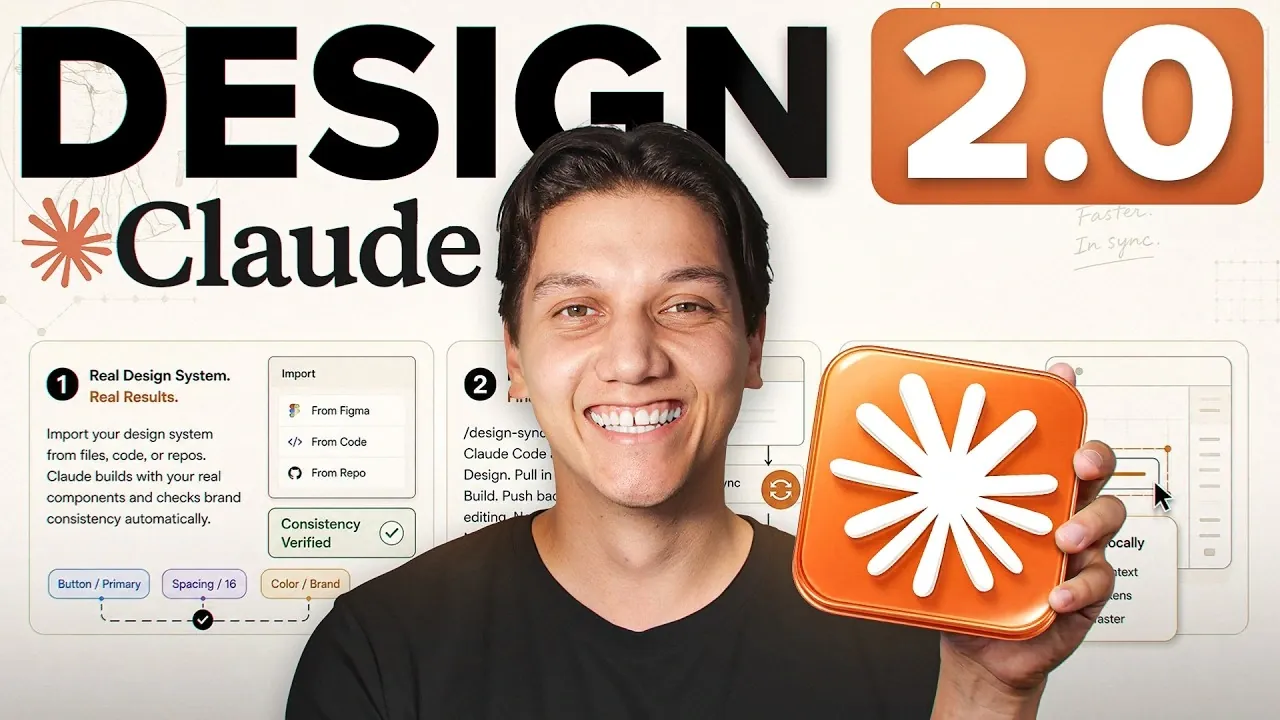
Claude Design 2.0 introduces new capabilities aimed at improving the connection between design and development processes. According to Zinho Automates, one notable addition is the shared usage pool, which enables smoother transitions between activities like chat, coding and collaboration without encountering restrictive usage limits. Another key feature is the design system import, which allows users to integrate assets directly from platforms such as Figma or GitHub. This ensures consistent branding across projects while reducing the likelihood of manual errors, making it a practical choice for handling complex workflows.
Explore this explainer to learn how to automate brand asset imports for streamlined landing page creation, use built-in speaker notes to enhance pitch deck presentations and connect interactive dashboards to live databases for real-time updates. These examples highlight specific ways the platform supports both efficiency and creativity in professional design workflows.
Core Features Enhancing Design Efficiency
TL;DR Key Takeaways :
- Claude Design 2.0 combines intuitive design functionality with robust development features, simplifying complex tasks and promoting real-time collaboration without requiring coding expertise.
- Key features include a shared usage pool for seamless transitions, canvas editing for quick adjustments, design system import for consistent branding and two-way design-to-code integration for real-time updates.
- Practical applications include creating branded landing pages, professional pitch decks and interactive dashboards connected to live databases, enhancing productivity across industries.
- Strategies to optimize productivity include using the shared usage pool, using canvas editing for minor tweaks and saving multiple versions of work due to the lack of an undo feature.
- Innovations such as streamlined workflows, automated brand consistency and design-to-code integration distinguish Claude Design 2.0 as a leading tool for efficient and precise design and development processes.
Claude Design 2.0 introduces a range of advanced features that directly address the challenges faced by design and development professionals. These features are designed to streamline workflows, reduce manual effort and enhance overall productivity:
- Shared Usage Pool: A unified token system enables seamless transitions between chat, code and collaborative tasks. By eliminating restrictive usage limits, this feature ensures uninterrupted workflows and maximizes resource efficiency.
- Canvas Editing: Directly edit text, colors and layouts on the canvas without the need for additional prompts. This capability simplifies minor adjustments, saving valuable time and effort during the design process.
- Design System Import: Automatically integrate brand assets, including colors, fonts and components, from platforms like Figma, GitHub, or uploaded files. This ensures consistent branding across all outputs while minimizing the risk of manual errors.
- Two-Way Design-to-Code Integration: Effortlessly transition between Claude Design and Claude Code. This integration allows real-time backend functionality, allowing you to connect designs to live databases and implement updates instantly.
Practical Applications for Real-World Impact
Claude Design 2.0 is not just a theoretical upgrade; it delivers tangible solutions to real-world challenges. Its capabilities extend across various use cases, making it a versatile tool for professionals in diverse industries. Here are three practical applications that highlight its potential:
- Landing Page Creation: Quickly build and deploy branded landing pages using the design system import feature. This eliminates the need for external tools or coding expertise, allowing you to focus on creativity and strategy.
- Pitch Deck Development: Generate polished, professional pitch decks complete with speaker notes. The automation ensures alignment with your brand’s visual identity, significantly reducing the time spent on manual formatting.
- Dashboard Design: Create interactive dashboards, such as sales or inventory trackers, connected to live databases. This functionality is particularly valuable for teams managing dynamic, real-time data, allowing better decision-making.

Browse through more resources below from our in-depth content covering more areas on Claude Design.
- Claude Design for Beginners : Quick Start Guide 2026
- Claude Design Guide : Prototype Export to Figma and Canva
- Why Anthropic’s New Claude Design is Already Disrupting the UI/UX Industry
- How Anthropic’s New Claude Design Tool is Changing the Prototyping Game
- Why Anthropic’s New Claude Design is Catching the Attention of Figma Users
- Why Pairing NotebookLM with Claude Design Changes Everything About AI Research
- Inside the Opus 4.7 Leak and Anthropic’s Massive Claude Code 2.0 Upgrade
- How Claude is Quietly Automating Complex Video Editing Workflows
- How Claude Design is Automating Brand Consistency from Figma Files
- Claude Designer 3.0 : Vibe Coding UI Workflow (No Code)
Strategies to Optimize Productivity
To fully harness the potential of Claude Design 2.0, it is essential to adopt strategies that maximize its efficiency and capabilities. Consider these practical tips to enhance your workflow:
- Use the shared usage pool by switching between models strategically to optimize token consumption and avoid unnecessary resource usage.
- Use canvas editing for minor tweaks instead of generating new prompts, saving both time and computational resources.
- Save multiple versions of your work before exploring new design directions, as the platform currently lacks an undo feature. This precaution ensures that your progress is preserved.
Innovations That Distinguish Claude Design 2.0
Claude Design 2.0 introduces a series of enhancements that set it apart from other design tools, making it a preferred choice for professionals seeking efficiency and precision. These innovations include:
- Streamlined Workflows: Simplifies complex projects by reducing the time and effort required to complete them, allowing teams to focus on creativity and strategy.
- Automated Brand Consistency: Ensures professional and cohesive results by seamlessly integrating design system imports, eliminating the need for manual adjustments.
- Design-to-Code Integration: Bridges the gap between creative and technical teams, facilitating real-time updates and fostering collaboration across disciplines.
Redefining Standards in Design and Development
Claude Design 2.0 establishes itself as a comprehensive solution for professionals aiming to optimize their design and development processes. By integrating advanced features such as live database connectivity, automated brand consistency and real-time updates, it significantly reduces the effort required to produce high-quality outputs. Whether you are creating landing pages, pitch decks, or functional dashboards, Claude Design 2.0 ensures that your work is efficient, professional and polished. Its ability to streamline workflows and enhance collaboration makes it an essential tool for teams and individuals striving for excellence in their projects.
Media Credit: Zinho Automates
Disclosure: Some of our articles include affiliate links. If you buy something through one of these links, Geeky Gadgets may earn an affiliate commission. Learn about our Disclosure Policy.
